How to assign Access to Tickets based on Team Membership in HubSpot
Автор: HubSpot Tutorials
Загружено: 2024-04-26
Просмотров: 476
Описание:
Are you tired of managing user permissions for tickets in HubSpot?
Look no further! In this comprehensive tutorial, you’ll discover the simple process of assigning access to tickets based on team membership, streamlining your ticket management like never before.
Navigating the complexities of user permissions can often feel like being lost in a maze, but fear not! With HubSpot's intuitive settings, you can ensure that each user or team only sees what they need to, minimizing confusion and maximizing efficiency.
Let’s revolutionize the way you manage ticket access in just a few clicks.
1. Click the settings icon.
2. Navigate to "Users & Teams" in the left panel.
3. To adjust permissions for an individual user, simply click on their name within the designated team.
4. For multiple users, select the checkboxes next to their names.
5. Next, select "Edit permissions."
6. In the right panel, access the CRM tab.
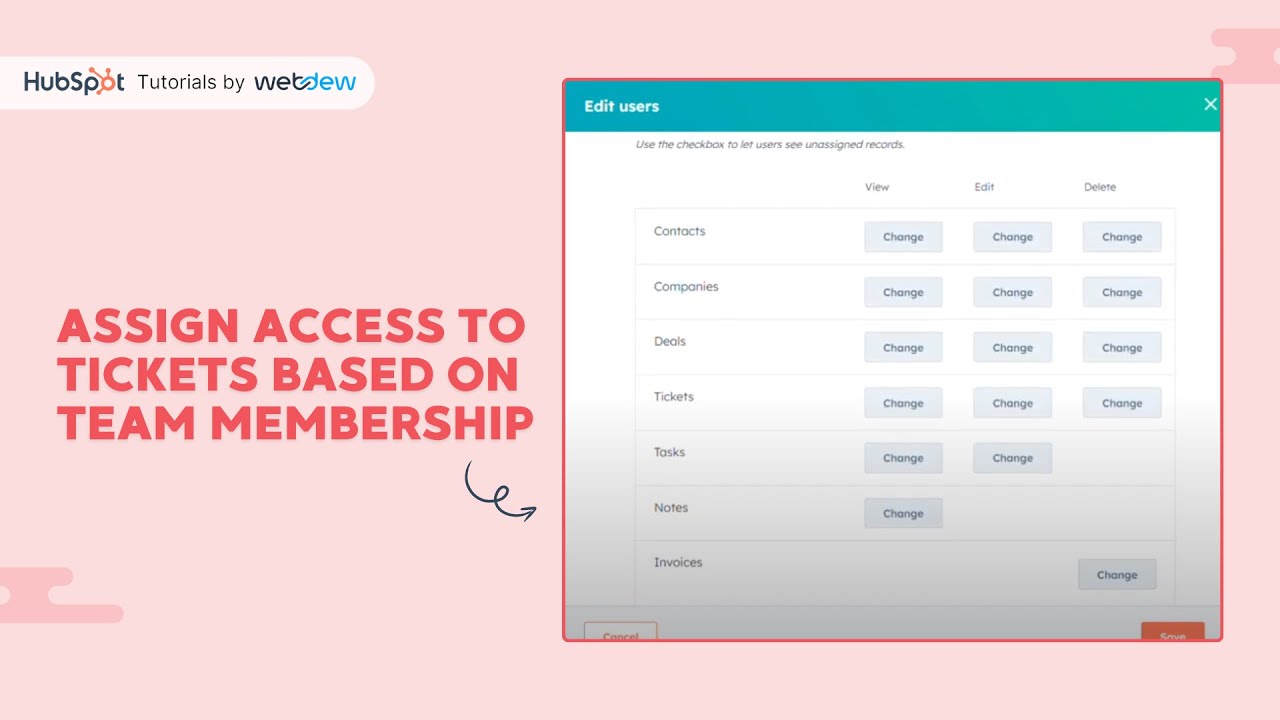
7. Under the Tickets section, locate the view column and click on "Change."
8. Set the user's view permissions to "Team only" while ensuring the "Unassigned" checkbox remains unchecked.
9. Remember to save your changes.
10. To activate the updated permissions, users will need to log out and log back into their accounts.
Transform your ticket management effortlessly with the user-friendly features of HubSpot.
If you found this tutorial helpful, don't forget to give it a thumbs up and subscribe to HubSpot Tutorials by webdew for more insightful content.
#CustomerTickets #HubSpotTicketManagement #HubSpotServices #HubSpotTutorialsbywebdew #LearningEveryday
------------------------------------------------------------------------------------------------------------------
Get FREE HubSpot Demo: https://bit.ly/3VEuefE 🚀
Sign up for HubSpot's Free CRM: https://bit.ly/3VJkLn6 📈
Outsource your HubSpot needs: https://bit.ly/4axdafI 💼
Subscribe to our weekly newsletter: https://bit.ly/3PERwhi 📬
Let's elevate your HubSpot journey together! 😊💡🌟🚀📈
Повторяем попытку...
Доступные форматы для скачивания:
Скачать видео
-
Информация по загрузке: