How to Record a Vocal Cover (My Process & Advice!)
Автор: Christian Grey
Загружено: 2018-06-25
Просмотров: 17738
Описание:
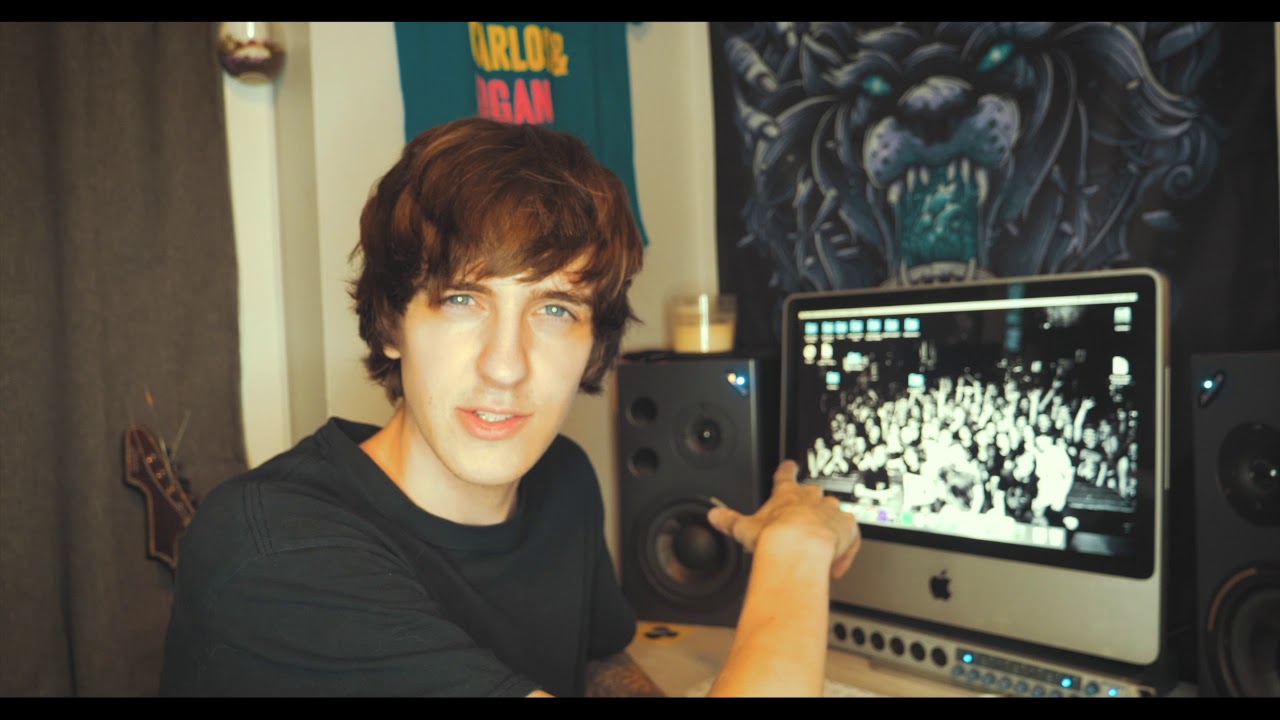
In this video I go through the entire process on how I record & shoot my vocal covers. Keep in mind this is completely how I do things and it’s not the “right way”. Take anything that sounds good to you and apply it to how you want to do things.
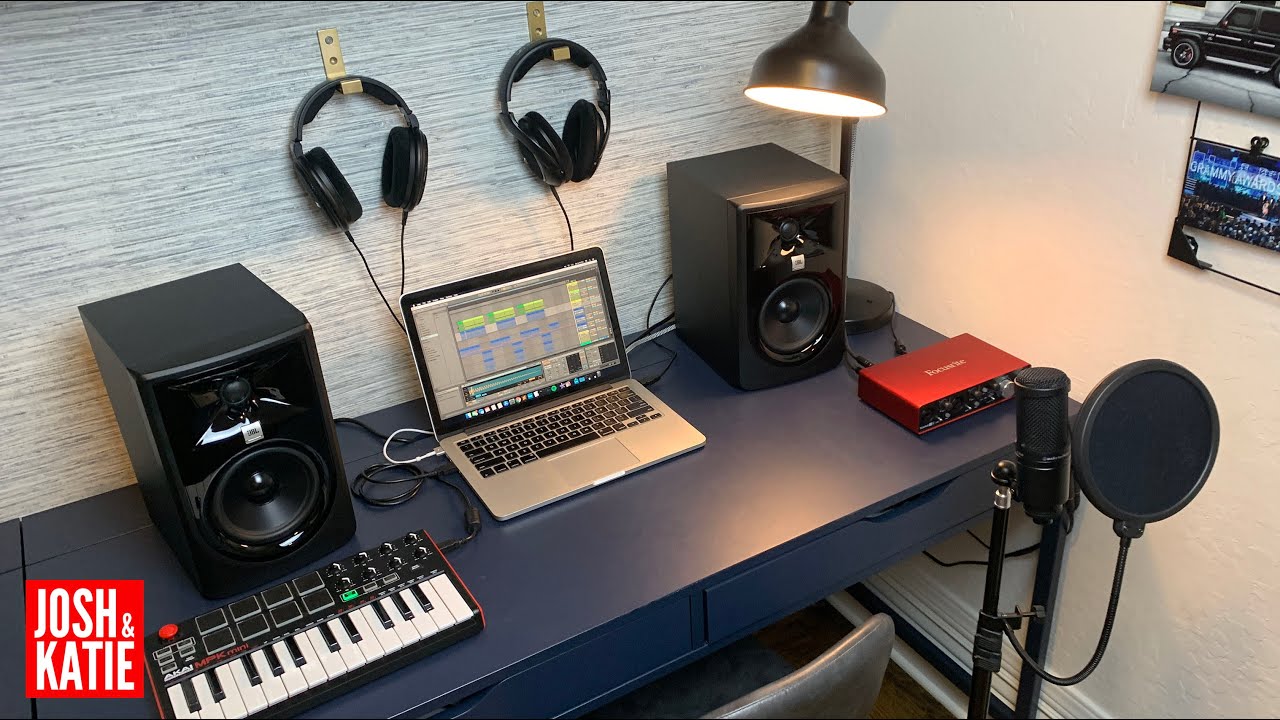
My Recording Layout:
1.) iMac Desktop Computer
2.) Presonus Studio One (software)
3.) Firewire Cable
4.) Presonus FireStudio Interface
5.) XLR Cable
6.) Recording Mic + Shock Mount + Pop Filter + Mic Stand
Step 1: Record Vocals
Step 2: Record video
Step 3: Edit video (I use iMovie)
Step 4: Upload to YouTube
I’ve linked multiple products that may be useful when needing gear to do vocal covers, most of these I don’t have personal experience with but I did some research and found these to be priced at the varying level you may be at. These are Amazon Affiliate links.
--------------------------------
My suggestions for BEGINNERS not looking to spend a LOT of money. Of course you may go with a non recording mic & use a standard mic to do that style of vocal cover, these suggestions for the ‘studio based’ vocal cover styled videos:
-Recording Mic ($20)
https://amzn.to/2Kk49uH
-Mic Stand ($20)
https://amzn.to/2KgPQHa
-XLR ($6)
https://amzn.to/2ly3H1i
-Interface ($40)
https://amzn.to/2trHZ32
Studio One ($100)
https://amzn.to/2KhYsRe
-Pop Filter ($9)
https://amzn.to/2yBawbq
-Studio Monitor ($300)
https://amzn.to/2truBw9
--------------------------------
For those in the middle, who want more quality. This is roughly what I’ve invested to my set up:
-Mic ($50)
https://amzn.to/2KnHwbQ
-Mic Stand ($20)
https://amzn.to/2KgPQHa
Pop Filter ($12)
https://amzn.to/2lxLUY3
-XLR ($6)
https://amzn.to/2ly3H1i
-Interface ($100)
https://amzn.to/2yC6903
-Studio One ($100)
https://amzn.to/2KhYsRe
-Studio Monitor ($520)
https://amzn.to/2lAPBw9
--------------------------------
For those who want good quality out of the gate, may require a little more experience before investing this much. I have not invested this much money into my personal setup but these are options if you want to go beyond what I do:
-Mic ($400)
https://amzn.to/2yDVnpR
-Mic Stand ($20)
https://amzn.to/2KgPQHa
Pop Filter ($12)
https://amzn.to/2lxLUY3
Vocal Booth ($50)
https://amzn.to/2tziYCj
-XLR ($6)
https://amzn.to/2ly3H1i
-Interface ($100)
https://amzn.to/2yC6903
-Studio One ($100)
https://amzn.to/2KhYsRe
-Studio Monitor ($1,000)
https://amzn.to/2K4i7og
--------------------------------
List of various products:
-Full Beginners Mic Setup ($35)
https://amzn.to/2yAUCOA
-Mic ($20)
https://amzn.to/2Kk49uH
-Mic ($50)
https://amzn.to/2KnHwbQ
-Mic ($75)
https://amzn.to/2K3t2yJ
-Mic ($150)
https://amzn.to/2KiyiKS
-Mic ($200)
https://amzn.to/2MjV7hO
-Mic ($400)
https://amzn.to/2yDVnpR
-Mic Stand + Vocal Booth + Pop Filter ($120)
https://amzn.to/2K52exP
-Vocal Booth ($50)
https://amzn.to/2tziYCj
-Mic Stand ($20)
https://amzn.to/2KgPQHa
-Pop Filter ($12)
https://amzn.to/2lxLUY3
-XLR ($6)
https://amzn.to/2ly3H1i
-Interface (firestudio)
https://amzn.to/2MmFtT0
-Interface ($40)
https://amzn.to/2trHZ32
-Studio One ($100)
https://amzn.to/2KhYsRe
-Software, Mic, Cable, Headphones, Interface ($200)
https://amzn.to/2MmFLcy
Повторяем попытку...
Доступные форматы для скачивания:
Скачать видео
-
Информация по загрузке: