How To Use HARSLE Laser Welding Machine
Автор: HARSLE
Загружено: 2024-09-25
Просмотров: 1388
Описание:
#harsle #laser #laserweldingmachine
Unlock Your Welding Potential with Harsle!
Are you ready to take your welding skills to the next level? Introducing the Harsle Handheld Welding Machine — your ultimate companion for precision and versatility in welding projects!
Watch Our Tutorial Video!
In our comprehensive tutorial video, you’ll discover:
Step-by-Step Instructions: Learn how to set up and operate your Harsle Handheld Welding Machine with ease.
Expert Tips: Gain insights from seasoned welders on achieving optimal results and avoiding common pitfalls.
Versatile Applications: Explore the wide range of materials and projects you can tackle, from DIY repairs to professional fabrication.
Safety First: Understand essential safety precautions to ensure a secure and efficient welding experience.
Open the cabinet door
Water filler (distilled or purified water)
Fill water to standard areas
Sewerage outlet
Change water source once a month
Connect the grounding wire
Recommended air switch not less than /C/ six three
Connect the two fire wires
Open the air switch
Open the air switch on the machine
Connection to argon gas source
Air source pressure gauge
Air outlet pressure gauge
When welding stainless steel, the recommended pressure is zero point two MPa
Adjust the outlet pressure to zero point two MPa
Connect the wire feeder
Release the E-stop
Turn on the switch of the system
Turn on the switch of the water cooler
/L/ means the water temperature of the cryogenic water
The laser can only be turned on when the water reaches twenty degrees centigrade. When the temperature is too low, the laser will not emit light
/d/ means the setting temperature for room temperature water
/S/ means the setting temperature for low-temperature water
/H/ means normal water temperature
You can switch to view other water temperatures
Turn on the laser, and the water temperature reaches twenty degrees centigrade
Successful power supply, green light on
The laser source connected successfully
Pendulum Welding Head Calibration
Here the center highlight is clearly shifted to the right
Check if the red light is not off-center in the direction of the light
Click on Settings and enter the password one two three four five six
Modify the parameter of the Laser center offset
If the laser dot is to the right, turn it down.
If the laser dot is to the left, turn up the value.
Click on Save
Click on Return
Clip on the floor locking clips
The floor lock indicator light is on
Burning and flaming indicate the protective lens is damaged or out of focus.
Tested at an angle of forty-five degrees centigrade on the plate
Adjust the focal length of the welding head to allow for errors within zero point three
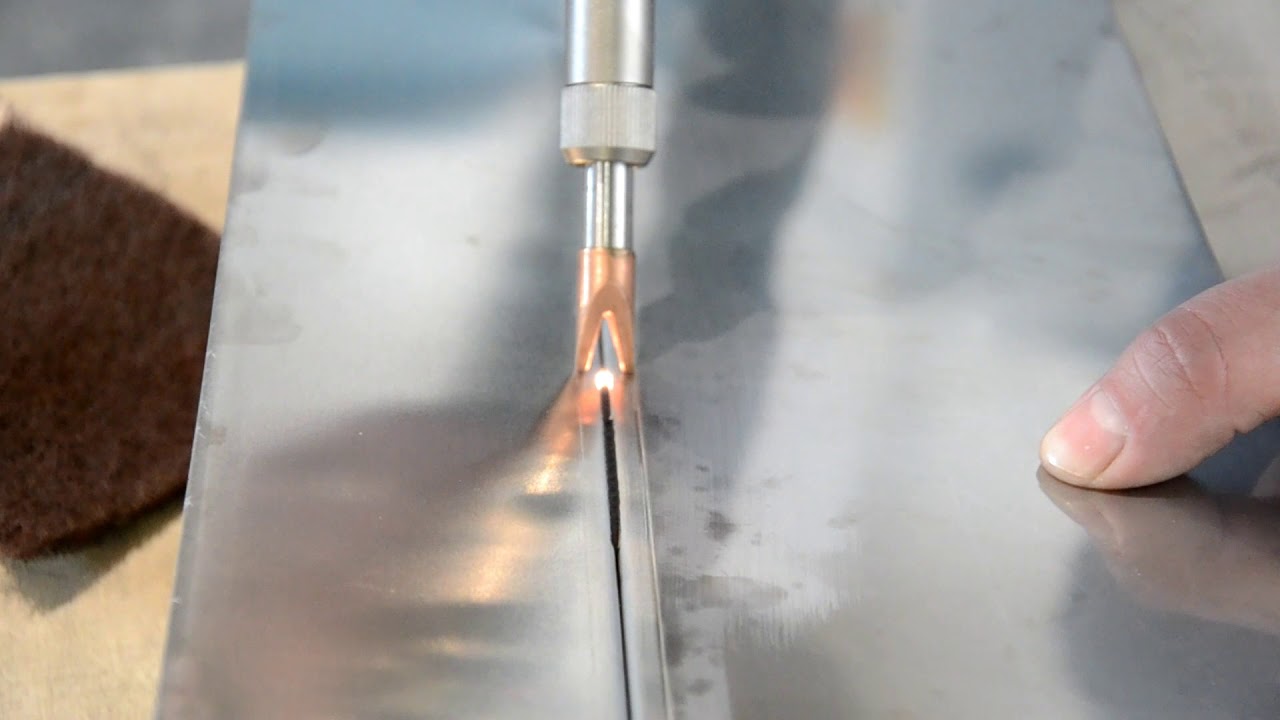
Sparks are normal. Normal weld marks are smooth and white
Commissioning complete, nozzle secured, locking ring engaged
The scan width and peak power can be adjusted according to the plate, then import, save, and return
Click on Technology and change the scanning speed to four hundred
Release the rotating wheel and place the wire tray
Loosening the fixture
Select the appropriate wire feed wheel, follow the direction of the arrow, and align the wire feed tube to feed the wire.
Tighten the wire fixture
Turn on the switch of the wire feeder
Press and hold the wire feed button until the wire reaches the port.
The wire feeding process needs to be smooth to avoid jamming.
Attaching the wire feeder to the welding gun
Adjust the welding wire to the proper position
Welding demonstration
Product demonstration
Contact Us
https://www.harsle.com
Email: [email protected]
Повторяем попытку...
Доступные форматы для скачивания:
Скачать видео
-
Информация по загрузке: