How to Create Digital Stickers in Canva Using ChatGPT (Step-by-Step)
Автор: Becky Bexon
Загружено: 2026-02-14
Просмотров: 54
Описание:
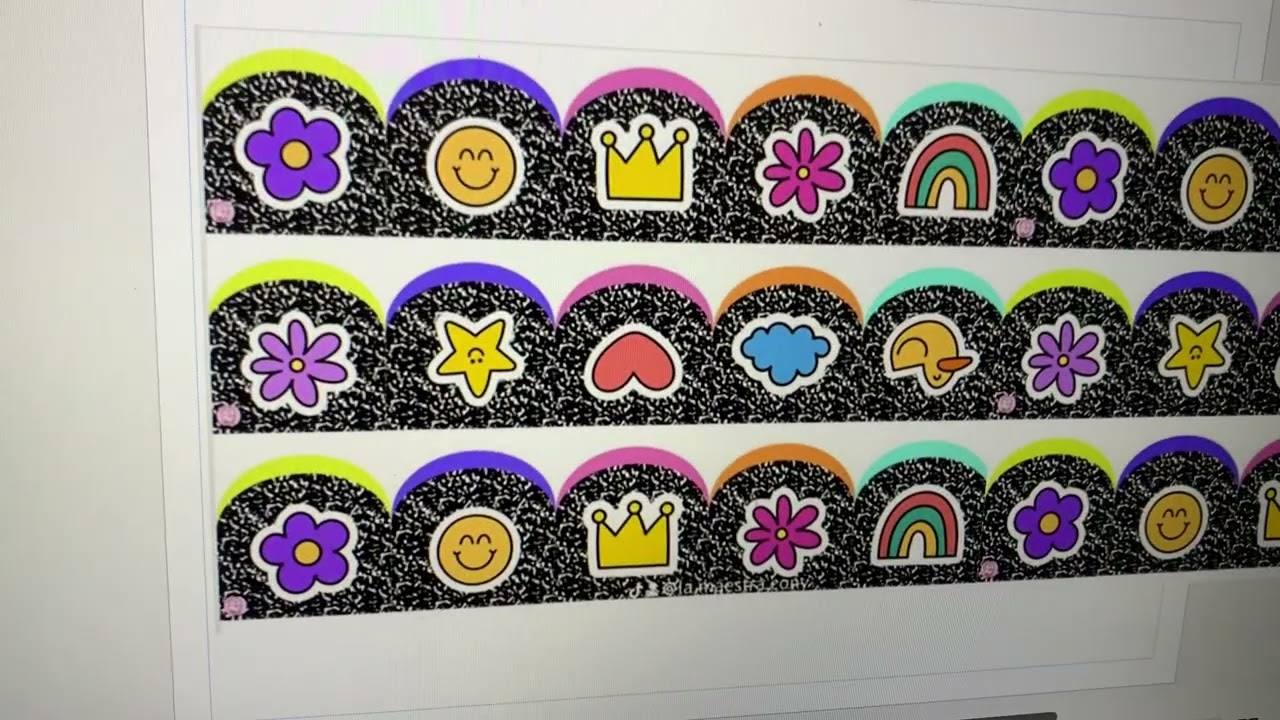
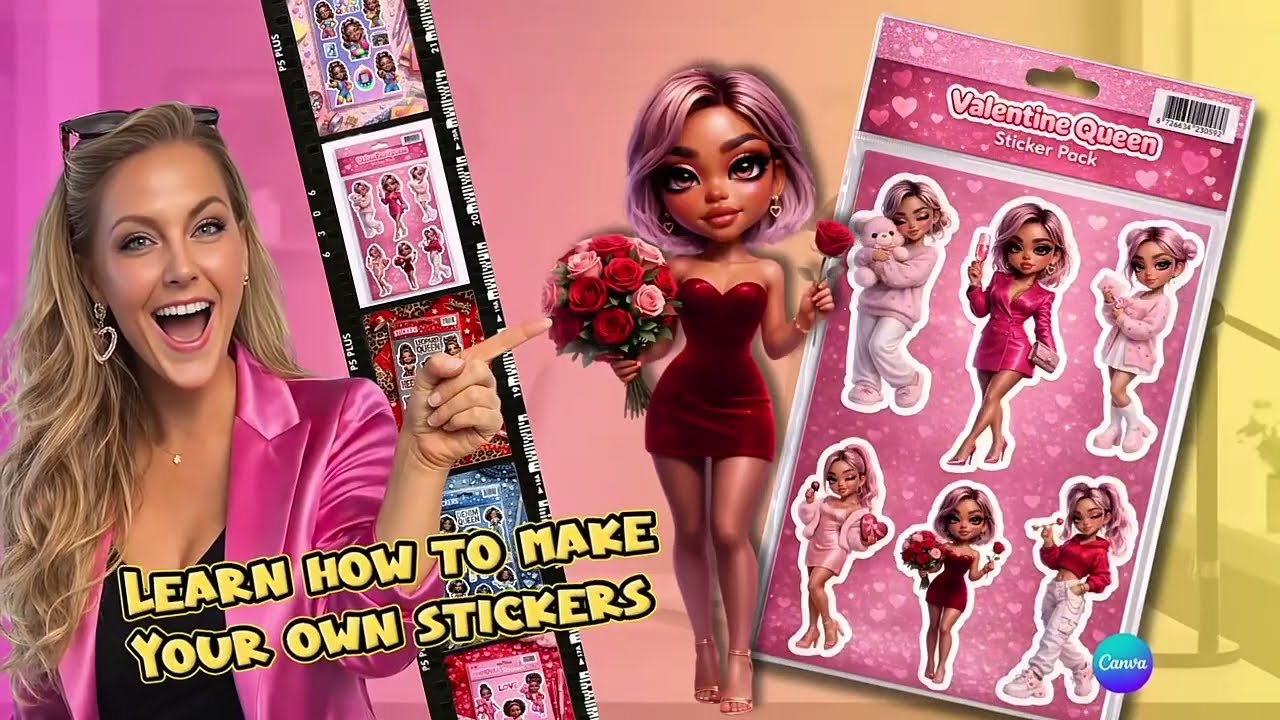
Want to turn ONE image into a full digital sticker pack using AI? In this tutorial, I show you how to create digital stickers using Microsoft Designer, ChatGPT, and Canva — step by step.
First, we generate the base image inside Microsoft Designer using AI. Then I use ChatGPT and my custom prompt generator to create variations. Finally, we design and package everything into a professional sticker pack in Canva.
You’ll learn how to:
• Create an AI image in Microsoft Designer
• Turn ONE image into 6 unique sticker variations
• Generate powerful AI prompts using ChatGPT
• Remove backgrounds cleanly in Canva
• Add professional sticker outlines
• Combine everything into a ready-to-sell digital sticker pack
This workflow is perfect if you want to:
✔ Create AI digital products
✔ Sell digital stickers online
✔ Start an Etsy sticker business
✔ Make print-on-demand stickers
✔ Build a digital product business using AI tools
Tools used in this video:
– Microsoft Designer
– ChatGPT
– Canva
– Custom AI Prompt Generator
If you want more tutorials on creating and selling digital products with AI, subscribe and turn on notifications.
💕Comment “STICKER” if you want the ChatGPT prompt
🔗 The AI prompt generator used in this video is available in my store if you’d like to use the exact same system.
Повторяем попытку...
Доступные форматы для скачивания:
Скачать видео
-
Информация по загрузке: