10 Blender Shortcuts Every Beginner Must Know
Автор: Render flux
Загружено: 2026-01-11
Просмотров: 12
Описание:
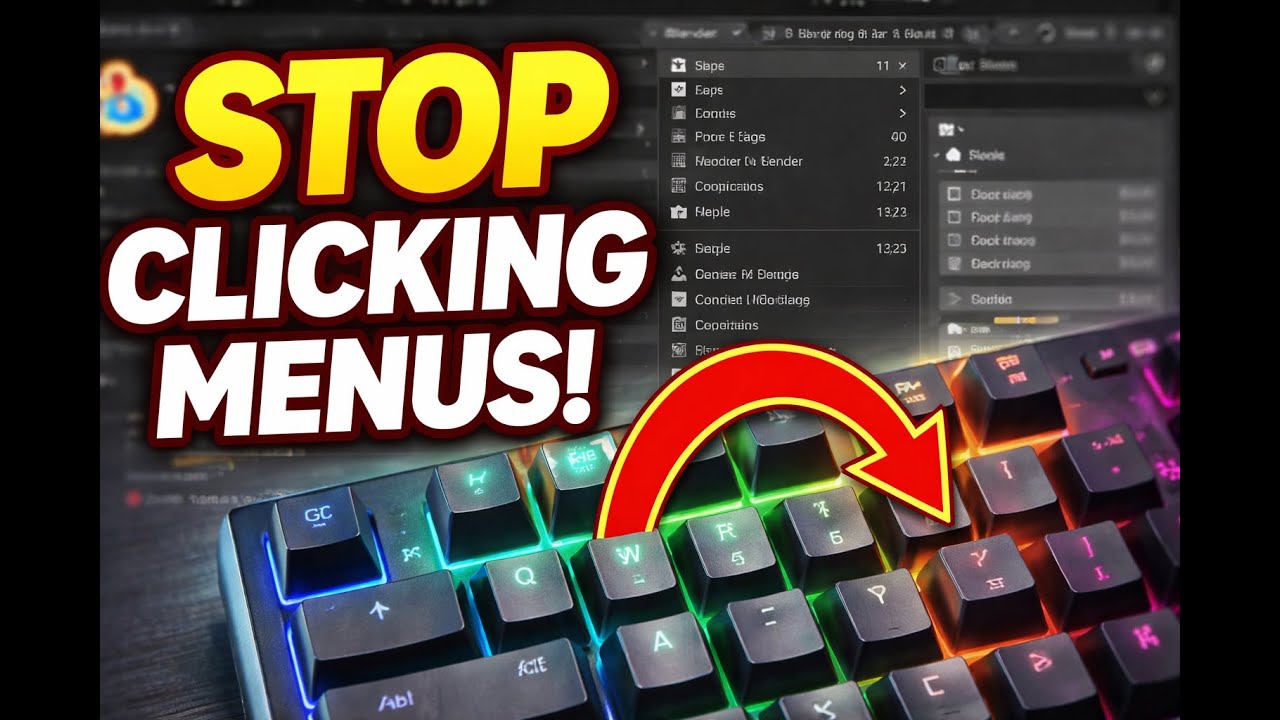
🚀 Blender Beginner Tutorial – 10 Essential Shortcuts You Must Know!
If you want to work faster and smarter in Blender, these shortcuts are a MUST.
In this video, I cover the first 10 essential Blender shortcuts that every beginner should learn to speed up modeling and navigation.
🔟 Blender Shortcuts Explained
🔹 G – Move
Move objects or mesh parts freely. Press X, Y, or Z to lock movement to an axis.
🔹 R – Rotate
Rotate objects or selections. Use axis locking for precise rotation.
🔹 S – Scale
Resize objects, vertices, edges, or faces quickly.
🔹 Tab – Edit / Object Mode
Switch between Object Mode and Edit Mode for modeling.
🔹 E – Extrude
Create new geometry by pulling faces, edges, or vertices outward.
🔹 I – Inset
Inset faces to create panels, windows, and details.
🔹 Ctrl + R – Loop Cut
Add edge loops to increase detail and control topology.
🔹 Alt + Click – Select Loop
Select an entire edge loop instantly to save time.
💡 Tip:
Mastering just these shortcuts can instantly make you faster than most beginners.
👍 If this helped you, like the video, subscribe for more Blender tutorials, and comment which shortcut you use the most!
#Blender #BlenderTutorial #BlenderBeginner #3DModeling #BlenderShortcuts #CGI #3DArt
Повторяем попытку...
Доступные форматы для скачивания:
Скачать видео
-
Информация по загрузке: