CPU Vs GPU for Video Editing and Rendering
Автор: Ben G Kaiser
Загружено: 2020-05-29
Просмотров: 41023
Описание:
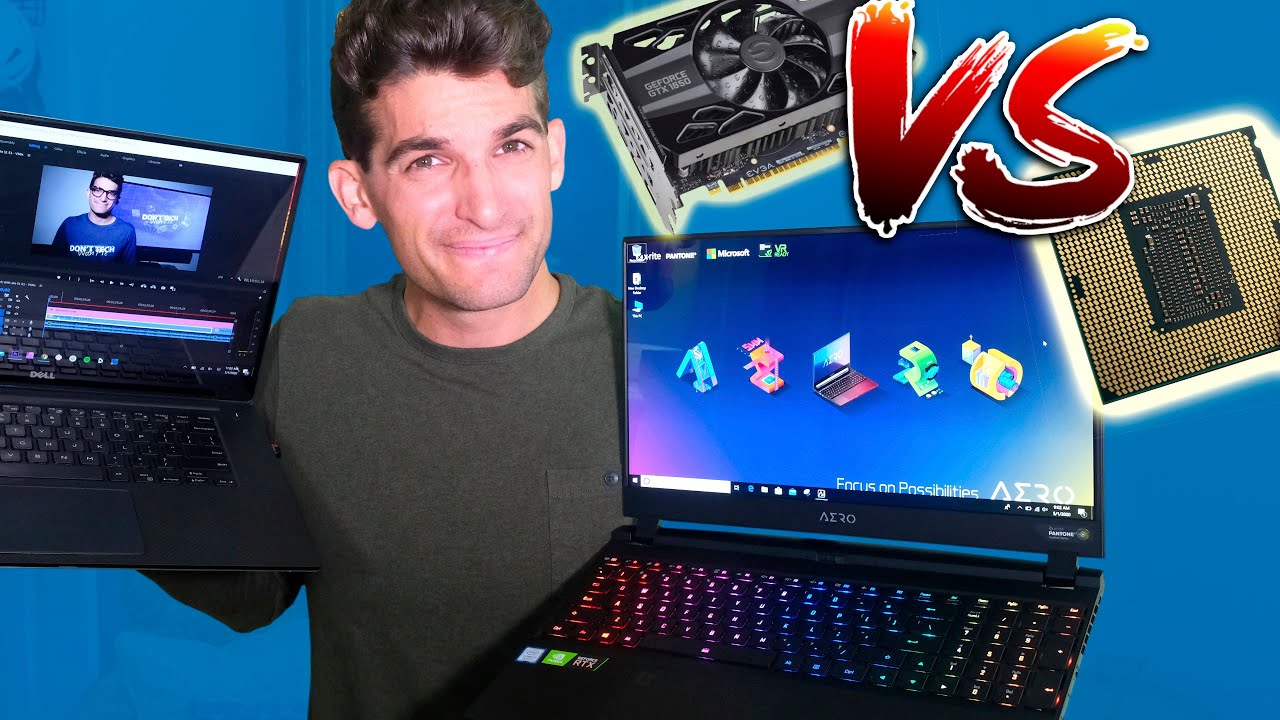
In this video, I am going to show you some benchmarks when using CPU Vs GPU for video editing. ►⏩►⏩ Check the description below for my video editing laptop recommendations.
► Acer Predator Helios 300 ( https://geni.us/Helios300-16gb - Commission Earned)
► Asus ROG Strix G ( https://geni.us/StrixGrtx2060 - Commission Earned)
► Dell XPS 15 7590 ( https://geni.us/i7DellXPS15-7590 - Commission Earned)
100% Adobe RGB & DCI-P3
► Macbook Pro 16 ( https://geni.us/i7MacbookPro16 - Commission Earned)
100% Adobe RGB & DCI-P3
► Gigabyte Aero 15 ( https://geni.us/Aero15OLED-i7 - Commission Earned)
100% Adobe RGB & DCI-P3
► Razer Blade 15 ( https://geni.us/RazerBlade15-16gb - Commission Earned)
► MSI Prestige 15 ( https://geni.us/Prestige15-16gb - Commission Earned)
100% sRGB
We are going to look at how video editing software uses the CPU and the GPU so you can make the right decision when looking for your next video editing laptop or desktop. Before we jump into the benchmarks I want to quickly talk about the differences between a CPU and a GPU so you can better understand the benchmarks we are about to take a look at.
Central Processing Unit
The CPU is the Central Processing Unit of a computer. It is the chip that performs instructions and moves information around to each major component of a computer such as the GPU.
The CPU goes through this process thousands of times a minute when you are using your computer:
Fetch
Decode
Execute
The more powerful the CPU the faster this process goes. With that in mind if you have a really powerful GPU paired with a low powered CPU you GPU will never actually reach peak performance because most of the processes that take place during video editing our executed by the CPU and merely supported by the GPU.
Graphics Processing Unit
The GPU is what the computer uses to display graphics on your screen, render graphics (such as motion design effects), and provide smooth playback when previewing your footage in Premiere Pro.
I am going to open up the task manager and Premiere Pro so we can watch how my laptop handles 4k playback in the timeline. Under settings, I have CUDA core support enabled and I am playing back at full quality in the timeline.
My Dell XPS 15 (i7-7700HQ, 32GB RAM, and NVIDIA GTX 1050).
During playback in Premiere when the CPU is cool it is able to boost the clock speed up to (3.5GHz) and quickly send information to the GPU, which allows the GPU to run at higher utilization. This gives us smooth playback in the timeline of Premiere Pro.
But as the processor starts to heat up you can see the clock speed decrease. This is what is referred to as CPU throttling. When this happens the CPU processes information at slower speeds causing the GPU to receive information at a slower rate causing a decreased optimization.
So as you see it is not merely about having a fast GPU or fast CPU it is about how the two work together to give you the best performance.
Now, let’s see what happens if I completely turn off my GPU for Premiere Pro and rely solely on the CPU. Premiere Pro will play my audio, but not play my video in the timeline. As you see the timeline is moving but the video does not playback. Occasionally you may see a new frame pop up and stutter but there is almost zero playback.
Now, I am going to run this same test on the Gigabyte Aero 15, which has the i7-9750H, 16GB RAM, and the RTX 2070 Max-Q.
Super smooth continual playback
3:25 to render out 7240 frames with GPU support (CUDA cores) turned on
28:06 to render the entire 19-minute project with no GPU support
Now I am going to head back over to the Dell XPS 15 and test these same render tests:
5:53 to render out 7240 frames with GPU support (CUDA cores) turned on
1 Hour + 15 minutes to render the entire 19-minute project with no GPU support
------
DISCLAIMER: ALL LINKS IN DESCRIPTION ARE AFFILIATE LINKS
Thanks for Supporting Our Channel!
Повторяем попытку...
Доступные форматы для скачивания:
Скачать видео
-
Информация по загрузке: