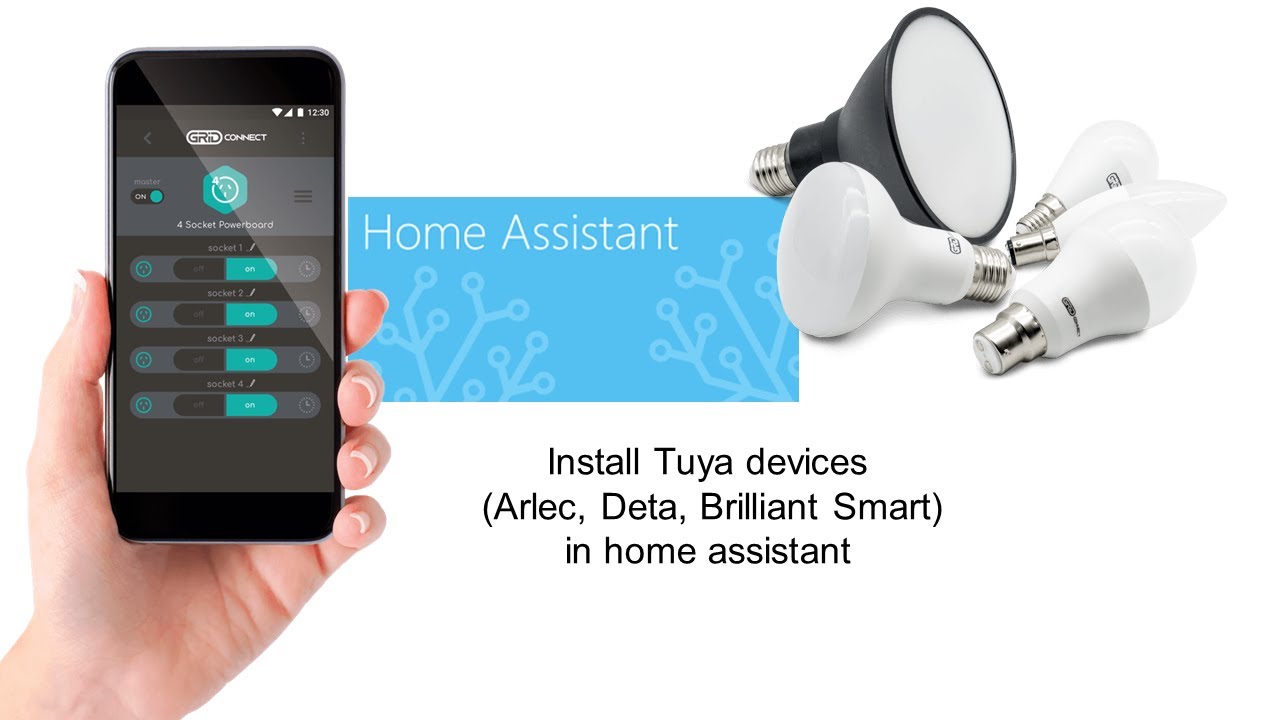
Install Tuya devices (Arlec, Deta, Brilliant Smart) in home assitant
Автор: Tony Fitzsimmons
Загружено: 2021-01-12
Просмотров: 8826
Описание:
So you have seen these IOT devices at your local hardware store and your thinking, “I wonder if they will work with Home assistant?” well the answer is yes!!
If!!!
they are a tuya device under the hood.
If you don’t know who Tuya are, go here https://www.tuya.com/ Tuya are one of the largest manufacturers of smart devices in the world, and many companies “white label” there devices for there own brand, in Australia where I am there are a few manufacturers, Arlec, Deta and Brilliant Smart.
So the question is, how do I get them working? Well, there are three common ways, I am going to show you two of them. The first is to flash the firmware with a non-factory firmware such as Tasmota, if that’s what you want to do, I suggest you take a look here
https://www.fitzsimmons.com.au/techno... and here https://www.digiblur.com/2020/01/tuya...
but that's not what we are going to show in this tutorial.
This video explains how to install Tuya Cloud in Home Assistant as well as shows you how to install Tuya Local as an alternative way to control Tuya devices without the need to install non-standard factory firmware.
Here is an index of the highlights so you can skip to the place you want
00:00 introduction
01:54 explanation of what Tuya is and alternative way to connect to Home assistant
04:05 how to identify if you have a Tuya device
05:13 what to do if you have already added the Tuya device to your smart phone (you need to watch this)
08:07 install Tuya Connect cloud integration.
09:52 Install Tuya using local integration
13:21 how to find your Tuya device ID and device key
24:28 how to find the IP address of your device (only required for Yaml mode)
26:37 install Tuya Local via HACS
28:41 finding the most upto date installation information (you need to watch this if you have trouble later)
31:26 adding the local device using config flow (NOT YAML MODE)
In order to do this you will need a couple of things,
1. ldplayer. Download and install the emulator:
https://www.ldplayer.net/
2. Download es-file-explorer
https://www.apkmirror.com/apk/es-glob...
3. smart-life-smart-living apk.
https://www.apkmirror.com/apk/tuya-in...
Credit to Salvamipc for his video which is how I worked out how to get this working in the first place, my video is just a little more in depth than his, but you can check it out here.
• Home Assistant get Local Tuya working with...
Check out my website, www.fitzsimmons.com.au im pretty lazy so I may not update all that often, I also have a day job and a wife! So there’s that.
Enjoy.
Повторяем попытку...
Доступные форматы для скачивания:
Скачать видео
-
Информация по загрузке: