How To Turn on Entity Health Bars in Hytale
Автор: The Breakdown
Загружено: 2026-01-27
Просмотров: 270
Описание:
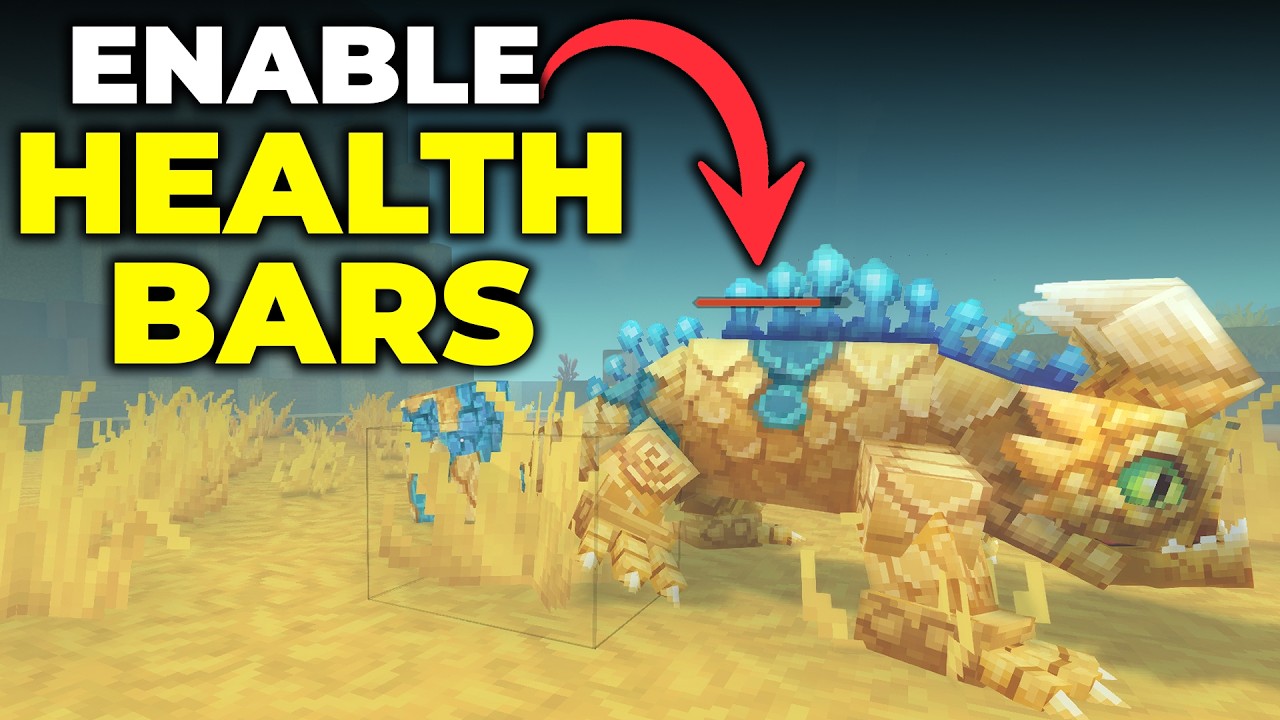
Entity health bars in Hytale allow you to see the health of mobs, animals, players, and any other entity above their heads as you attack them. This video shows you how to enable entity health bars, so let’s jump into it!
Play Hytale with your friends in minutes using an incredible server from SimpleGameHosting!
https://TheBreakdown.xyz/SGH
---------------------------------------------
★ Join The Discord Support Community: https://TheBreakdown.xyz/Discord
► Subscribe!: https://TheBreakdown.xyz/YTSub
---------------------------------------------
Make a Hytale Server: • How To Make a Modded Hytale Server
Get Hytale Mods: • How To Install CurseForge Mods in Hytale
---------------------------------------------
★ Social
Twitter: / thebreakdownxyz
TikTok: / thebreakdownxyz
About this video: This video is a complete guide on how to turn on entity health bars in Hytale letting you easily see a mob or players health as you attack it.
Luckily, health bars are a setting built directly into Hytale, so just go to Settings and then the “General” tab. Find the “User Interface” and the turn the “Show Entity Health Bars” setting to “Enabled”.
Save your settings, and now when you attack anything in-game, you will see health bars above it. This works for all mobs, animals, and even players! Make sure to give the video a thumbs up and subscribe if we helped you out!
Note: Some of the above links are affiliate links or companies I have an ownership stake in. I may receive a commission at no additional cost to you if you go to these sites and make a purchase.
Повторяем попытку...
Доступные форматы для скачивания:
Скачать видео
-
Информация по загрузке: