Universal Bench Vise Mounting Plate Kit Instructions
Автор: Dragonfire Tool Storage
Загружено: 2025-10-14
Просмотров: 303
Описание:
Thank you for choosing Dragonfire! Your new Universal Bench Vise Mounting Plate Kit was designed to provide a seamless transition from setup to productivity.
00:00 Step 1
Unpack the Universal Bench Vise Mounting Plate Kit and verify all components are present and free of damage.
00:11 List of Components
00:16 Step 2
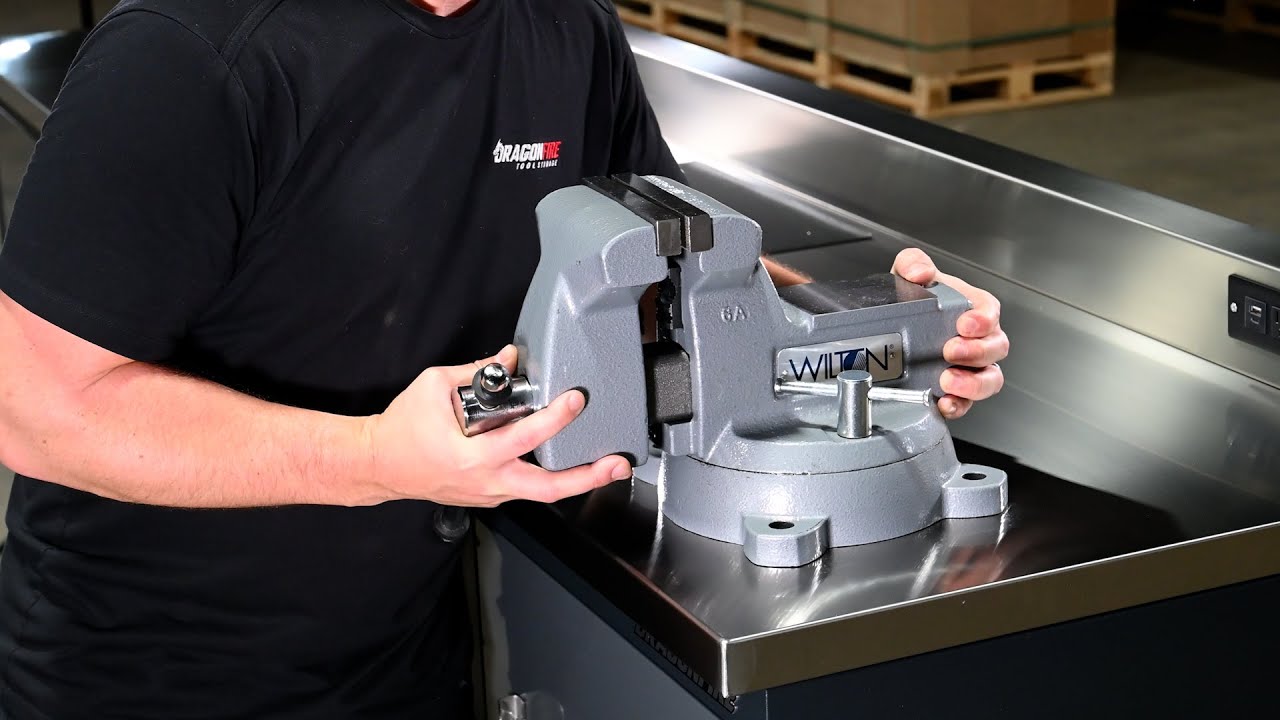
Place your vise of choice on the Mounting Template to identify the correct hole.
00:19 Step 3
Mark the mounting holes, then remove your vise from the Mounting Template.
00:24 Step 4
Position the Mounting Template on your workbench in your desired location.
00:27 Step 5 & 6
Secure the Mounting Template to your workbench surface so it does not shift while drilling. Double-check alignments and ensure the mounting holes will not interfere with any structural components.
00:31 Step 7
Using the provided drill bit, drill through the marked locations on the Mounting Template.
00:36 Step 8
Remove the Mounting Template and align your vise with the drilled holes.
00:46 Step 9
Insert the supplied hardware through the vise mounting holes and securely fasten from the underside.
00:58 Step 10
Your vise is now ready for use! Let's get to work!
01:08 Have Questions?
Give us a call!
Повторяем попытку...
Доступные форматы для скачивания:
Скачать видео
-
Информация по загрузке: