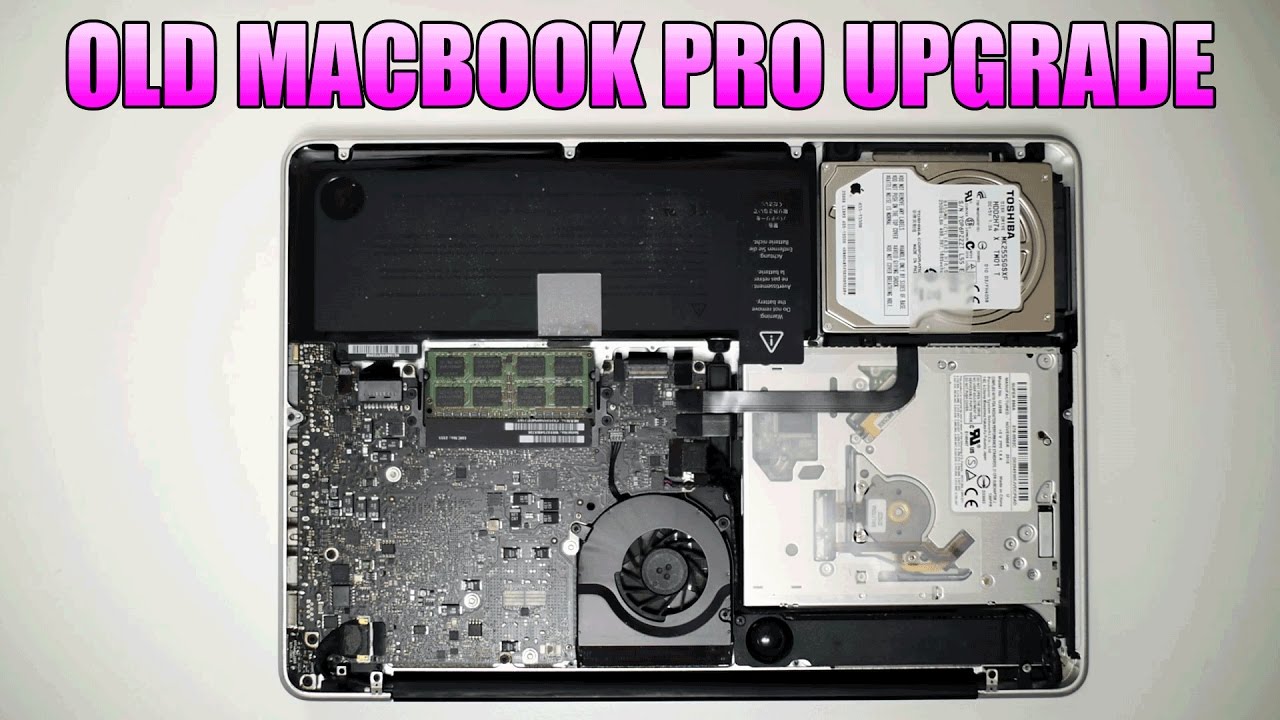
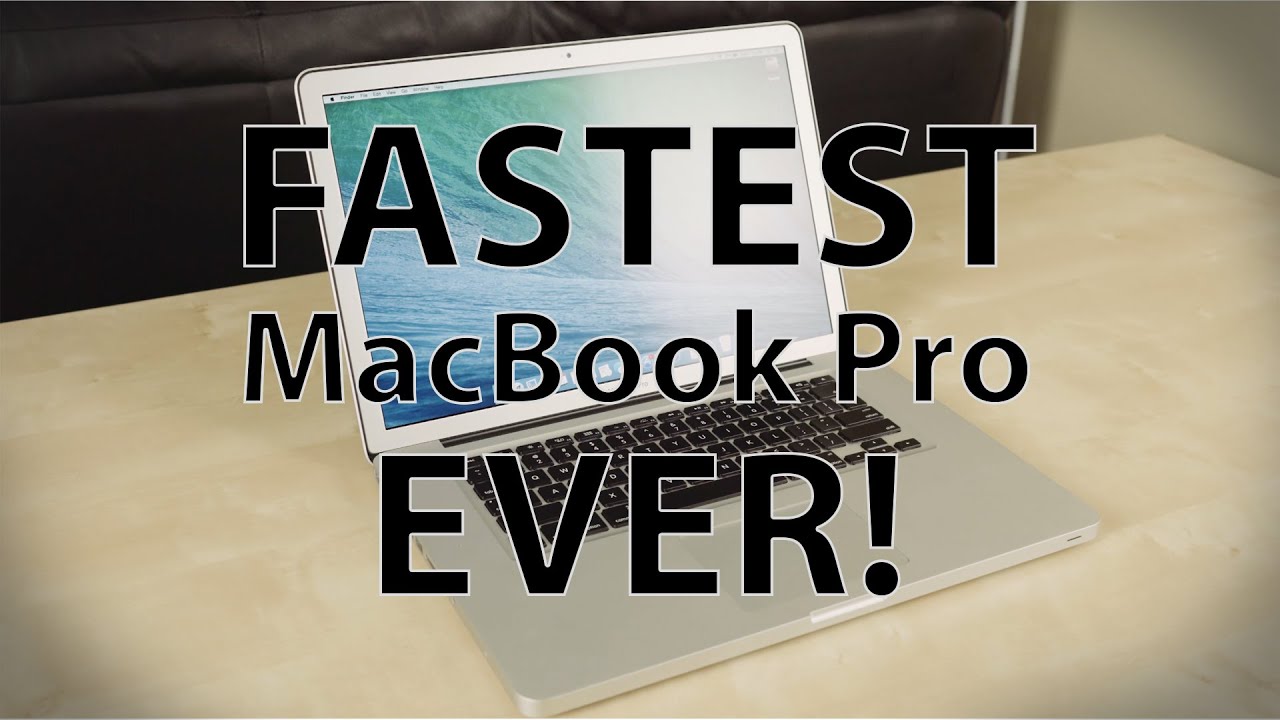
Macbook Pro 13'' 2010 Upgrade
Автор: Eddie Nemec
Загружено: 2018-11-26
Просмотров: 21895
Описание:
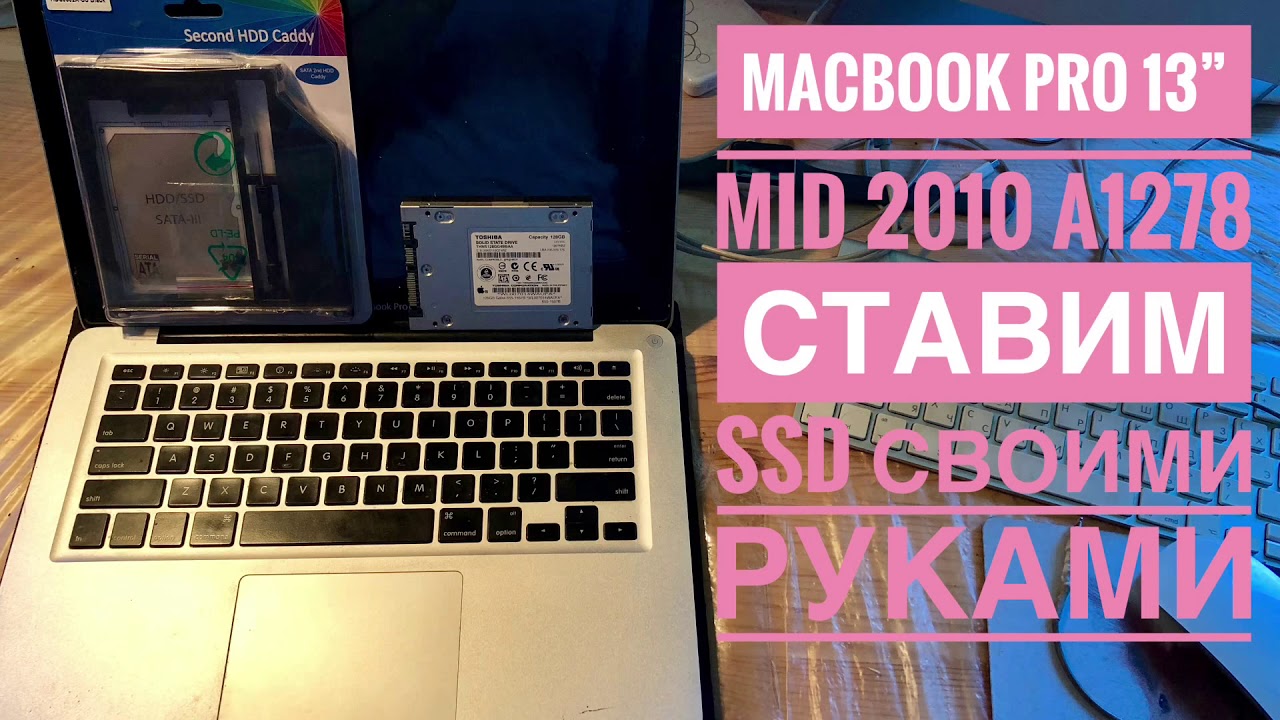
Macbook Pro 2010 13” SSD, RAM, and El Capitan Upgrade Video
Website:
Order:
Battery Replacement (Macbook Pro 13 inch A1278 Battery type) $45.99
https://www.amazon.com/HUSAN-Compatib...
Ram Upgrade: $54.99
https://www.amazon.com/dp/B00505EZYW/...
Hard Drive Upgrade: $57.99 250GB
https://www.amazon.com/Samsung-250GB-...
Step 1: Click on the link below and download El Capitan
Get El Capitan
Step 2: Format your 16 GB USB Drive to Mac OS Extended Journaled
Step 3: Rename your USB drive
Step 4: Copy the code below and paste into notes. Change the “Untiled” in bold below to the name you put for the USB drive.
sudo /Applications/Install\ OS\ X\ El\ Capitan.app/Contents/Resources/createinstallmedia --volume /Volumes/Untitled --applicationpath /Applications/Install\ OS\ X\ El\ Capitan.app --nointeraction
Link to the author who wrote the script
Step 5: Open up Terminal in Utilities and paste the script above into the command line. You should immediately start the process.
https://forums.macrumors.com/threads/...
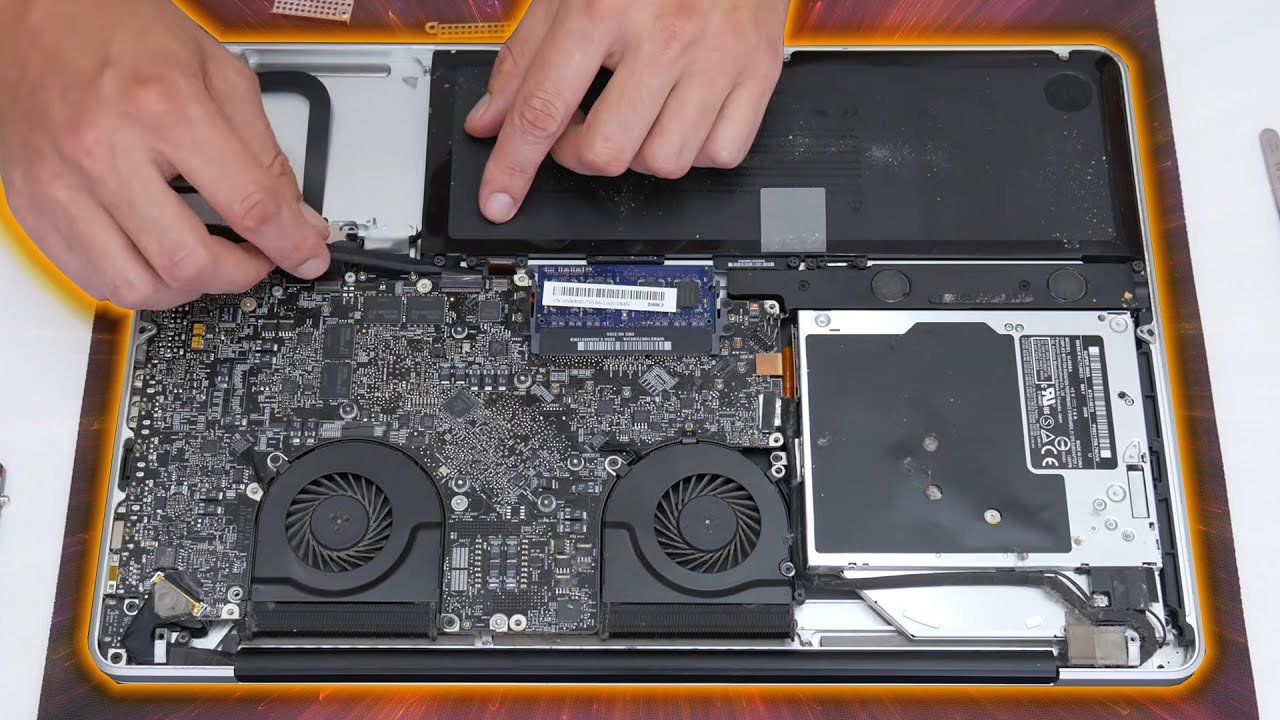
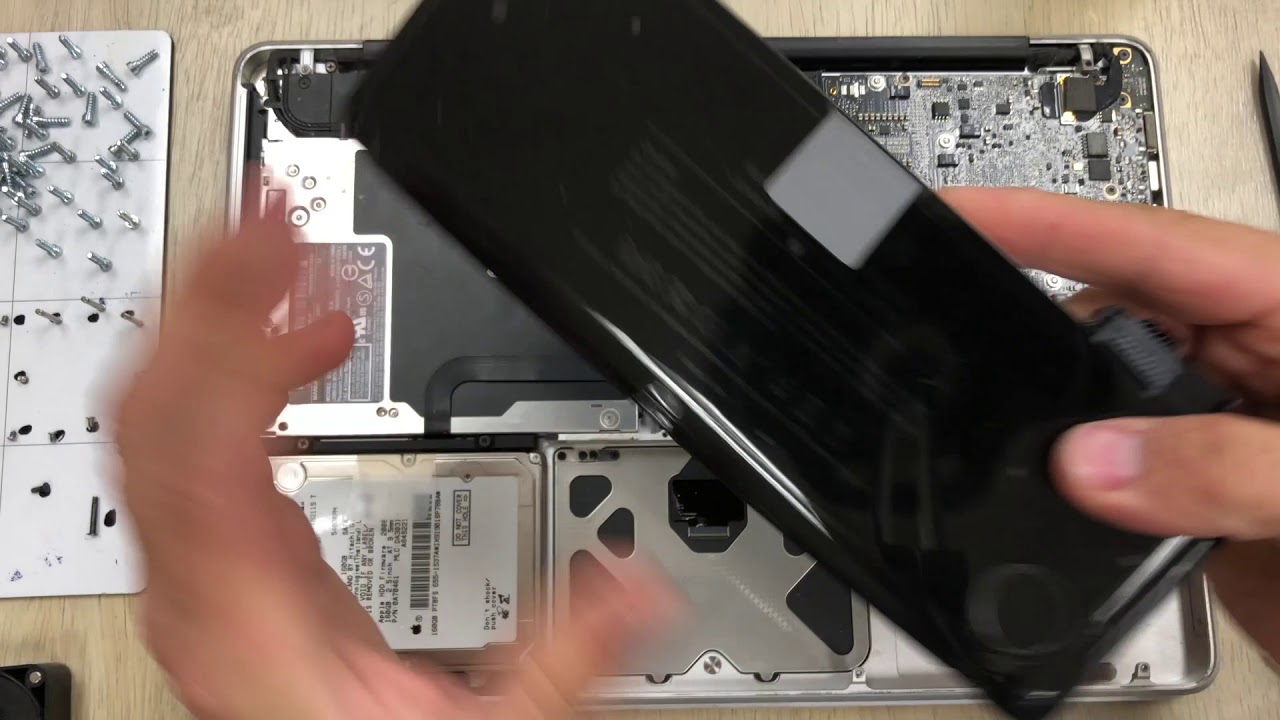
Step 6: Swap out the old drive and install the new SSD drive.
Step 7: Insert the USB drive into your computer, hold down the option or alt key, and click on your USB drive when it appears on the screen.
Step 8: Follow the onscreen steps to finalize your installation
Повторяем попытку...
Доступные форматы для скачивания:
Скачать видео
-
Информация по загрузке: