How To Install Google Merchant Center Store Badge In Shopify
Автор: FeedArmy
Загружено: 2025-02-14
Просмотров: 3071
Описание:
Improve your Google Shopping performance: https://feedarmy.com/google-shopping-...
📄 Official documentation link + article mentioned in the video below:
https://support.google.com/merchants/...
Hey everyone, Emmanuel here from FeedArmy! 👋
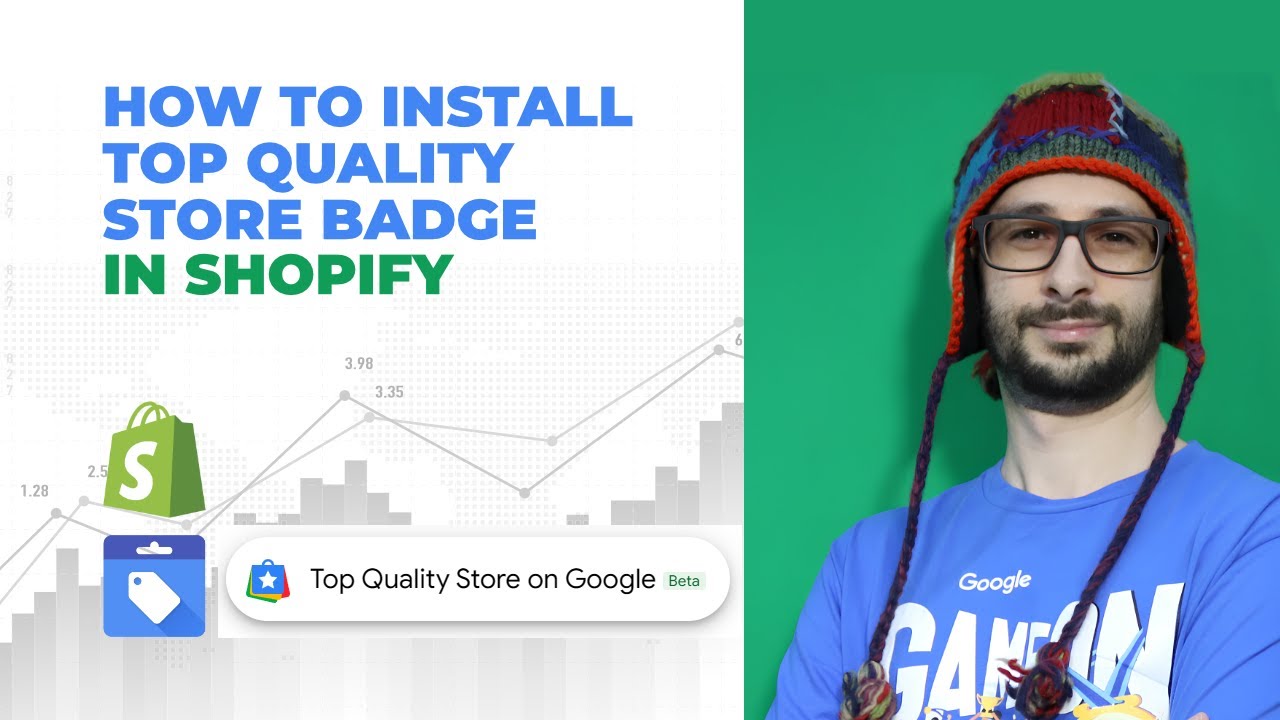
In today’s video, I’ll show you exactly how to install the Google Merchant Center store badge on your Shopify store — a great way to visually show off your Top Quality Store status to customers and boost trust.
🔧 In this tutorial, you’ll learn:
✅ How to check eligibility for the badge in Google Merchant Center
✅ Where to find and customize the badge code (including positioning)
✅ How to safely add the badge code to your Shopify theme (via theme.liquid or snippet)
✅ Tips to avoid overlapping with other widgets like chat boxes
✅ What to expect once the badge is live (including the 1-month activation delay)
✅ How this badge now appears in Shopping Ads and Free Listings for increased visibility
⚠️ Remember: Your store must meet Google’s quality standards to be eligible. Poor metrics may affect your badge display, so make sure your Merchant Center account is in good standing before installing.
💬 Got questions? Drop them in the comments and I’ll help you out.
Don’t forget to like and subscribe for more in-depth Google Merchant Center & eCommerce guides!
Повторяем попытку...
Доступные форматы для скачивания:
Скачать видео
-
Информация по загрузке: