How to Stream & Record Separate High-Quality Master Copies in OBS
Автор: Colesy
Загружено: 2026-03-02
Просмотров: 5
Описание:
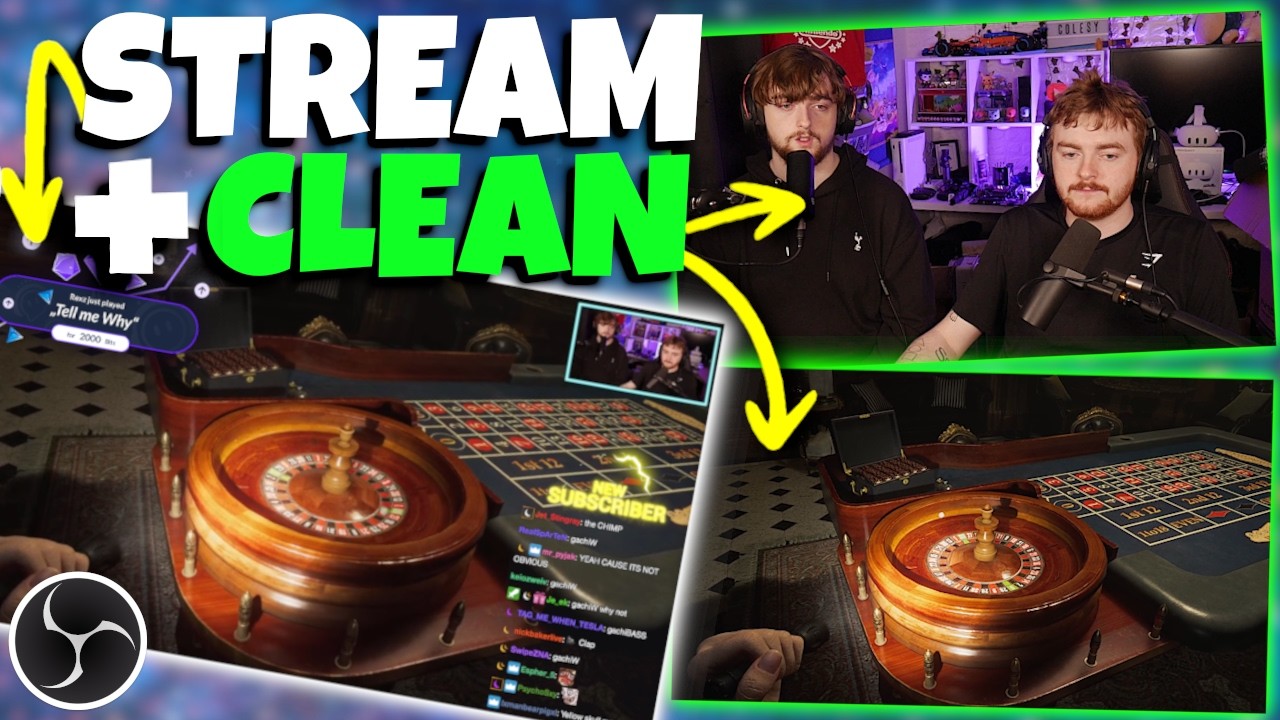
Stop settling for blurry, Stream Recordings! In this video, I’ll show you how to use the Aitum Stream Suite Plugin for OBS Studio to Stream to your favorite platform while simultaneously recording a crystal-clear, full-resolution master copy of your gameplay and camera.
With this setup you never have to sacrifice quality for convenience again. You'll have your Stream with all your interactivity, alerts, chat etc for Stream but also lossless clean recordings you can then use to edit into High Quality videos, TikTok clips or whatever!
🔗 Resources
Aitum Stream Suite: https://aitum.tv/products/stream-suite
OBS Studio: https://obsproject.com/
My Previous Multi Cam OBS Recording Setup Video: • OBS Multi Cam Recording | POWER USER LIFE ...
☆ Twitter ► / colesygaming
☆ GameJolt ► gamejolt.com/invite/ColesyGaming
☆ TikTok ► / colesygaming
☆ Amazon Affiliate (Just using this link supports me)► https://amzn.to/3Ghgspf
Join this channel to get access to perks:
/ @colesygaming
#Aitum #obsstudio #contentcreator #StreamingTips #youtuber
00:00 Intro
00:21 Aitum Stream Suite
01:35 Using Stream Suite in OBS
02:49 How to setup for Streaming & Recording
03:53 Setting up a NEW CANVAS for Recording
05:29 Setting up OUTPUTS
06:21 Using the correct stream/record buttons
06:49 Want to do VERTICAL? You Can!
07:25 Adding Sources to your new Canvas
08:49 Setting up Audio for your New Canvas
09:46 Extra Recording Settings you may want
10:07 Will my PC be able to Handle Streaming & Recording?
10:33 Why this Setup is better
12:10 Outro
Повторяем попытку...
Доступные форматы для скачивания:
Скачать видео
-
Информация по загрузке: