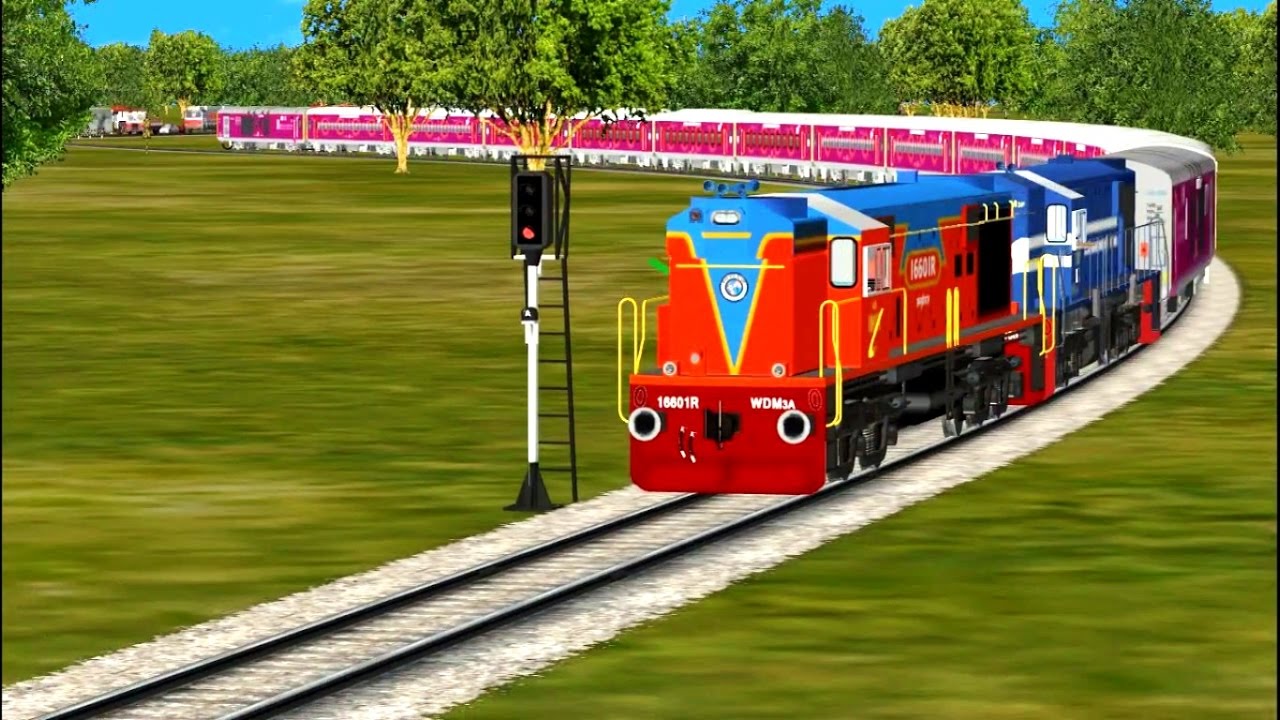
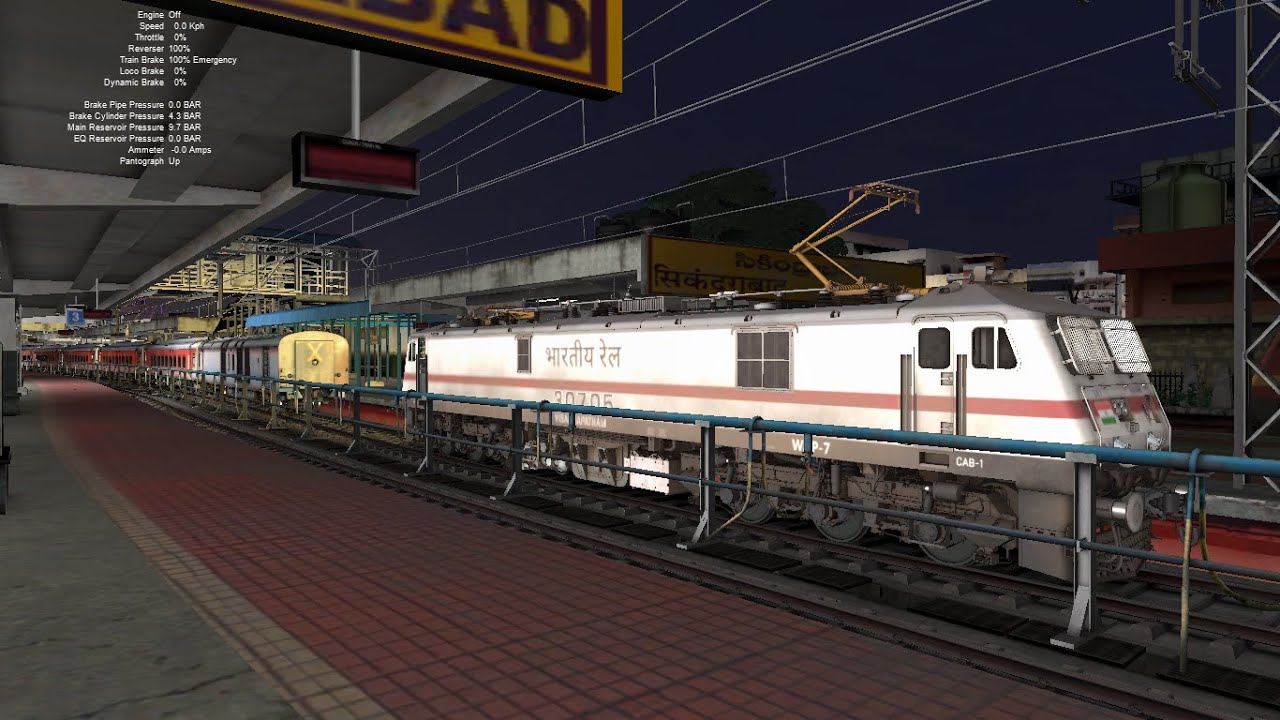
MSTS tutorial of installing IR routes and trains. (full)
Автор: Atharv Nayak
Загружено: 2015-06-23
Просмотров: 16000
Описание:
hit like and subsribe
THE VIDEO SHOW HOW TO INSTALL IR MSTS routes and trains
step by step instruction:)
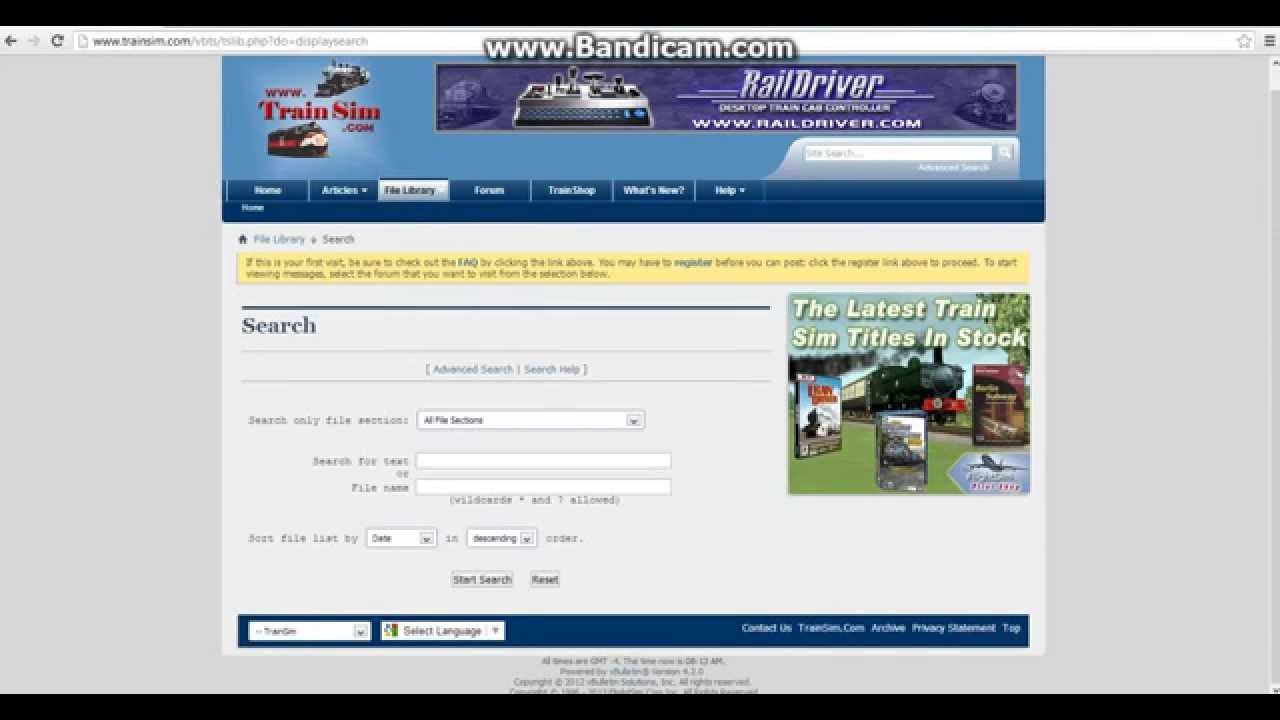
1.download it from trainsim ROUTES OR TRAINS
2.copy trains folder and paste it ur msts location
3.need to install bin
4.download bin here"s a link:http://mstsbin.uktrainsim.com/eng/dow...
5.download trainupdate1 from http://msts-patch.software.informer.c...
6.run and install!!
7.install safe msts bin
8.install x tracks and new roads just simple
9.install x tracks and new roads are u first download xtracks_F copy all folder and paste on ur msts folder
ur INDIAN TRAINS FINISH!
10.install routes
11.download routes
12.have a lot parts loot:
first copy one part and paste
and copy them 2nd part and paste
them install same all parts
13.install a single part route:
copy route folder and paste ur M.S.T.S ROUTE FOLDER
14.COPY CONSISTS FROM ROUTES
UR ROUTE INSTALLING FINISH FIRST SOME ROUTES HAVE A *INSTALLME.Bat file click it and wait few mins
15.ur INDIAN RAILWAYS SIMULATOR IS READY
Повторяем попытку...

Доступные форматы для скачивания:
Скачать видео
-
Информация по загрузке: