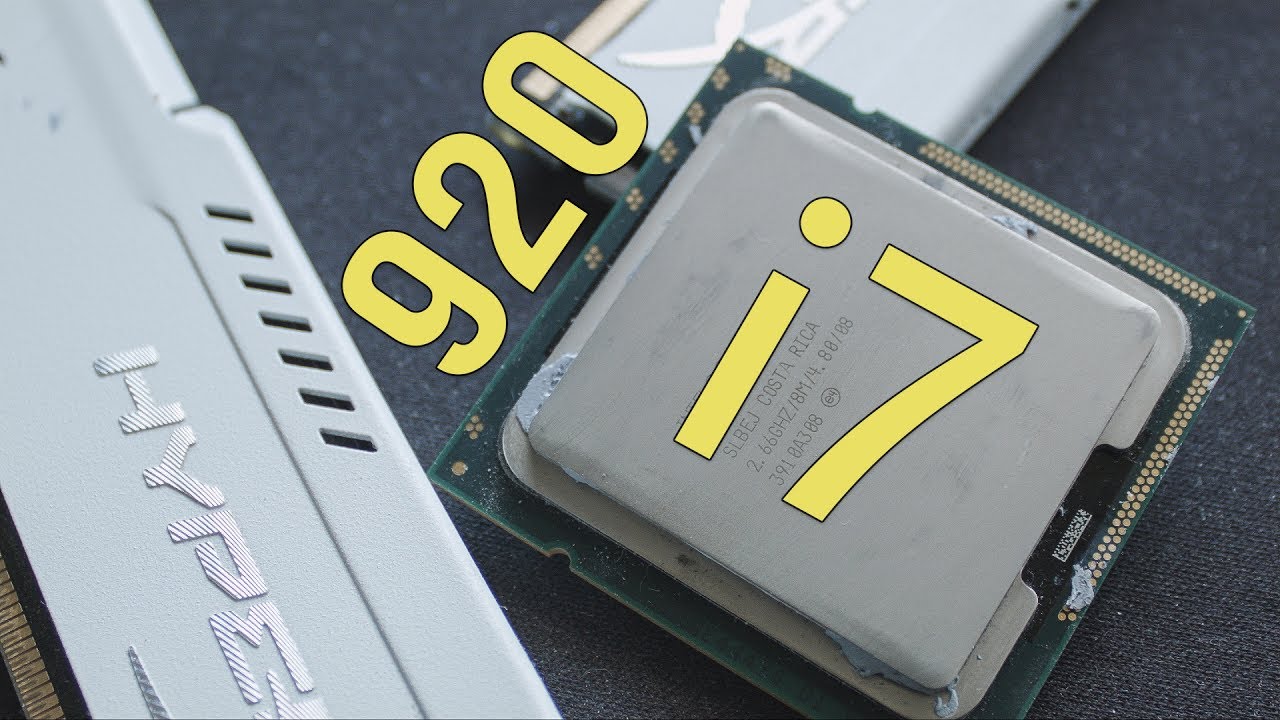
EASY I7 920 Overclocking @4.0GHz stable
Автор: Ramon Banda
Загружено: 2010-02-19
Просмотров: 136755
Описание:
First time overclocking my Core I7 920 DO
C STATE TECH
Its a technology by intel which allows the OS to independently lower the frequency of the cores when the need be thus saving power. If it's disabled then both the cores will run at a fixed frequency. Enabling it will allow the OS to make the core's run at different frequencies thus making optimum use of power.
C1E SUPPORT
reduces your multiplier and voltage to your CPU when it's performing routine tasks that don't require much.
C state tech and C1E support are power saving features. Its best to turn these off while overclocking so your volts and frequencies don't change on you.
CPU TM FUNCTION
TM function is your temperature safety shutdown, if you go higher then the cpu thermal design it will shut down or seriously throttle down automatically
When overclocking you will exceed the thermal design so leave TM function off.
EXECUTE DISABLE BIT
Execute Disable Bit is a system feature that, if present
and enabled, allows the notebook's processor to
distinguish between bits of code that should be
executed and the ones that cannot be, as they pose a
threat to the system.
Your choice to turn Execute disable Bit on or off
LOAD LINE CALIBRATION
If you've disabled C1E and SpeedStep, then turn on Load Line Calibration. Otherwise, leave it at auto/disabled. This feature helps with VDroop.
SPEEDSTEP
that allow the clock speed of the processor to be dynamically changed by software. This allows the processor to meet the instantaneous performance needs of the operation being performed, while minimizing power draw and heat dissipation. always keep this off
Повторяем попытку...

Доступные форматы для скачивания:
Скачать видео
-
Информация по загрузке: