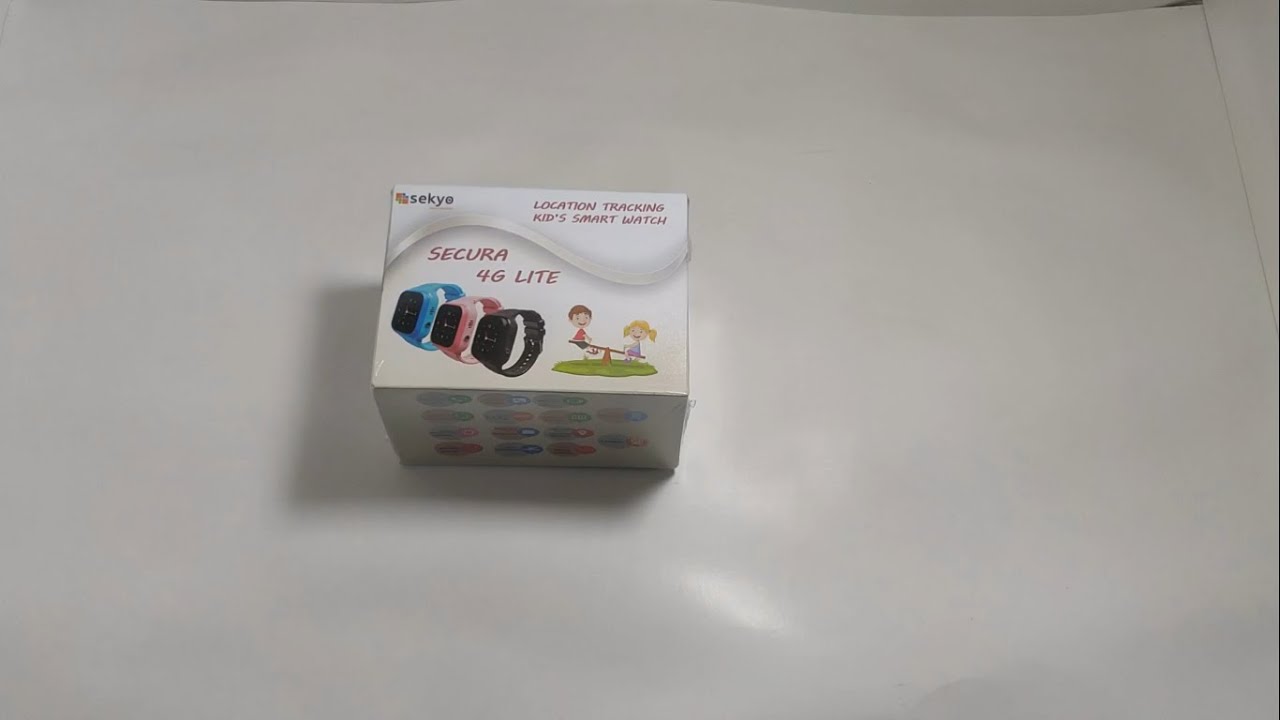
Sekyo Watch Phone 4G | How to Insert SIM | Time Setting | and All Functions
Автор: Sekyo | Smart Security
Загружено: 2022-04-26
Просмотров: 9446
Описание:
Sekyo Watch Phone 4G|Smartwatch for Kids|Boys|Girls|Video & Voice Call|4G Volte|LBS Location Tracking|SOS|Voice Chat| Multiple Watch Faces|Geo-Fencing|Black
FEATURES
Video Call
Multiple Watch Faces
Stopwatch
Touch Screen
Location Tracking Type- LBS
Location Accuracy- ~20M
Voice Calling
Geo-Fencing
Camera
Disable in School
Calculater
Parent Monitoring- Parent can listen child sound through the APP
Voice Chat
SIM- Nano SIM need (JIO SIM Working)
Charging Type- USB Magnetic Charger
Dial Pad- YES
Number of Buttons- 1,(1-SOS and long press for switch off)
Belt Material- Silicon (Good for skin)
HOW TO USE
STEPS
Charge the watch for at least 1 hour.
Insert the SIM (Direction is given in the picture above).
Restart the watch (the SOS button is the power button).
Wait for Network and Data symbol.
Install SEKYO App from the Play Store or App Store.
Sekyo App Play Store Link- https://play.google.com/store/apps/de...
App Store Link- https://apps.apple.com/in/app/sekyo/i...
Register on it.
Scan the QR code(Which is the Backside of the watch) for bind.
After Binding you can use all features.
Повторяем попытку...
Доступные форматы для скачивания:
Скачать видео
-
Информация по загрузке: