Скачать
How to make a simple design in illustrator
Автор: Expair Technology
Загружено: 2026-03-16
Просмотров: 9
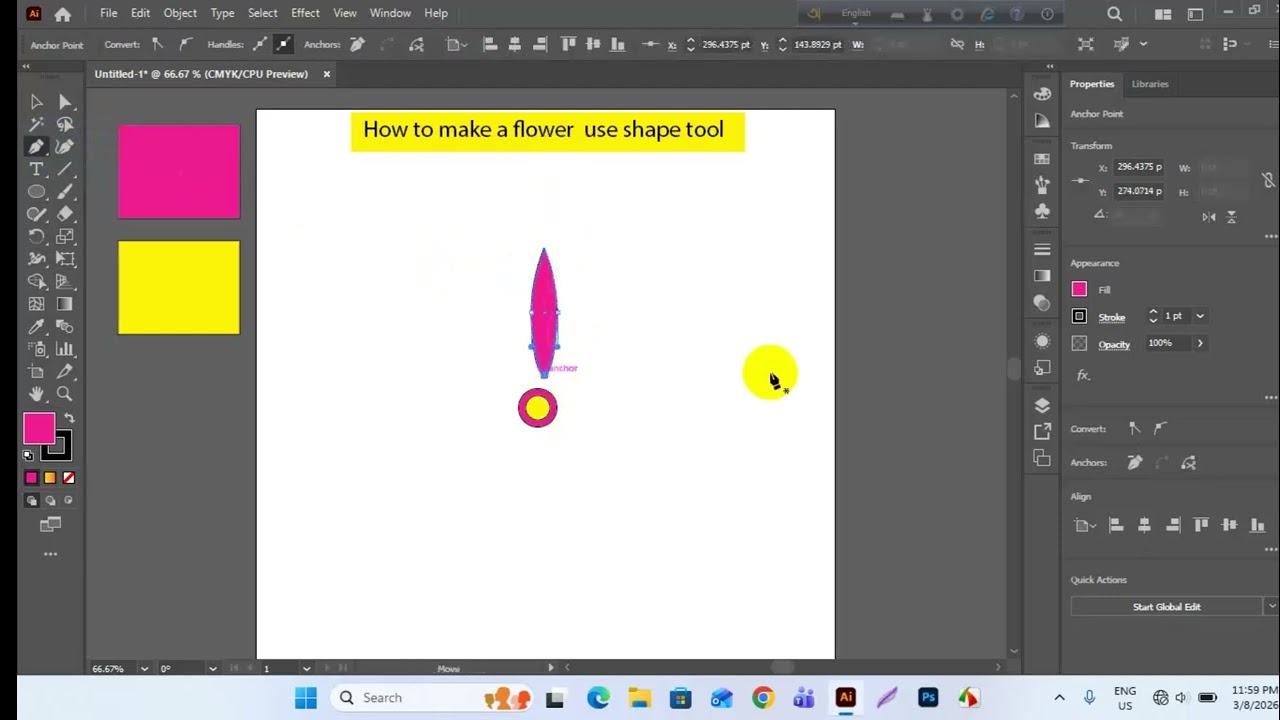
Описание: In Adobe Illustrator, a simple design can be created using basic tools. First, use the Line Tool and Arc Tool to draw the main structure of the design. Then apply the Rotate Tool to duplicate and rotate shapes evenly. After that, combine or remove parts of the shapes using the Shape Builder Tool to form the final pattern. Finally, refine the design with the Pen Tool by adjusting anchor points and curves to make the design clean and smooth.
Не удается загрузить Youtube-плеер. Проверьте блокировку Youtube в вашей сети.
Повторяем попытку...
Повторяем попытку...
Доступные форматы для скачивания:
Скачать видео
-
Информация по загрузке: