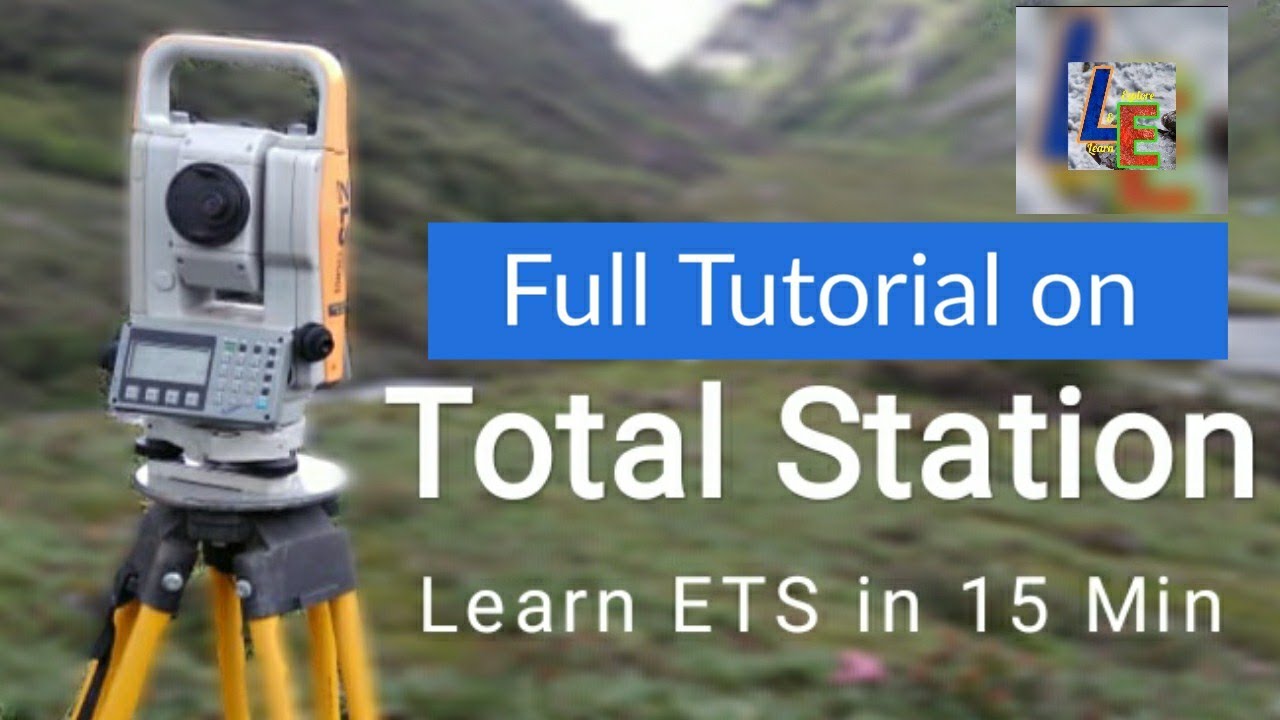
TOTAL STATION TUTORIAL | CENTERING LEVELLING ORIENTATION | LEICA TS11
Автор: Learn & Explore
Загружено: 2019-03-20
Просмотров: 63885
Описание:
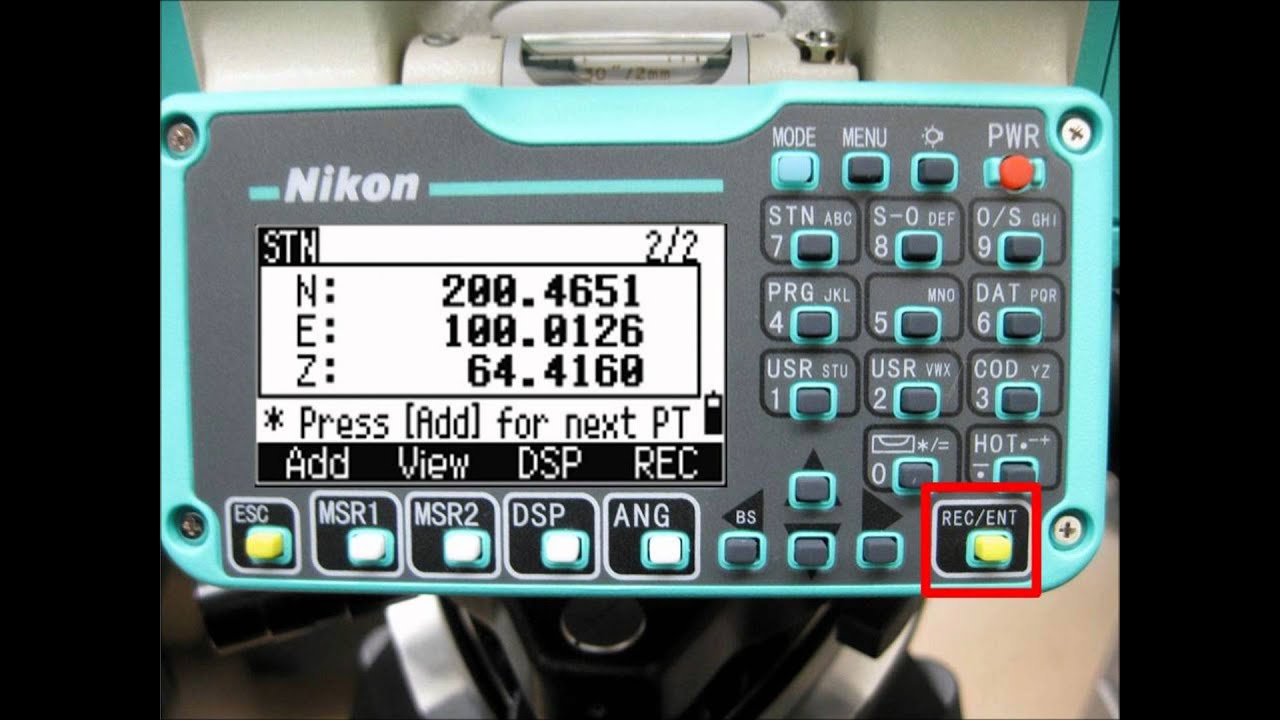
In this video we have shown detail procedure of how to setup an ETS or Electronic Total Station for survey field data collection by using Leica TS11. We have also shown how to download the field survey data from ETS and how to process the data and prepare map in the AUTOCAD.
The steps for ETS:
Step1: CENTERING
Step2: LEVELLING
Step3: ORIENTATION
Step4: SURVEY DATA COLLECTION
Step5: SURVEY DATA PROCESSING
Centering is done on a known coordinate point or else we can assume an arbitrary coordinate.
Levelling is done in order to level the ETS with parallel to the horizontal surface
Orientation is needed to tell ETS which will be the NORTH direction.
Few words from wikipedia:
A total station or total station theodolite is an electronic or optical instrument used for surveying and building construction. It is an electronic transit theodolite integrated with electronic distance measurement EDM to measure both vertical and horizontal angles and the slope distance from the instrument to a particular point, and an on-board computer to collect data and perform triangulation calculations.
Robotic or motorized total stations allow the operator to control the instrument from a distance via remote control. This eliminates the need for an assistant staff member as the operator holds the retroreflector and controls the total station from the observed point. These motorized total stations can also be used in automated setups knows as Automated Motorized Total Station
This video includes all the 5 steps mentioned above. Watch it and comment below.
If any mistakes have been done by ourselves please comment here.
If you think this tutorial is helpful please Like & Share this video and Subscribe our channel to get free updates
With best wishes
L&E Team!
Повторяем попытку...
Доступные форматы для скачивания:
Скачать видео
-
Информация по загрузке: