How To Find The Key For Your Sped Up Vocals
Автор: TheyCallHimReal
Загружено: 2025-07-08
Просмотров: 98
Описание:
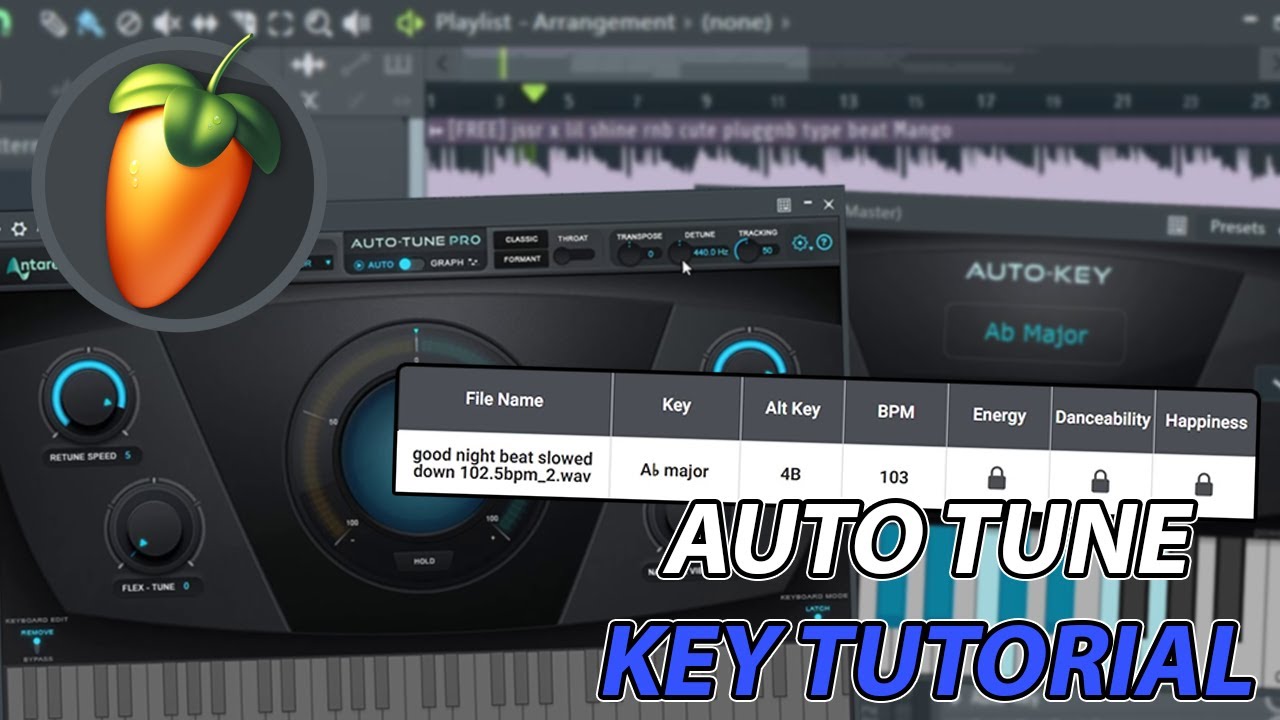
What's up guys! Today I'm just making a small tutorial in response to a comment on previous video of asking about how I find the key for my Auto Tune!
If you enjoy the video at any moment leave a like and hit the sub for more beat making/music content!
Check Out More Real
https://linktr.ee/TheyCallHimReal
If you're using Method #2 I don't have a way to get the detune value for the beat, but, your vocals should still sound relatively in tune with the slowed down beat, they just won't always be perfect.
0:00 - Intro
0:17 - Comparing The Keys (Sped-Up and Slowed Down)
1:32 - Method #1 (Using Antares Auto Key)
Add Auto Key VST to the top of your Master Mixer Track
Solo out the beat in the project playlist/mixer
Play just the beat and let the VST pick up the key
Adjust Auto Tune settings accordingly (top right value is your detune ex "A = 440" means your detune is 440)
Remove Auto Key from your Master (to avoid lag/delay while recording)
4:05 - Method #2 (Finding The Key Without Auto Key)
Export your beat *SLOWED DOWN*
Make sure to disable "Enable insert effects" and "Enable master effects" while exporting it
Open "tunebat.com" in your browser and drag your slowed down beat into TuneBat
Switch your Auto Tune Settings to the key TuneBat gives you
5:51 - Outro
Stay Real Y'all!
#music #musicproducer #autotune
Повторяем попытку...
Доступные форматы для скачивания:
Скачать видео
-
Информация по загрузке: