Little Nightmares III on M1 Pro – Desert & Lighting Zone Performance
Автор: MacShift
Загружено: 2025-12-22
Просмотров: 33
Описание:
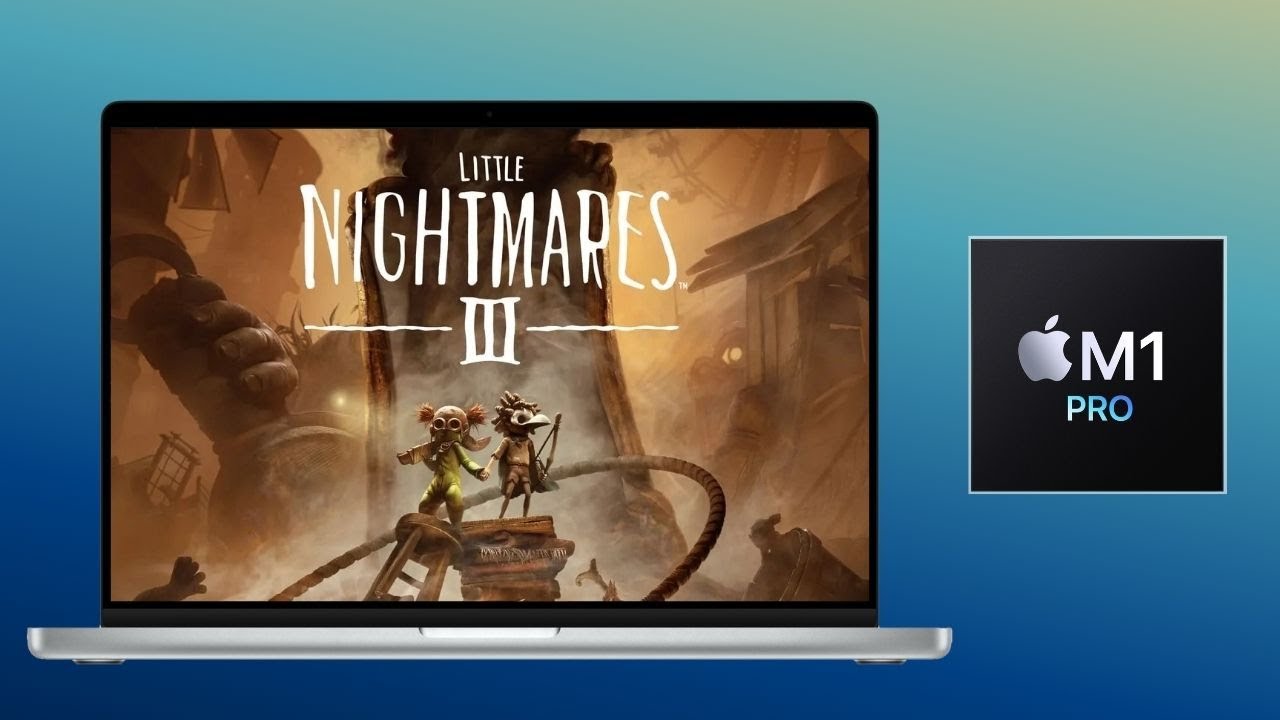
Here is a gameplay video of Little Nightmares III running on MacBook Pro M1 Pro via CrossOver.
In this video, I tested the game at 1440p "Ultra" graphics settings. I focused on checking the graphics quality and FPS stability across various environments, from bright "Desert Fields" to dark "Lighting Zones". Additionally, I verified the performance impact of new graphical options compared to the previous game, specifically testing TAA versus DLSS Frame Generation (FG), along with a detailed graphics comparison.
[System Specs]
• Device: MacBook Pro M1 Pro 16GPU / 16GB RAM
• OS: macOS 26
• Tool: CrossOver
[Chapters]
0:00 Lighting Zone
0:41 Desert Field
1:14 Event Scene
1:45 Field Gameplay
2:17 1440p Ultra (TAA)
2:42 1440p Ultra (DLSS FG)
3:07 1440p High (TAA)
3:32 1440p Low (TAA)
3:57 1440p - Graphics Detail (150%)
4:16 1440p - Graphics Detail (300%)
4:34 1440p - FPS Bench (Split View)
[About This Channel]
I personally test Windows games on Apple Silicon Macs to show you how they actually perform across the M-Series lineup (M1, M2, M3, M4, and beyond).
My videos capture real gameplay footage using tools like CrossOver, Whisky, or Parallels. I focus on checking frame rate stability, graphical accuracy, and overall playability—mainly covering the early chapters to verify compatibility. Whether you are using a base model or a high-end Max chip, I hope these real-world tests serve as a helpful reference for your Mac gaming.
#LittleNightmares3 #LN3 #M1Pro #MacBookPro #CrossOver #MacGaming #WindowsGamingOnMac
Повторяем попытку...
Доступные форматы для скачивания:
Скачать видео
-
Информация по загрузке: