Customizing the CATIA V5 User Interface
Автор: iGETIT by Tata Technologies - Upskilling Engineers
Загружено: 2019-02-28
Просмотров: 29827
Описание:
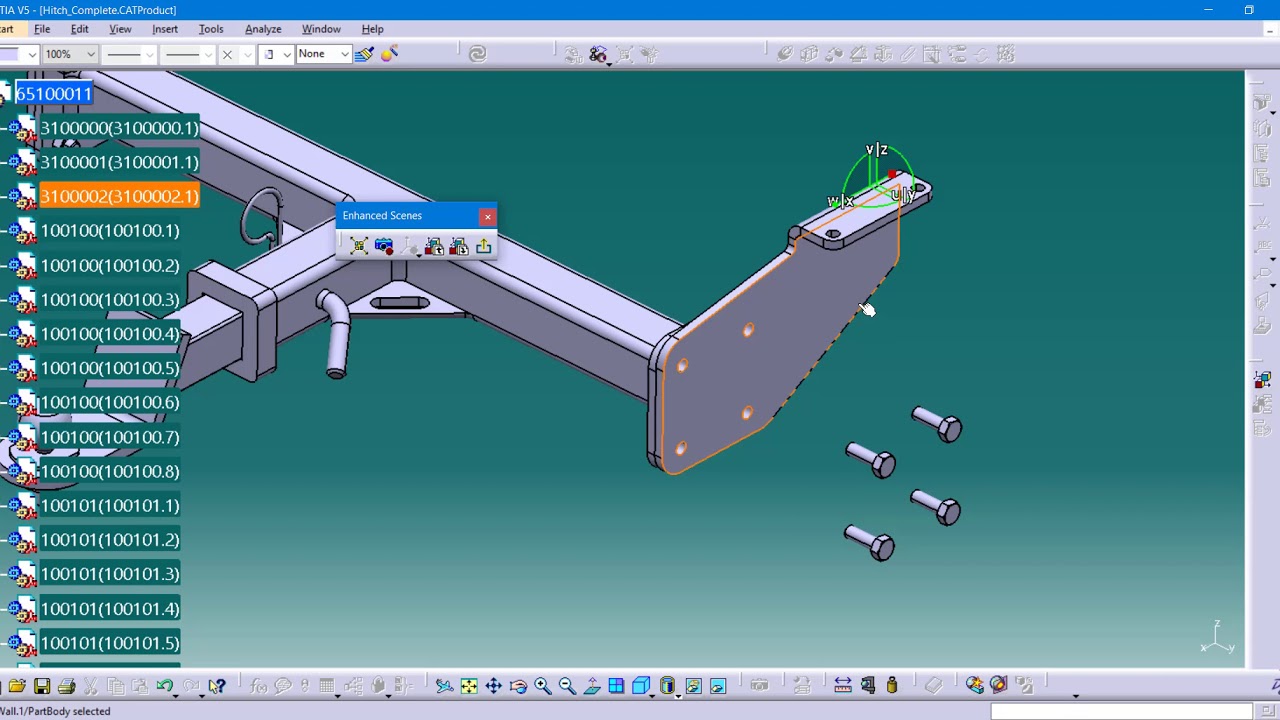
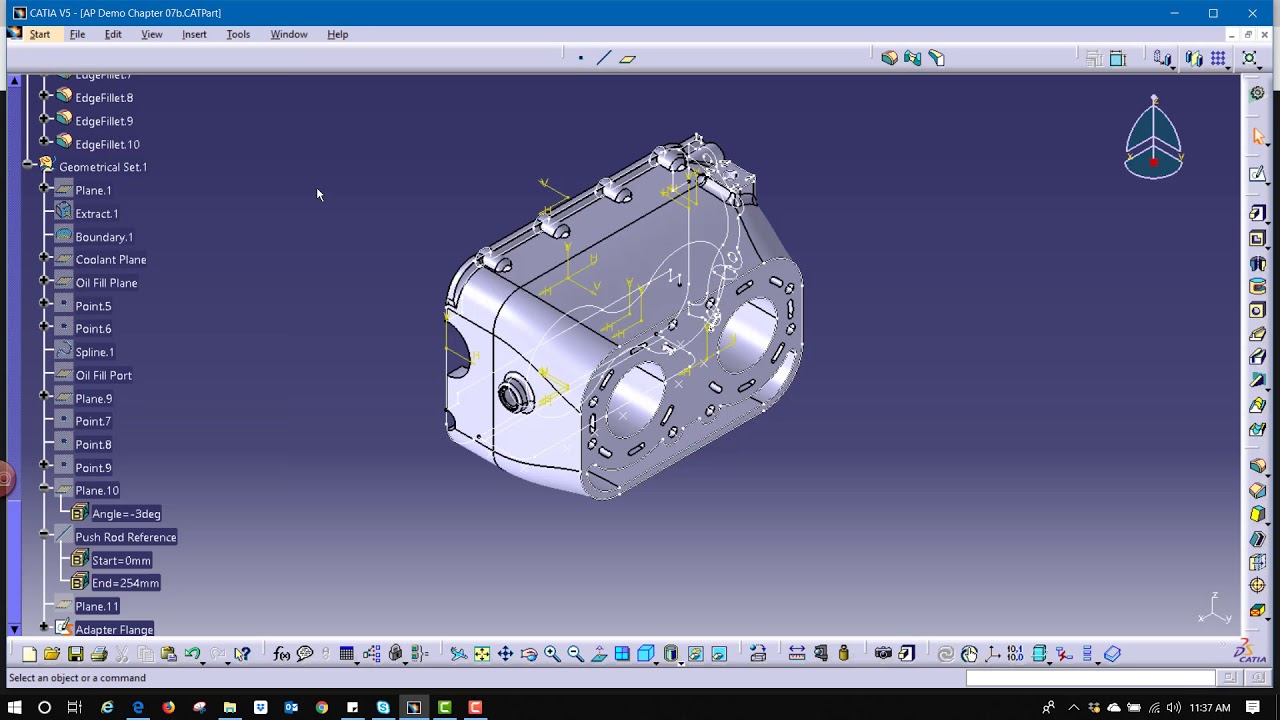
Watch and learn how to customize your CATIA V5 graphic user interface to make your work more productive including placing, modifying and customizing toolbars, creating cross-workbench toolbars, modifying graphic user interface presentation and using the left mouse button only for geometry manipulation. This session is designed for those new to CATIA V5 and for those interested in productive customization of the CATIA V5 graphic user interface.
About us –
i GET IT provides online self-paced training for engineers that is a better way to take training and share knowledge. i GET IT provides the largest library of online training and tutorials for the leading design software like AutoCAD, Autodesk Inventor, Fusion 360, NX, CATIA V5, 3DEXPERIENCE, Teamcenter, PTC Creo and SOLIDWORKS and additional topics based on the manufacturing industry. i GET IT also enables you to publish your own training content to share knowledge within your organization as a complete learning management system.
Visit the i GET IT website at https://www.myigetit.com for more information.
About i GET IT Platform - • A Look at i GET IT Learning for Engineers
Why choose i GET IT Learning? - • Why choose i GET IT Learning? | myigetit.com
_____________________________________________________
Explore the Playlists to learn –
GD&T - • Geometric Dimensioning and Tolerancing (GD&T)
3DEXPERIENCE - • 3DEXPERIENCE - CATIA
Solidworks - • SOLIDWORKS
PTC Creo - • PTC Creo
Autodesk –
• Autodesk Inventor
________________________________________________________
For Daily Technical Updates, follow us –
Tech Blogs - https://plmtechtalk.com/
Facebook Page - / myigetit
LinkedIn Account - / i-get-it
Twitter Handle - / myigetit
________________________________________________________
For training and certification or for any query, please write us back https://support.myigetit.com/hc/en-us...
Повторяем попытку...

Доступные форматы для скачивания:
Скачать видео
-
Информация по загрузке: