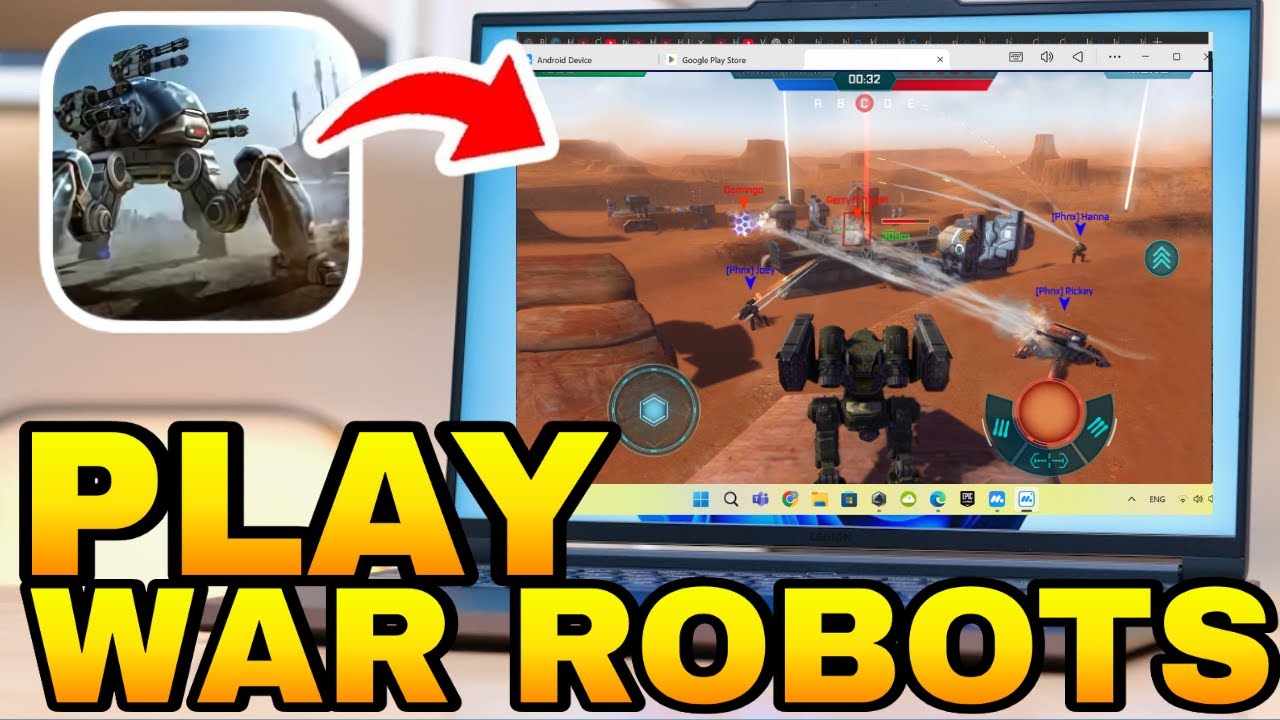
How To Play War Robots on PC & Mac
Автор: How To Expert
Загружено: 2025-08-03
Просмотров: 1581
Описание:
🚀 Want to dominate War Robots on your PC or Mac? 💻🎯
In this video, I’ll walk you through how to download and play War Robots using Android emulators like BlueStacks, MuMuPlayer, NoxPlayer, or LDPlayer — delivering smooth, high-FPS gameplay with keyboard and mouse controls.
✅ Works on Windows & macOS (Apple Silicon supported)
✅ Optimize performance: set 4 CPU cores & 4 GB RAM, enable high-FPS (up to 120–240 FPS)
✅ Use macros, multi-instance, and custom key mapping for elite combat control
🎮 Also covers cloud streaming options and tips for smooth gameplay!
⚠️ Keep in mind:
Emulator support can vary — some versions work better than others
Using Steam or desktop clients may conflict with mobile accounts
Cross-platform syncing between iOS and PC is not available
👍 Found this useful? Hit Like, drop your mech name or clan in the comments 💬, and Subscribe for more War Robots tips and gameplay guides!
Повторяем попытку...
Доступные форматы для скачивания:
Скачать видео
-
Информация по загрузке: