Automate Restaurant Sales Tax: DoorDash & GrubHub PDF to Excel Workpaper
Автор: Food Tax Pros
Загружено: 2026-01-04
Просмотров: 86
Описание:
Streamline your restaurant sales tax preparation with FoodTaxPros.
In this demo, we walk you through the complete workflow of generating a monthly sales tax workpaper for a restaurant with multiple delivery channels. Stop manually keying in data from PDF statements and let FoodTaxPros automate the extraction process.
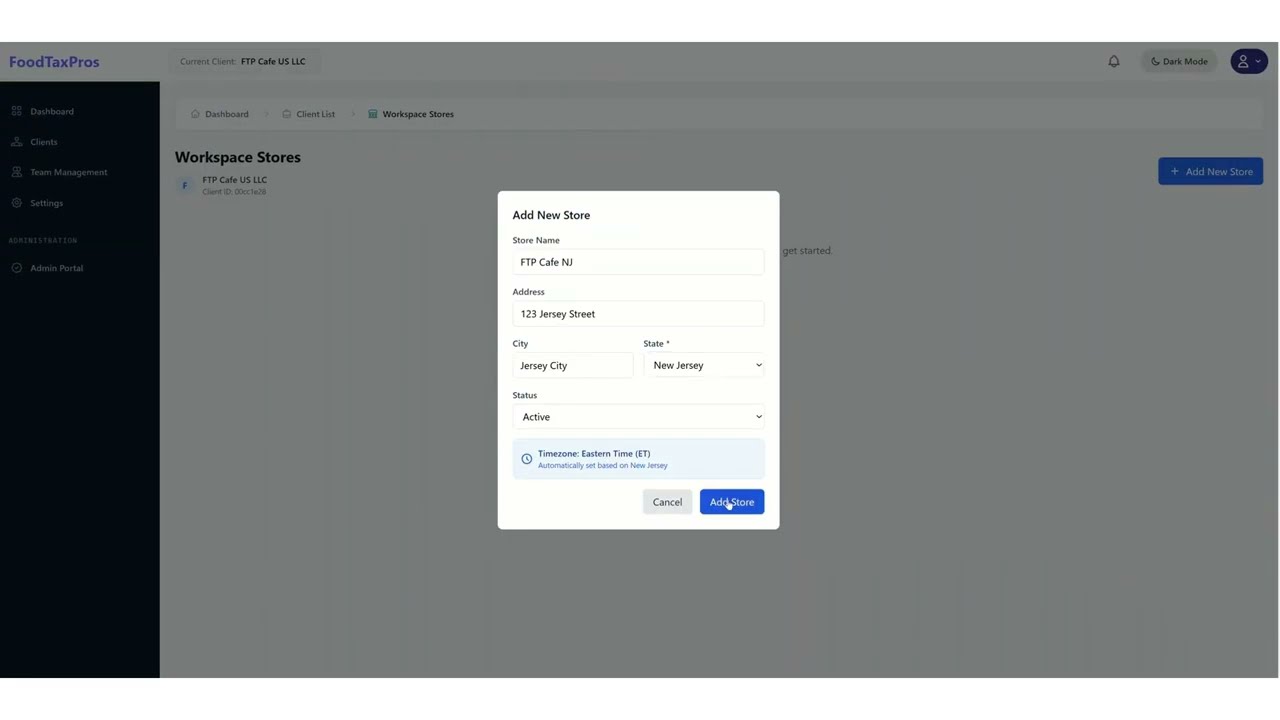
In this video, you will learn how to: ✅ Set up a new store location and define delivery channels (DoorDash, GrubHub, UberEats, etc.). ✅ Bulk upload PDF statements for instant data extraction. ✅ Verify revenue figures against original platform statements. ✅ Input in-store POS data (Cash vs. Credit Card sales). ✅ Export a tax-ready Excel workpaper with calculated tax liabilities.
FoodTaxPros simplifies compliance for CPAs and restaurant owners by consolidating data from third-party delivery apps into one easy-to-read report.
⏱️ Timestamps: 00:00 - Introduction & Adding a New Store 00:29 - Connecting Delivery Channels (DoorDash & GrubHub) 00:54 - Bulk Uploading PDF Statements 01:38 - Reviewing the Automated Worksheet 02:20 - Adding In-Store Cash & Credit Sales 02:50 - Saving & Exporting to Excel 03:08 - Reviewing the Final Excel Sales Tax Report
🚀 Start automating your sales tax workflow today: https://www.foodtaxpros.com/
#FoodTaxPros #RestaurantAccounting #SalesTax #CPA #Bookkeeping #DoorDash #GrubHub #TaxAutomation #AccountingSoftware
Повторяем попытку...
Доступные форматы для скачивания:
Скачать видео
-
Информация по загрузке: