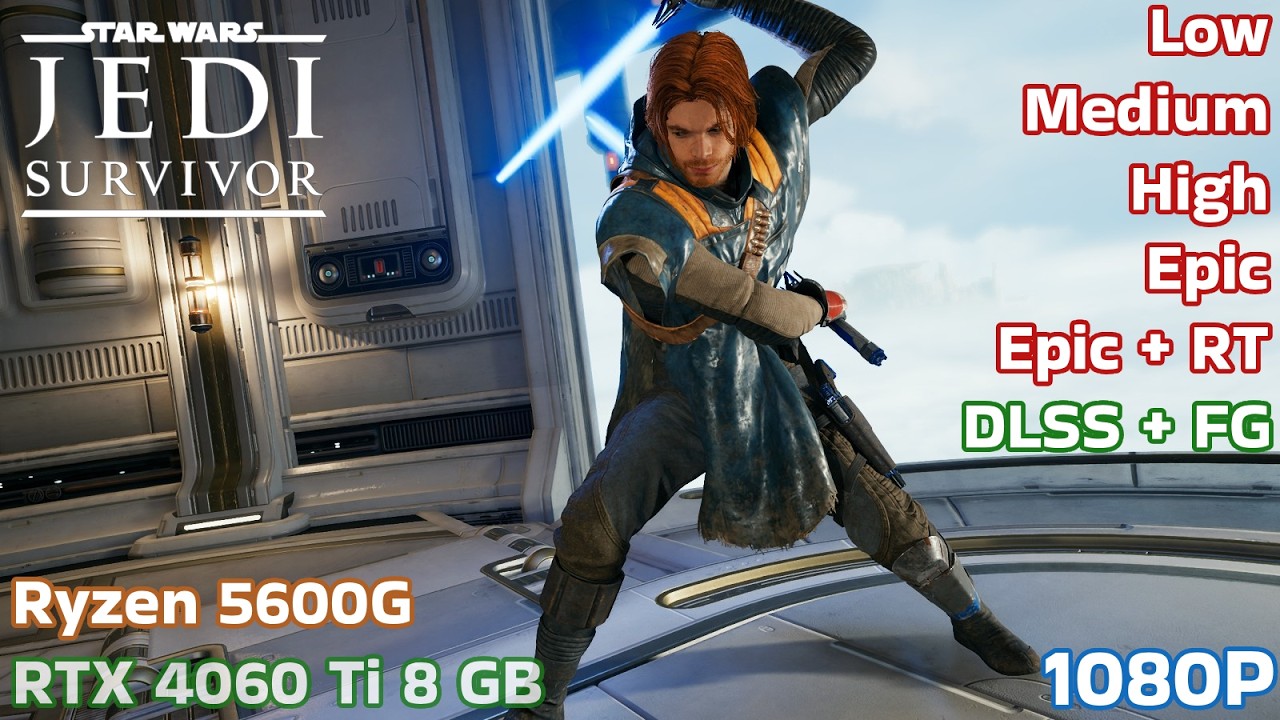
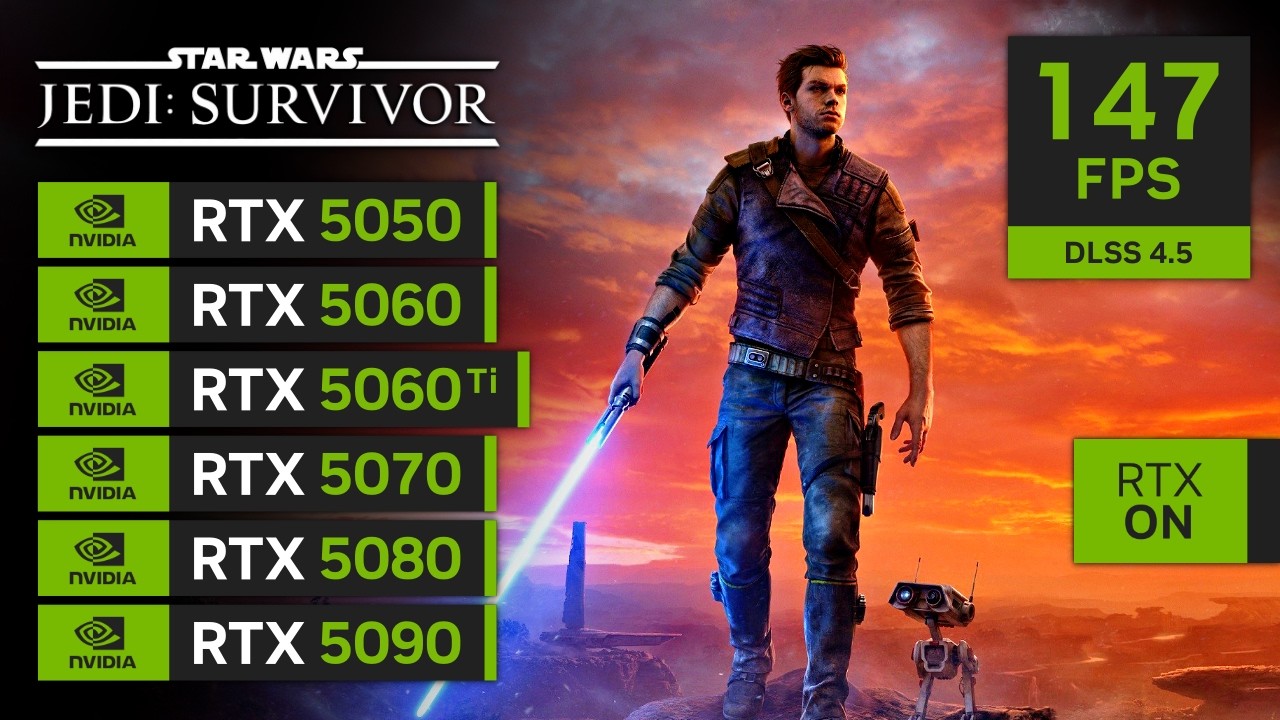
STAR WARS Jedi Survivor | RTX 5050, 5060, 5060 Ti, 5070, 5080, 5090
Автор: Geralt Benchmarks
Загружено: 2026-02-18
Просмотров: 9955
Описание:
STAR WARS Jedi Survivor | RTX 5050, 5060, 5060 Ti, 5070, 5080, 5090
In this video, I'm using "Recommended" DLSS Override, which uses DLSS 4 (Preset K) on DLAA, DLSS Quality and DLSS Balanced and uses DLSS 4.5 (Preset M) on DLSS Performance.
I'm only testing Ray Tracing in this test to make it more complete, but I DON'T recommend it, it makes the game unstable, it destroys the CPU performance (even in my 9800X3D) and the global illumination actually looks much better with RT OFF in this game, the only area where RT actually looks better in this game is in the reflections but it is not worth the performance hit.
If you are planing to play this game at 1080p, I highly recommend forcing DLAA through NVIDIA App, the Native TAA looks terrible in a lower base resolution such as 1080p, DLAA makes the game look much better with a small performance impact.
Yes, RTX 5080 and 5090 can sometimes perform similar with RT ON due to the CPU bottleneck, I decided to record this area (open area of Koboh) because of that, this is the most demanding area of the game for CPU and when RT is ON it becomes even more complicated.
00:00 RTX 5050 - Optimized for RTX 5050, 1080p Native TAA
00:45 RTX 5050 - Optimized for RTX 5050, 1080p Native DLAA
01:28 RTX 5050 - Optimized for RTX 5050, 1080p Native DLAA, FG 2X
02:06 RTX 5050 - Optimized for RTX 5050, 1440p DLSS 4 Balanced
02:57 RTX 5050 - Optimized for RTX 5050, 1440p DLSS 4 Balanced, FG 2X
03:34 RTX 5060 - Epic (High Textures), 1080p Native TAA
04:18 RTX 5060 - Epic (High Textures and Shadows), 1080p Native DLAA
04:46 RTX 5060 - Epic (High Textures and Shadows), 1080p Native DLAA, FG 2X
05:32 RTX 5060 - Epic (High Textures and Shadows), 1440p DLSS 4 Quality
06:35 RTX 5060 - Epic (High Textures and Shadows), 1440p DLSS 4 Quality, FG 2X
07:20 RTX 5060 Ti 8G - Epic (High Textures), 1080p Native TAA
08:08 RTX 5060 Ti 8G - Epic (High Textures), 1080p Native DLAA
09:01 RTX 5060 Ti 8G - Epic (High Textures and Shadows), 1080p Native DLAA, FG 2X
09:54 RTX 5060 Ti 8G - Epic (High Textures and Shadows), 1440p DLSS 4 Quality
10:52 RTX 5060 Ti 8G - Epic (High Textures and Shadows), 1440p DLSS 4 Quality, FG 2X
*The 5060 Ti 16GB here can deliver this same performance on Full Epic Settings, I had to decrease the textures and shadows to high to avoid VRAM going over the limit. I don't recommend using Ray Tracing in this GPU.
11:45 RTX 5070 - Epic Preset, 1440p Native TAA
12:35 RTX 5070 - Epic Preset, 1440p DLSS 4 Quality
13:26 RTX 5070 - Epic Preset with Ray Tracing, 1440p DLSS 4 Quality
14:18 RTX 5070 - Epic Preset with Ray Tracing, 1440p DLSS 4 Quality, FG 2X
15:05 RTX 5070 - Epic Preset, 4K DLSS 4.5 Performance
15:54 RTX 5070 - Epic Preset, 4K DLSS 4.5 Performance, FG 2X
16:37 RTX 5080 - Epic Preset, 1440p Native TAA
17:23 RTX 5080 - Epic Preset with Ray Tracing, 1440p Native TAA
18:14 RTX 5080 - Epic Preset, 4K Native TAA
19:06 RTX 5080 - Epic Preset, 4K DLSS 4 Quality
19:58 RTX 5080 - Epic Preset with Ray Tracing, 4K DLSS 4 Quality
20:49 RTX 5080 - Epic Preset with Ray Tracing, 4K DLSS 4 Quality, FG 2X
21:41 RTX 5090 - Epic Preset, 1440p Native TAA
22:31 RTX 5090 - Epic Preset with Ray Tracing, 1440p Native TAA
23:19 RTX 5090 - Epic Preset, 4K Native TAA
24:05 RTX 5090 - Epic Preset, 4K DLSS 4 Quality
24:55 RTX 5090 - Epic Preset with Ray Tracing, 4K Native TAA
25:43 RTX 5090 - Epic Preset with Ray Tracing, 4K DLSS 4 Quality
26:22 RTX 5090 - Epic Preset with Ray Tracing, 4K DLSS 4 Quality, FG ON
Instagram: / geraltbenchmarks
TikTok: / geraltbenchmarks
CPU: AMD Ryzen 7 9800X3D
MOBO: GIGABYTE B650 Aorus Elite V2
RAM: Kingston Fury Renegade 32GB 6000MHz CL32 DDR5
#starwarsjedisurvivor #geforcertx #gaming #pcgaming #rtxon
Повторяем попытку...
Доступные форматы для скачивания:
Скачать видео
-
Информация по загрузке: