Error Code 1962 - No Operating System Found *HOW TO REPAIR* on a Lenovo C440
Автор: Nic Bunting
Загружено: 2015-05-15
Просмотров: 137708
Описание:
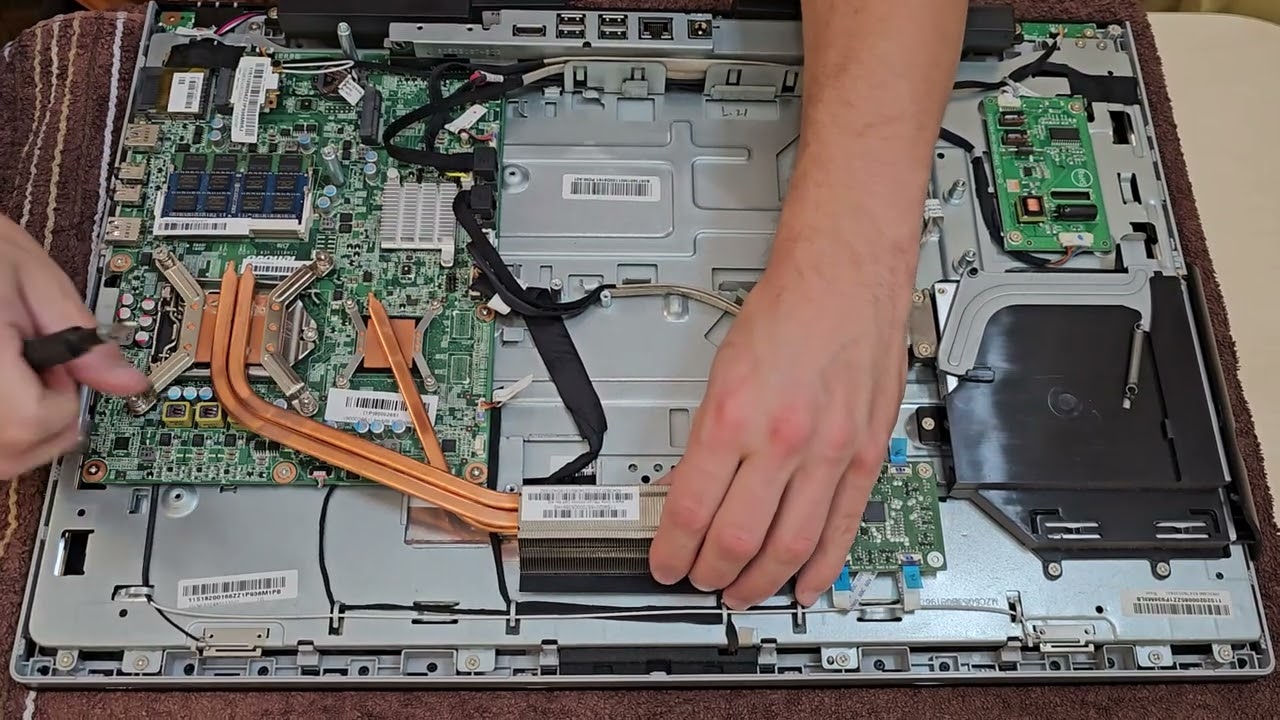
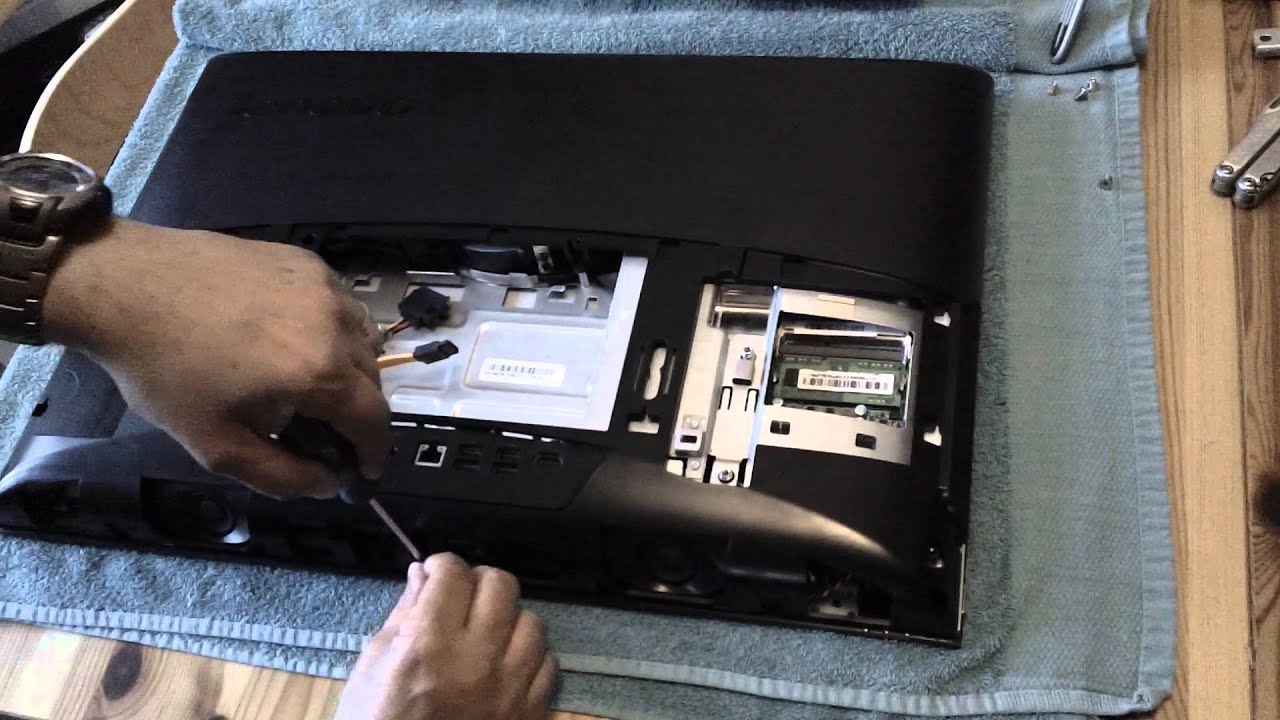
This is how to repair the 'Error Code 1962 - No Operating System Found' boot problem on a Lenovo C440 All In One PC.
The machine featured has this history...
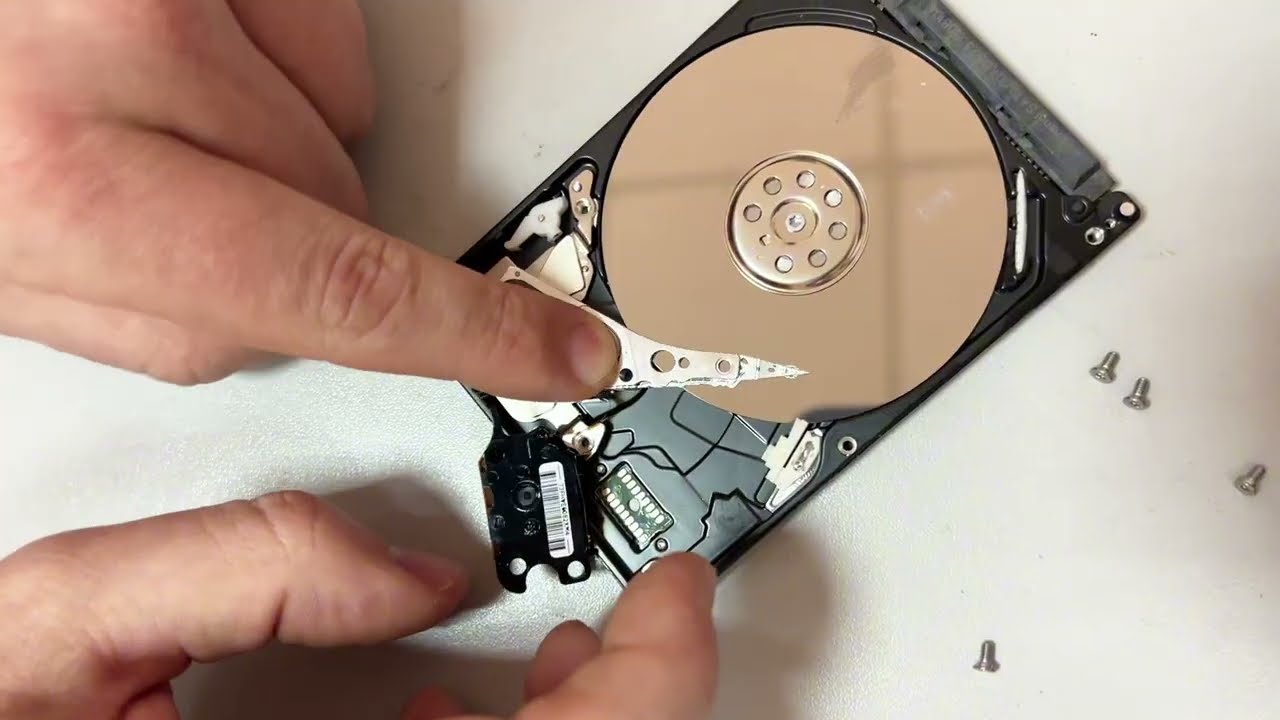
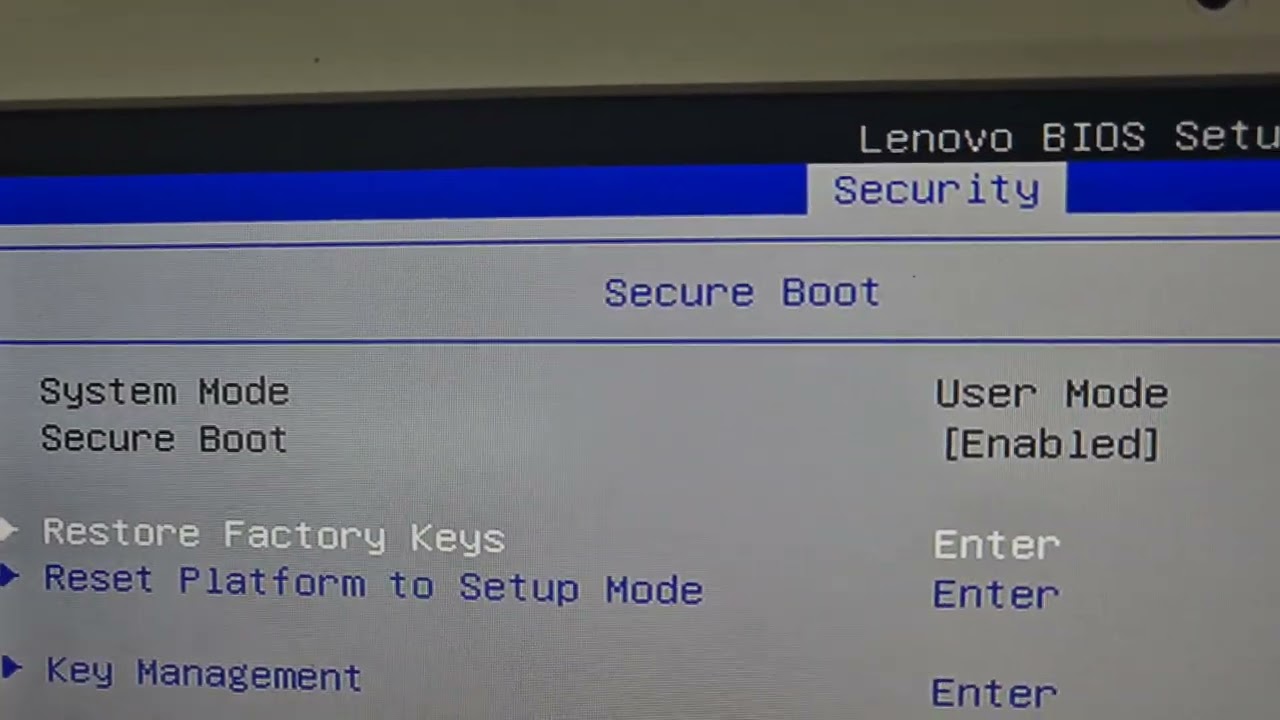
After a problem with Windows and frequent failed boots with 'Error Code 1962 - No Operating System Found' the original hard drive was removed and found to be faulty using the WD Diagnostics software. The drive was often not found by the BIOS - so initially it was thought a replacement hard drive would solve the problem as everything pointed towards a faulty hard drive. A new SSD was fitted, but the problems continued!
The changes to YouTube now mean that I don't get any advertising revenue from my videos - I have the views, but I need over 1000 subscribers.
I'm never going to get rich from this, but it is nice to get something... So if you've watched this video then please Like and Subscribe.
If that sounds familiar then this video will show you how to fix it.
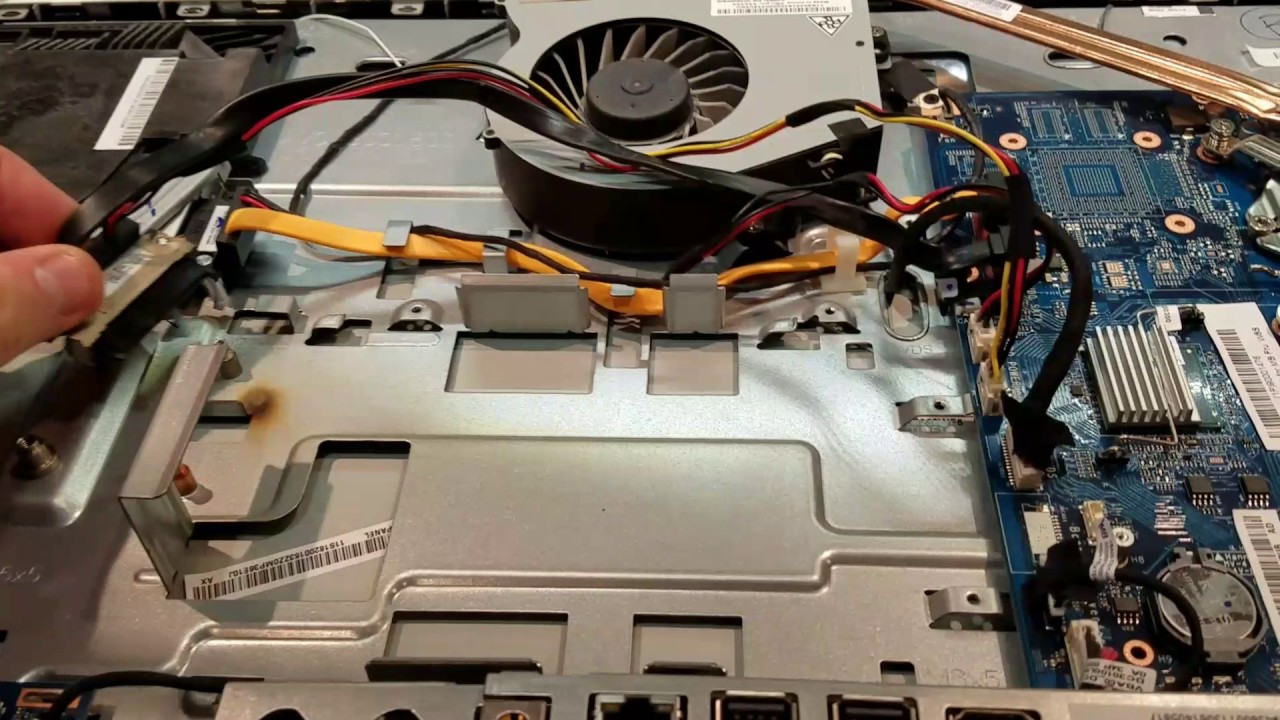
The fault is with the cable that connects the hard drive to the motherboard. Specifically, part number 6017B0385801 - This has a right angled SATA data connector and a custom power plug at the motherboard end with a single data/power connector at the other.
You can fix the fault without buying a replacement cable!
This fix will also apply to any other Lenovo computer that uses the same cable and has the same problem.
I'm never going to get rich from this, but it is nice to get something... So if you've watched this video then you can buy me as coffee using the Ko-fi link, click Like or click Subscribe. Or all three!
https://ko-fi.com/nicbunting
Повторяем попытку...
Доступные форматы для скачивания:
Скачать видео
-
Информация по загрузке: