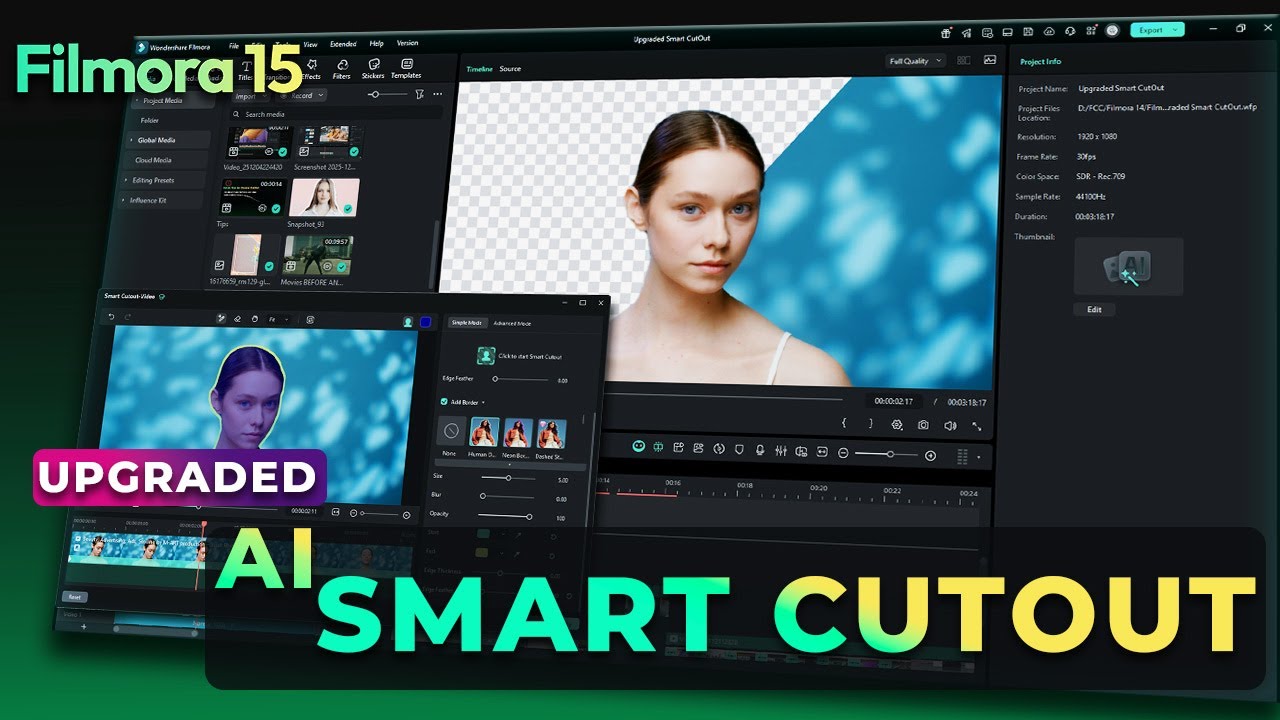
How to Change Specific Colors in Filmora 15 | HSL Eyedropper Guide
Автор: Filmora for Creators
Загружено: 2026-03-05
Просмотров: 210
Описание:
Ever recorded a vacation video only to realize the sky looks grey or the grass looks dull and lifeless?
Try Fimora 15 Now: https://bit.ly/4nRneGo
With Filmora 15’s new HSL Eyedropper Tool, you can now fix specific colors in your footage without affecting the rest of the image.
This tool gives you precise control over Hue, Saturation, and Luminance, letting you enhance skies, grass, skin tones, and more — all with just a few clicks.
Perfect for travel videos, landscape shots, lifestyle content, and vlogs, the HSL Eyedropper makes color correction fast, accurate, and beginner-friendly.
Timestamps
00:00 – Intro: Common Color Problems in Footage
00:43 – How to Use HSL Eyedropper Tool
00:50 – Import Footage
01:04 – Accessing HSL in Filmora 15
01:06– Understanding HSL Colors (Hue, Saturation, Luminance)
01:19 – Using the Eyedropper for Precise Color Selection
01:32 – Adjusting Sky Colors Without Affecting Other Areas
02:18 – Enhancing Grass Color with Eyedropper
02:35 – Before & After Comparisons
Try Fimora 15 Now: https://bit.ly/4nRneGo
🖥️Try Desktop: https://bit.ly/3TZodZa
📱Try Android: https://bit.ly/3PlCwF0
🍏Try iOS: https://bit.ly/3vdCzMk
#filmora #wondershare #filmoraMVP
Повторяем попытку...

Доступные форматы для скачивания:
Скачать видео
-
Информация по загрузке: