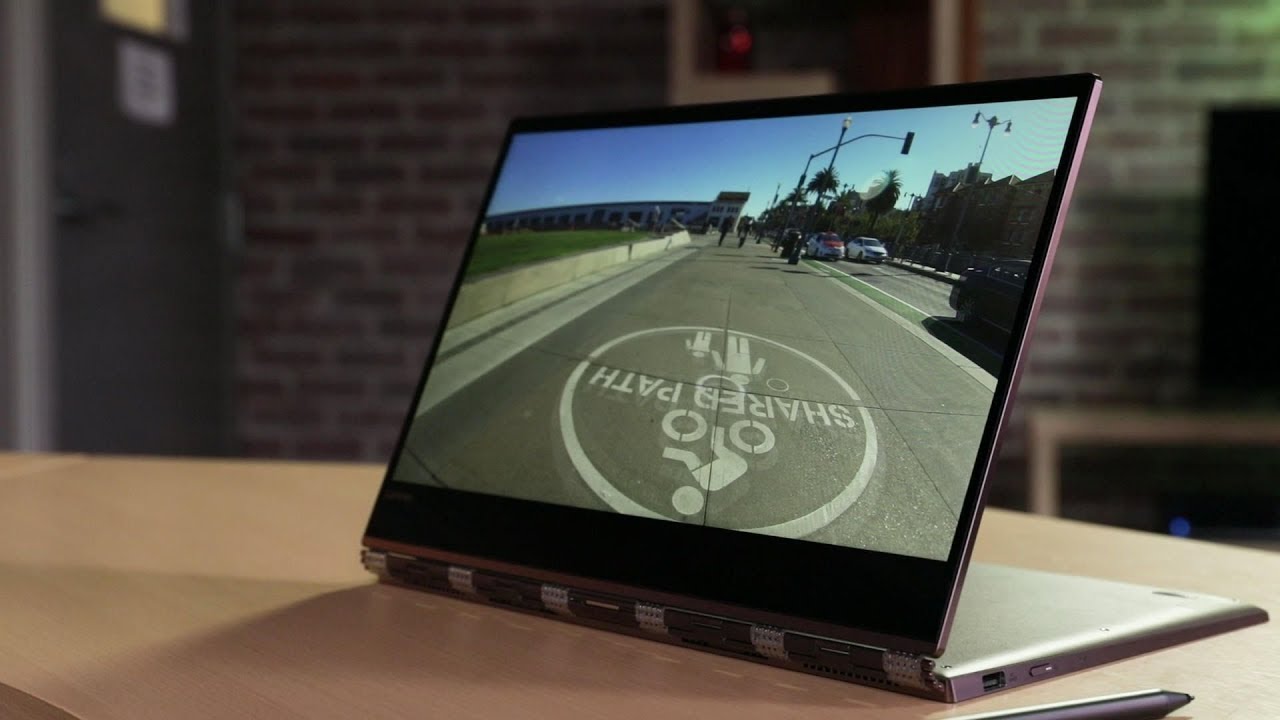
Lenovo Yoga 920 Review
Автор: Top Pick
Загружено: 2019-02-22
Просмотров: 87
Описание:
Lenovo Yoga 920 Review
The Lenovo Yoga 920 has the 360 degree hinge of its predecessor, but expands on it with Thunderbolt 3, a reasonably placed webcam and lengthier battery life. Lenovo Yoga 920 stand out against its competitors
Price and availability
this 2-in-1 comes in different configurations. the Yoga 920 has aged over the last year. The base model comes with an Intel Core i5-8250U processor, 256GB SSD, 8GB RAM, a 13.9-inch 1080p touchscreen and an Active Pen stylus, and costs $1,199 / £1,199. This model is available in the US and UK. A second model comes with the same spec as above, but has a faster Intel Core i7-8550U processor and larger 512GB SSD. This costs $1,549 / £1,349 and it is only available in the UK and the US, again. The last version of this 2-in-1 features an Intel Core i7-8550U processor, 16GB RAM, up to 1TB of storage and a UHD (3840 x 2160) screen. This model is only available in the US and Australia, and costs $1,999 / AU$2,999. Keep in mind that the Australian model is currently capped at 512GB of storage. In addition, the Lenovo Yoga 920 uses an integrated graphics solution that should be able to handle most everyday tasks, like photo editing, but won’t be able to handle heavy gaming or video editing.
Design
Weighing 3.0 pounds (1.37kg) and measuring just 12.7 x 8.8 x 0.5 inches (323 x 223.5 x 13.95mm) tgis lenovo 2-in-1 is definetely has a great design. This model also has a nice metallic finish which gives a premium feel on it. The Lenovo Yoga 920’s display bezel is impressively thin, and the webcam is placed at the top of the screen.
Stylus pros and cons
the Active Pen stylus was included as part of the Lenovo Yoga 920’s package. This battery-powered stylus has a good design and the Yoga 920 responds well to it thanks to its screen being able to detect 4,096 levels of pressure sensitivity. Light presses and hard presses are recognized accurately in the art apps we tried, and the laptop kept up with even the most frantic scribbles. However, you’ll have to hold down one (of two) buttons on the stylus to engage the erase mode. However, the Yoga 920 Lenovo only has a plastic holder that slots into the full-size USB port and holds the stylus pen there. This make the piece feeling a bit cheap and tacky, and it also means you’re losing access to a USB port while you're using it.
G+ | https://plus.google.com/1034717494097...
Facebook | / top-pick-136365467028855
Please Like & Subscribe Top Pick
• Lenovo Yoga 920 Review
Повторяем попытку...
Доступные форматы для скачивания:
Скачать видео
-
Информация по загрузке: