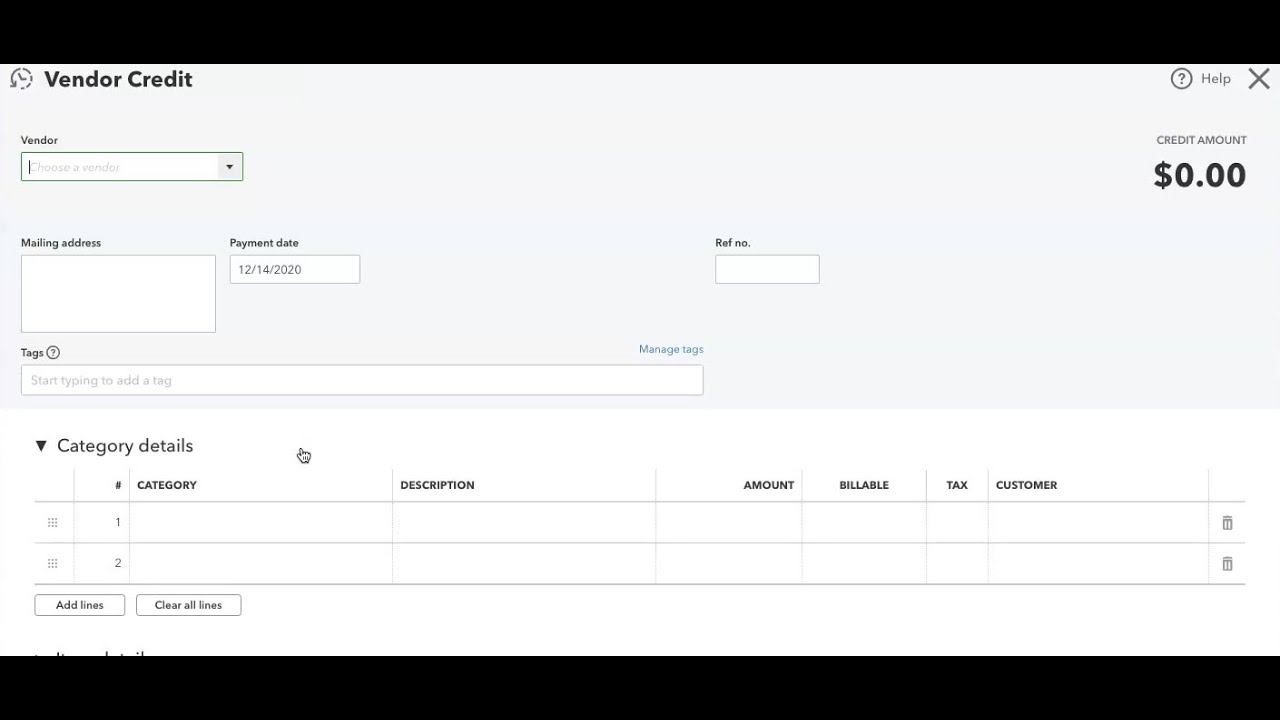
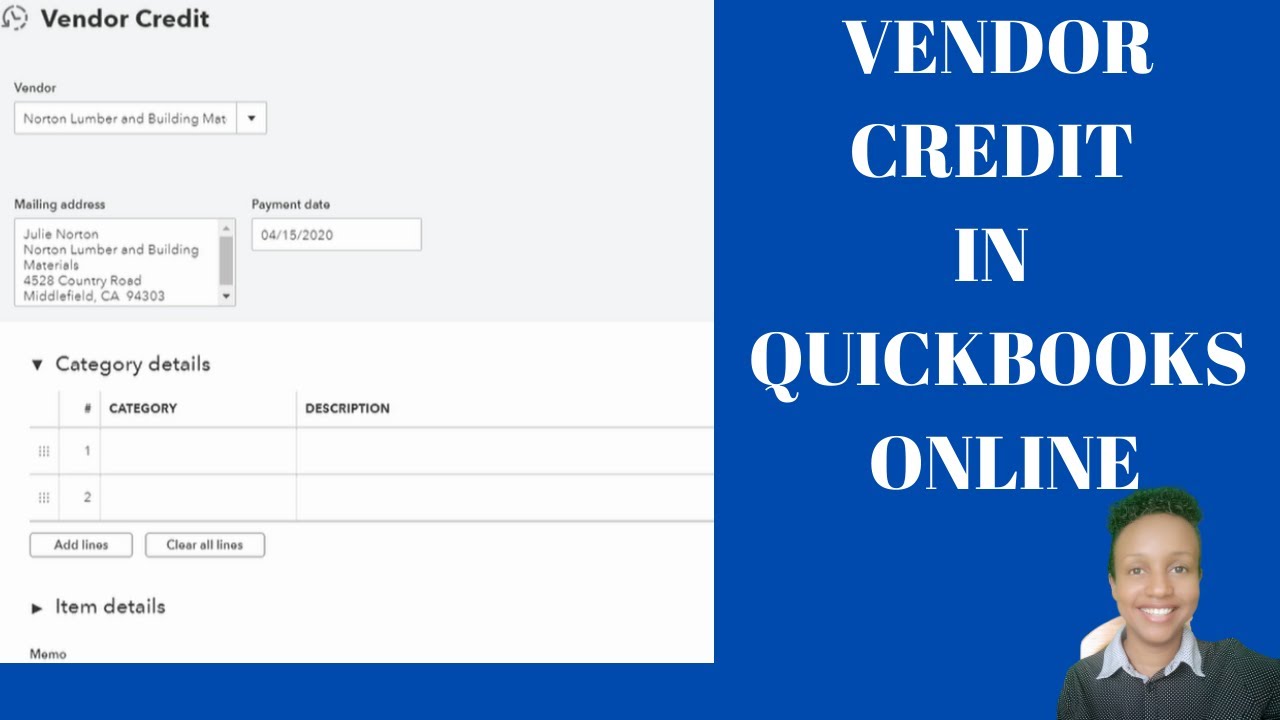
Apply & Record Vendor Credit in QuickBooks Online
Автор: It's Bookkeeping
Загружено: 2020-04-15
Просмотров: 6581
Описание:
Vendor credit QuickBooks Online.- What is a vendor credit, how to record and apply a vendor credit. There are 3 ways to enter vendor credits in QuickBooks Online: By clicking on the New button and selecting vendor credit. 2. Select the Expense tap and click the arrow by New Transaction and select vendor credit. The 3rd way, select the expense tab - vendors - type the name of the vendor in the search bar and select his name to open up his account- click New Transaction and select vendor credit. By creating a vendor credit from a vendor account, the vendor's information will automatically populate in the vendor credit form. Vendor credit in Quickbooks onine is recorded when you return a product to a customer that you ordered and the vendor offer to supply you with a credit therefore, you record a vendor credit in quickbooks online. To apply a vendor credit to an invoice open the invoice select make a payment and make sure the credit has been deducted from the correct invoice by using the tick boxes.
Recording my bookkeeping Business that I have not started: • Bookkeeping Journey: Recording my Bookkeep...
Bookkeeper Business Launch Course review: • Bookkeeper Business Launch Course Review
Business cards from Vista Print: • Business Cards from Vistaprint
Beginner Facebook Marketing Frustrations - Scammers: • Beginner Facebook Marketing Frustration - ...
Quickbooks Online ProAdvisor Certification Review: • Quickbooks Online ProAdvisor Certification...
I attracted 50% discount from Bookkeeper Business Launch: • I attracted a 50% discount from Bookkeeper...
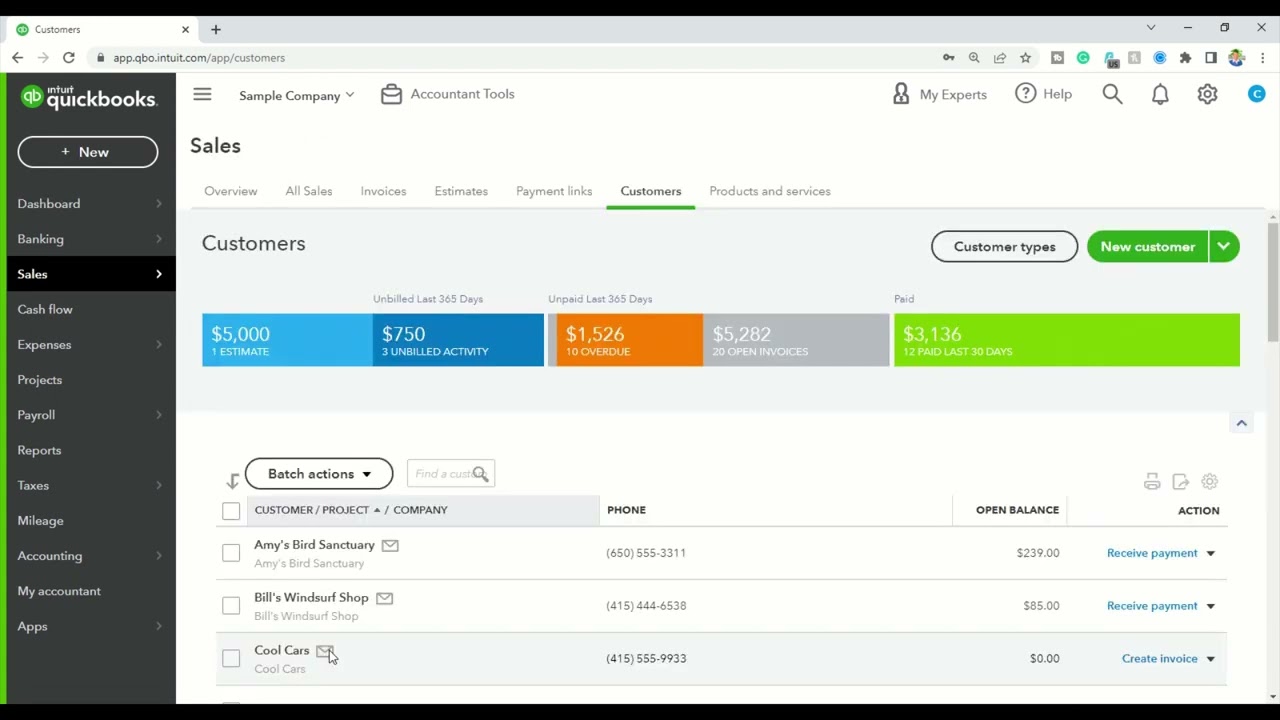
How to navigate in quickbooks online: • Navigating in Quickbooks Online
Повторяем попытку...
Доступные форматы для скачивания:
Скачать видео
-
Информация по загрузке: