How to Batch Upload Event Photos | Picshare Tutorial
Автор: Picshare
Загружено: 2026-06-20
Просмотров: 18
Описание:
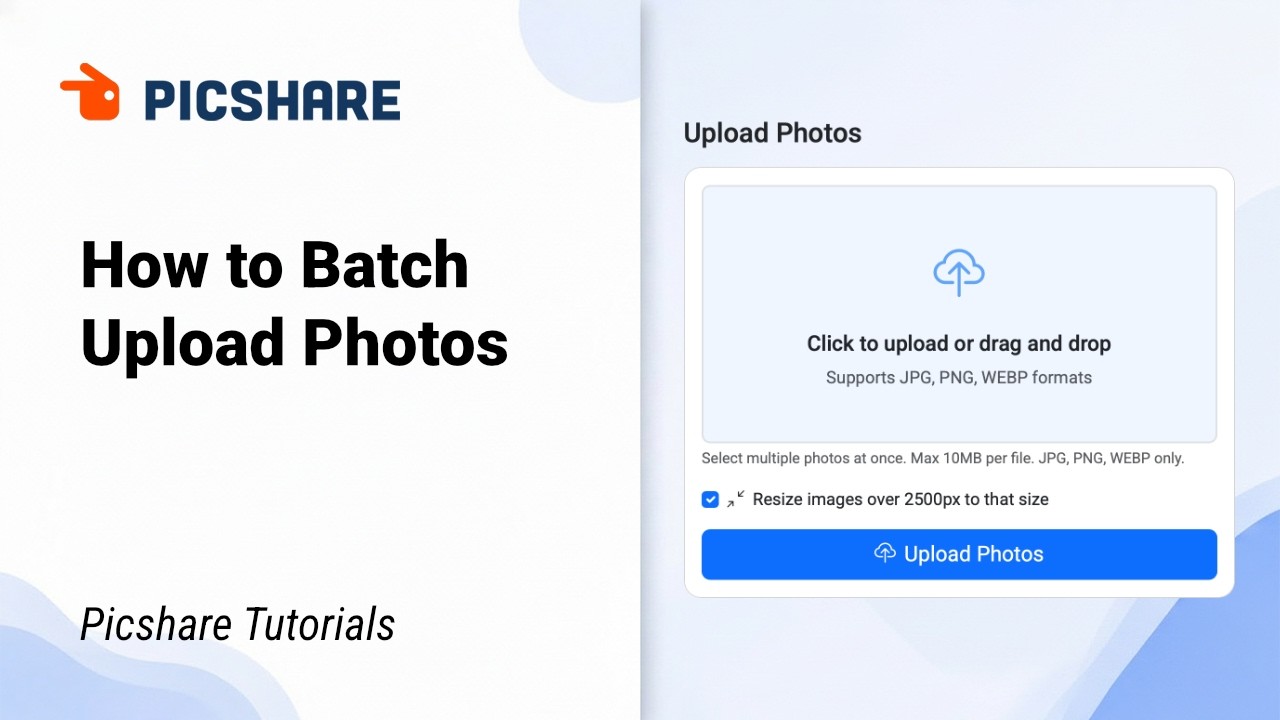
Skip the manual sorting. In this Picshare tutorial, I’ll show you how to batch-upload your event photos in one go — plus a smart optimization option that saves time without sacrificing quality.
You’ll see exactly where to click, what formats are supported, how the optional resize feature works, and what happens right after the upload finishes. No extra steps, no clutter.
⏱ Timestamps
0:00 – Intro
0:11 – Navigating to the Upload page
0:23 – Drag-and-drop & accepted file formats (JPG, PNG, WebP)
0:36 – “Resize images” checkbox explained (optimized vs original)
0:51 – Upload progress & adding more photos
0:59 – Auto-redirect & instant photo count update
🔗 Get started for free
→ https://picshare.click
📸 About Picshare
Picshare automates headshot delivery for event photographers.
QR‑code registration → AI face matching → automatic gallery delivery.
Now with one-click batch upload and built-in image optimization.
💡 Why this matters
Batch uploading means you drop an entire event’s photos at once. With auto-optimization enabled, Picshare resizes large files to web-friendly dimensions instantly — perfect for galleries and sharing. Need the full-resolution originals? Just uncheck the box. Your workflow, your choice.
👍 Subscribe for more Picshare tutorials.
#eventphotography #picsharetutorial #batchupload #headshotdelivery #photographerworkflow
Повторяем попытку...
Доступные форматы для скачивания:
Скачать видео
-
Информация по загрузке: