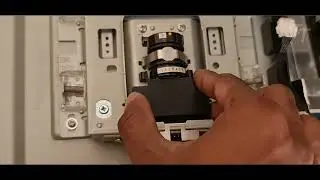
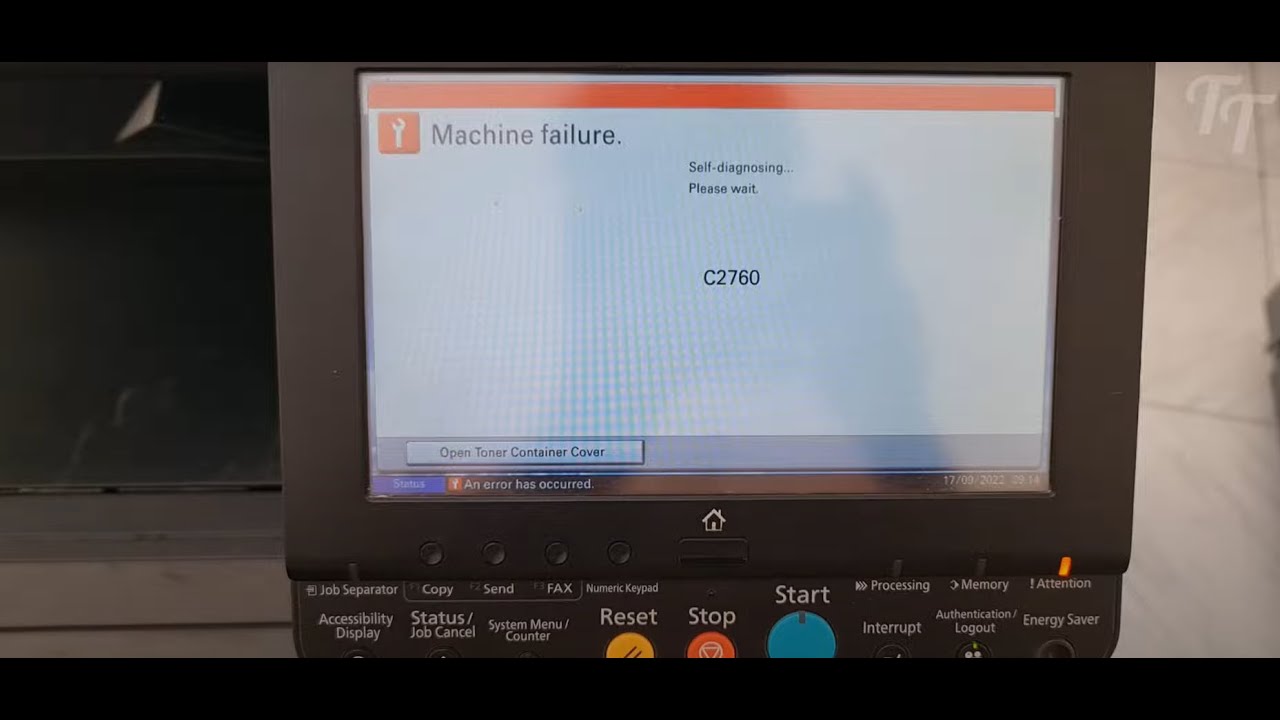
How to Fix Error C2760 on Kyocera TASKalfa 5052ci Printer
Автор: Techno Graph
Загружено: 2022-10-04
Просмотров: 6965
Описание:
If you're experiencing Error C2760 on your Kyocera TASKalfa 5052ci printer, then this guide will show you how to fix it. By following the steps in this guide, you'll be able to fix the error and get your printer printing again!
Error CC2760 - Developer BK/belt motor startup error
1 Check the developer BK/belt motor drive components The developer BK/belt motor drive transmission is faulty. Execute U030 [DLP(K)] to check the excessive load is not applied to the drive gears, roller and the belt by rotating them. After that, clean the drive section of the primary transfer unit. U030 Execution
2 Check the wire The wire is not properly connected or is faulty. Reinsert the following wire connectors, and replace the wires when they have no continuity.• Developer BK/belt motor - Feed image PWB
3 Check the developer BK/belt motor The developer BK/belt motor is faulty. Reattach the developer BK/ belt motor and reconnect the wire. Replace it if it is not fixed.
4 Upgrade the engine firmware to the latest version Firmware
5 Check the feed image PWB The feed image PWB is faulty. Reconnect the connectors on the feed image PWB. Then, fix or replace the wires if they are pinched by the other part or if they have any damage. When the issue is not resolved, replace the feed image PWB.
6 Check the engine PWB The engine PWB is faulty. Reconnect the connectors on the engine PWB. Then, fix or replace the wires if they are pinched by the other part or if they have any damage. When the issue is not resolved after that, replace the engine PWB.
Повторяем попытку...
Доступные форматы для скачивания:
Скачать видео
-
Информация по загрузке: