How to build Virtual Maschine with Windows98 (SE) Second Edition and working Sound
Автор: angryflo de
Загружено: 2020-12-31
Просмотров: 42
Описание:
How to build Virtual Maschine with Windows98 Second Edition and Working Sound
Requirements:
1. Download VMware Workstation player (Freeware) from: https://my.vmware.com/en/web/vmware/d...
2. Download iso Windows98 Second Edition + Product Key (It's Freeware since 2020) from: https://archive.org/details/windows-9...
3. Download compatible Sound Drivers with Win98SE from my Website www.angryflo.de:
www.angryflo.de/Dateien/win98SE-soundDriver.zip
You can Drag+Drop Files from your Desktop to the VMware VM.
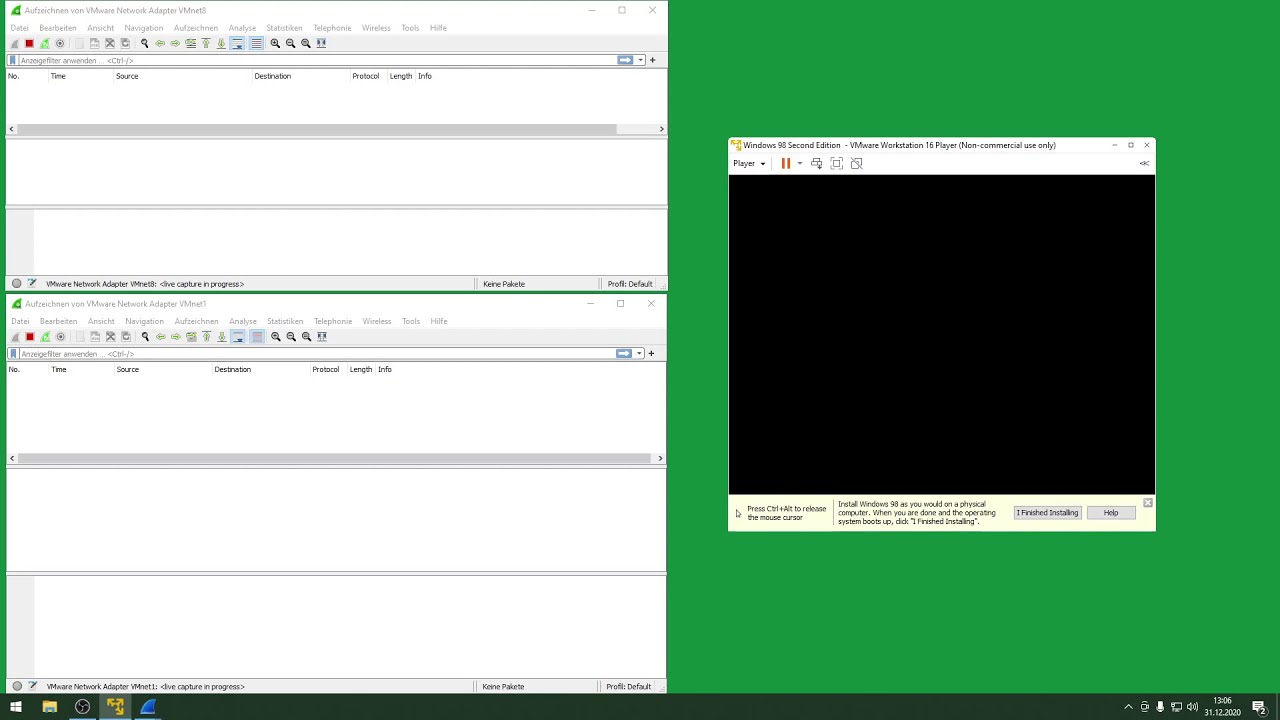
On the Left side you can see the Network Packets Win98SE is sending out, so there are no spy packets or somethin like that. Only DHCP Offerings and Netbios announcements.
On the right side you can see the installation progress of Windows98SE...
Повторяем попытку...
Доступные форматы для скачивания:
Скачать видео
-
Информация по загрузке: