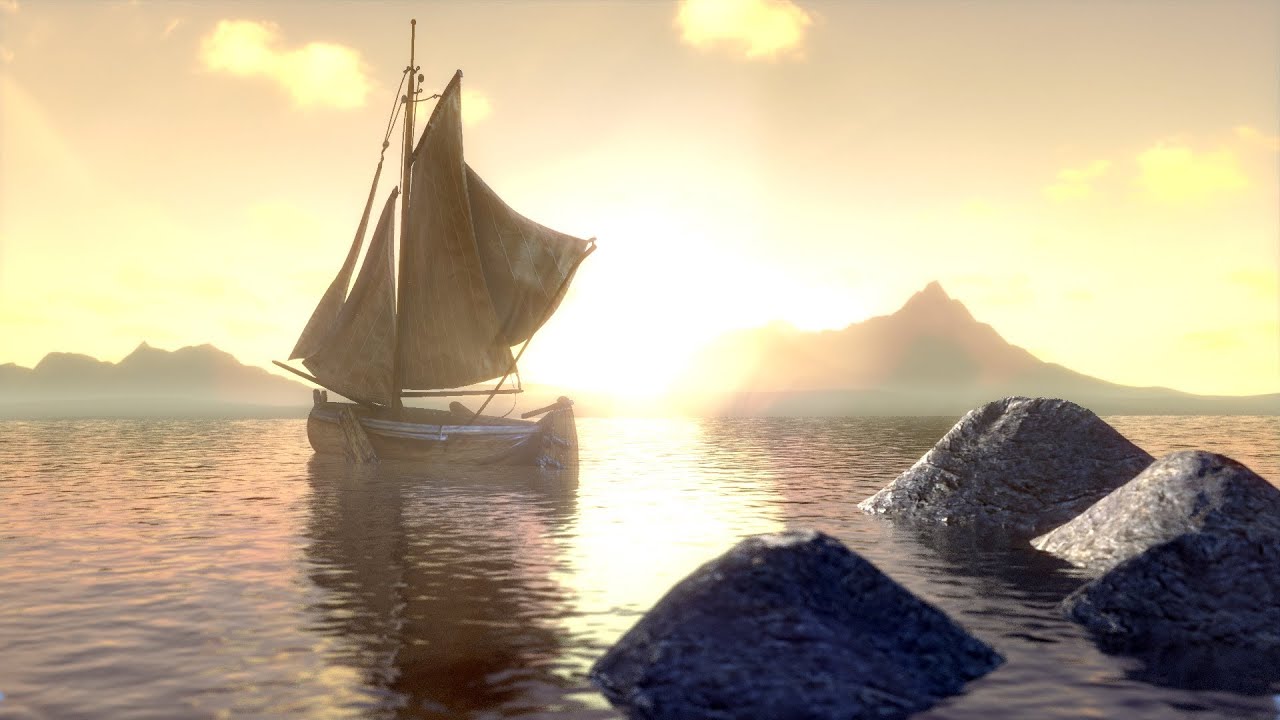
Blender Tutorial | Fast Fake Subsurface Scattering
Автор: Idea Fire Creative
Загружено: 2012-09-30
Просмотров: 24514
Описание:
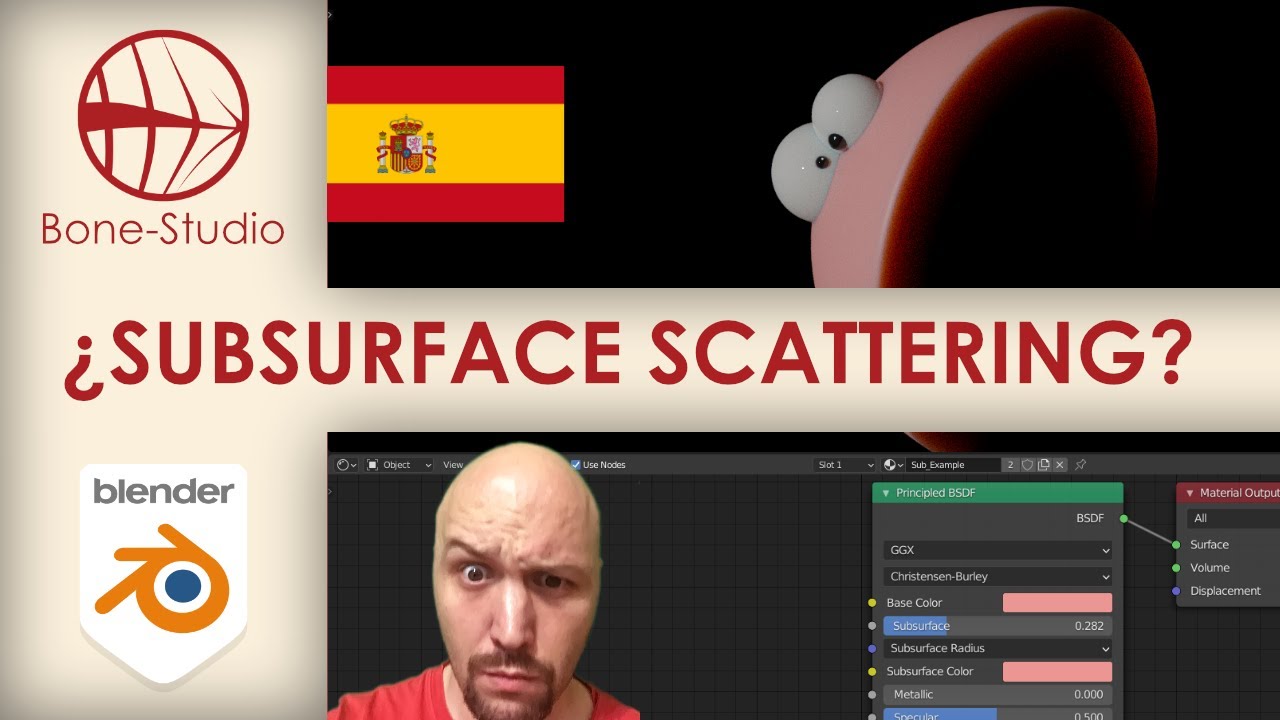
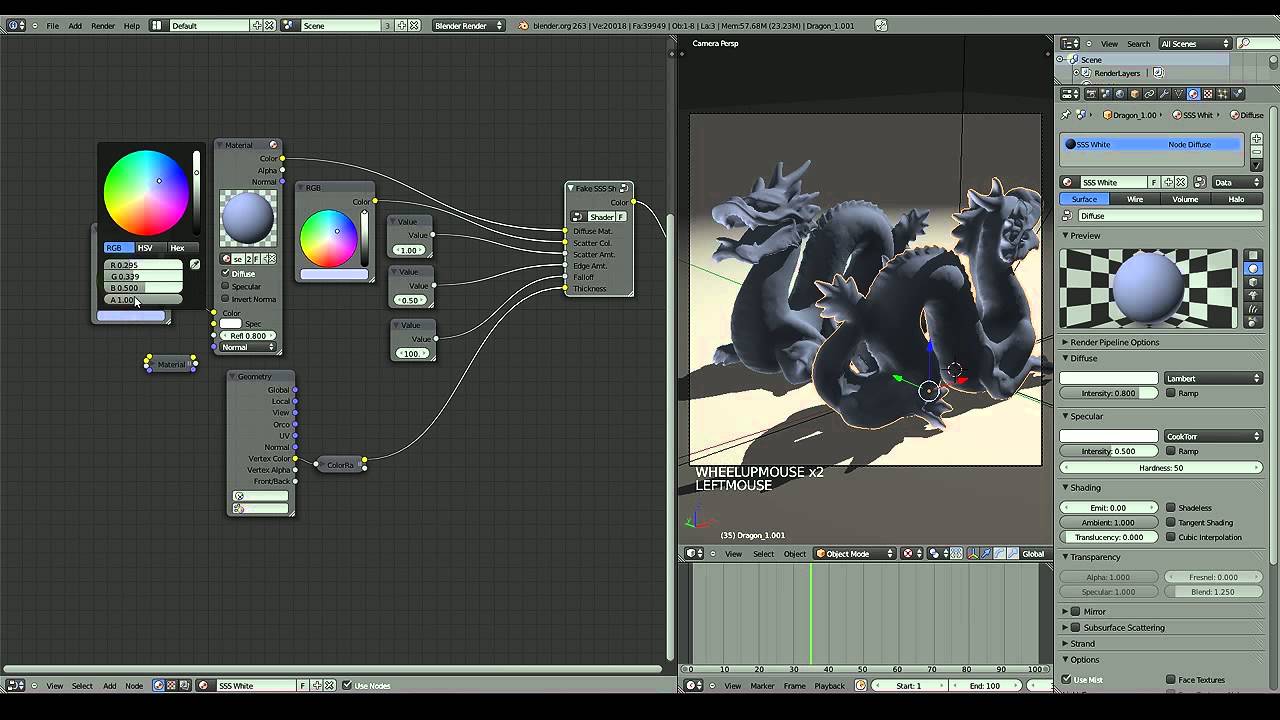
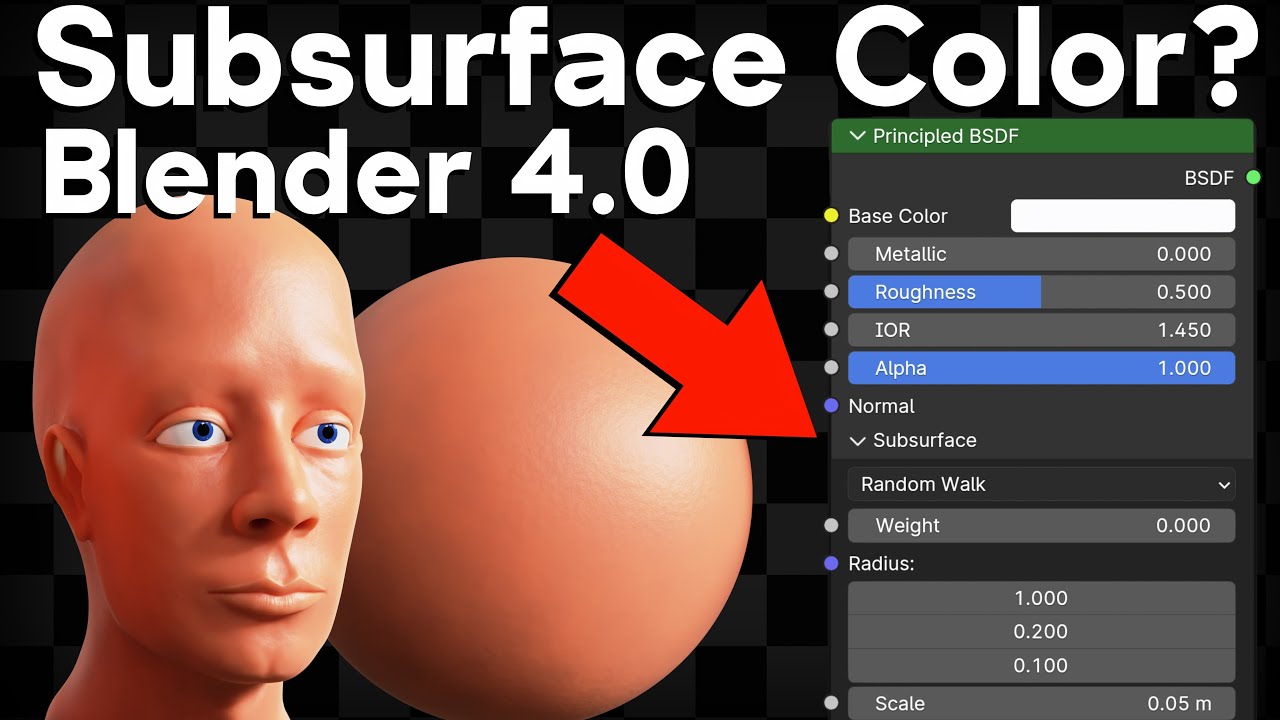
In this Blender tutorial from Idea Fire Creative, Peter Diefenthaler takes you through the process of achieving a fake and fast rendering subsurface scattering effect. You'll first learn how to create a reusable node material that resembles translucency/backscatter, then go on to assemble a reusable node group in the compositor that simulates diffusion.
Update: Since the making of this tutorial, there seems to have been some changes to the way the Bilateral Blur node works. The new project download has been updated with Blender 2.72. Another tip to improve results with the compositor is to check “Full Sample” under the anti-aliasing settings. This will increase rendering time but is still faster than subsurface scattering materials.
Download the project file at:
http://www.ideafirecreative.com/tutor...
Model Provided By:
Stanford University Computer Graphics Laboratory
http://graphics.stanford.edu/data/3Ds...
Повторяем попытку...
Доступные форматы для скачивания:
Скачать видео
-
Информация по загрузке:





![Поддельное освещение рамок [в Blender]](https://imager.clipsaver.ru/N1REz8rpABE/max.jpg)