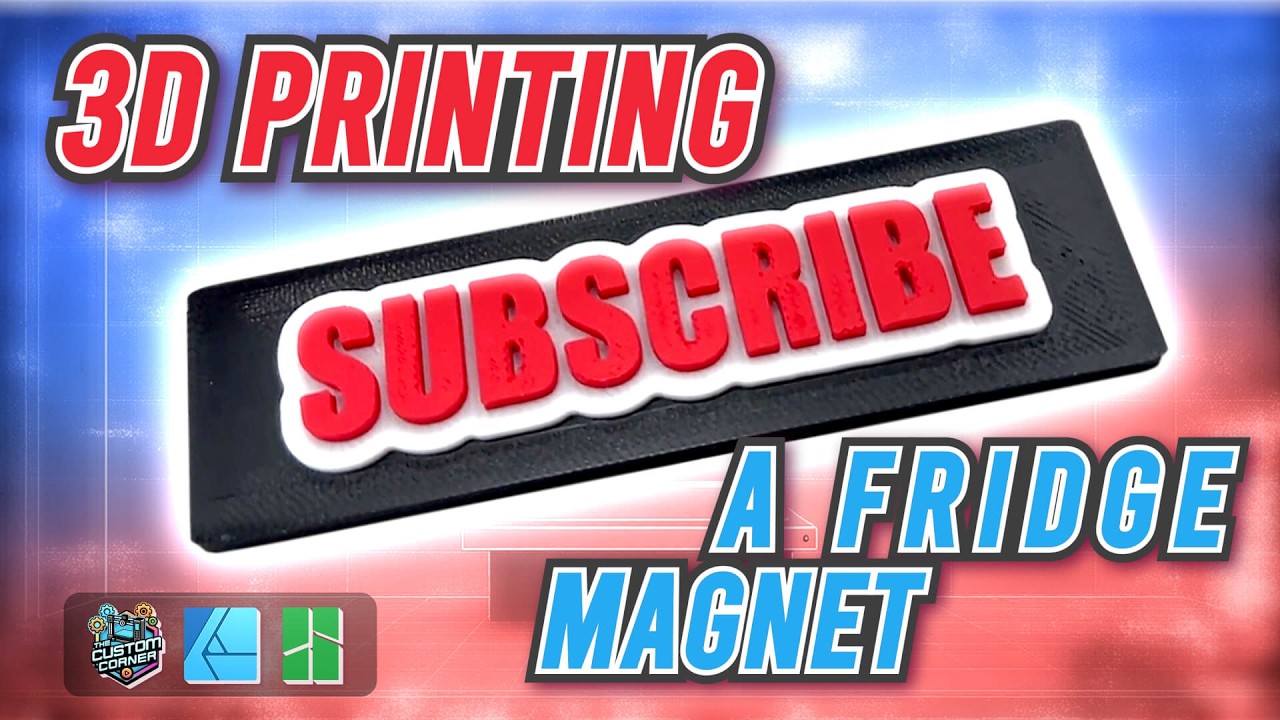
Design and 3D Print a Fridge Magnet - Step-by-Step Tutorial | Bambu Studio | Affinity Designer
Автор: The Custom Corner
Загружено: 2025-02-25
Просмотров: 876
Описание:
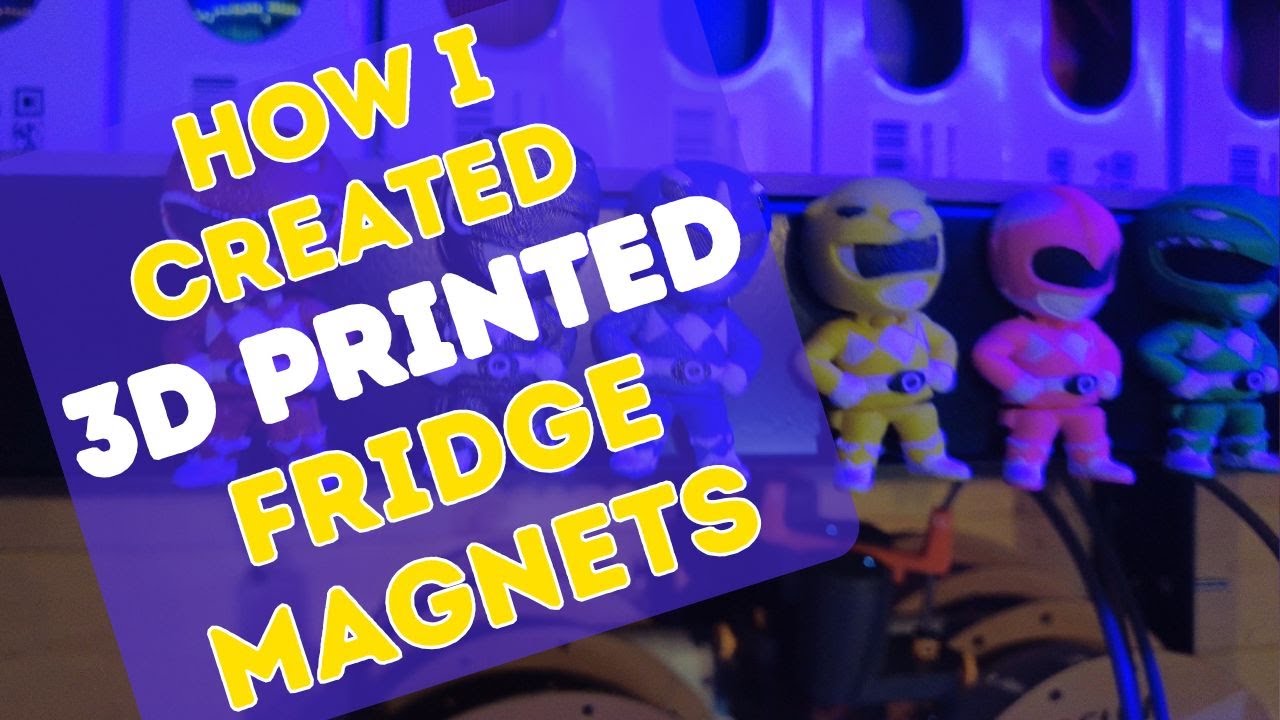
Learn How to Create a Custom 3D-Printed Fridge Magnet – No 3D Modeling Required!
In this step-by-step tutorial, I’ll show you how to design and 3D print a unique fridge magnet without needing any 3D modeling software! Using Affinity Designer 2 or your favorite image editor, we’ll create the text and outline, then convert it into an STL file. From there, we’ll use Bambu Studio to prepare the model, assign filament colors, and optimize the print with advanced features like Negative Parts and Ironing for a smooth, professional finish.
What you’ll learn:
How to create text and outlines in Affinity Designer 2.
Using a converter website to convert a PNG into an STL file.
How to use Negative Parts in Bambu Studio for cutting out the magnet holes.
Enabling the Ironing feature for a smoother top surface.
Tools used in this video:
Affinity Designer 2 for graphic design
Vectorizer.com for PNG-to-STL conversion
Bambu Studio for slicing and multi-color printing
AMS Lite for multi-filament printing
If you enjoyed this tutorial, don’t forget to like, comment, and subscribe for more 3D printing and DIY projects! Let me know in the comments what you’d like to see next.
#3DPrinting #FridgeMagnet #AffinityDesigner #BambuStudio #diycrafts
Повторяем попытку...
Доступные форматы для скачивания:
Скачать видео
-
Информация по загрузке: