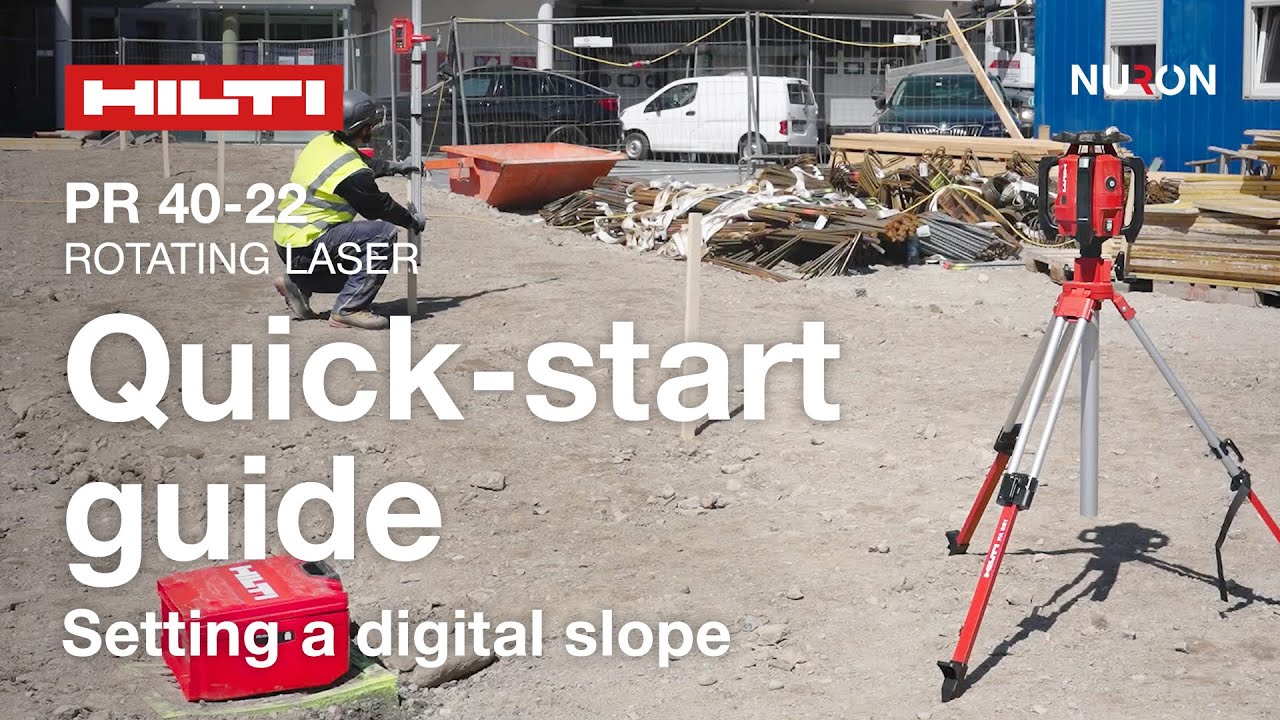
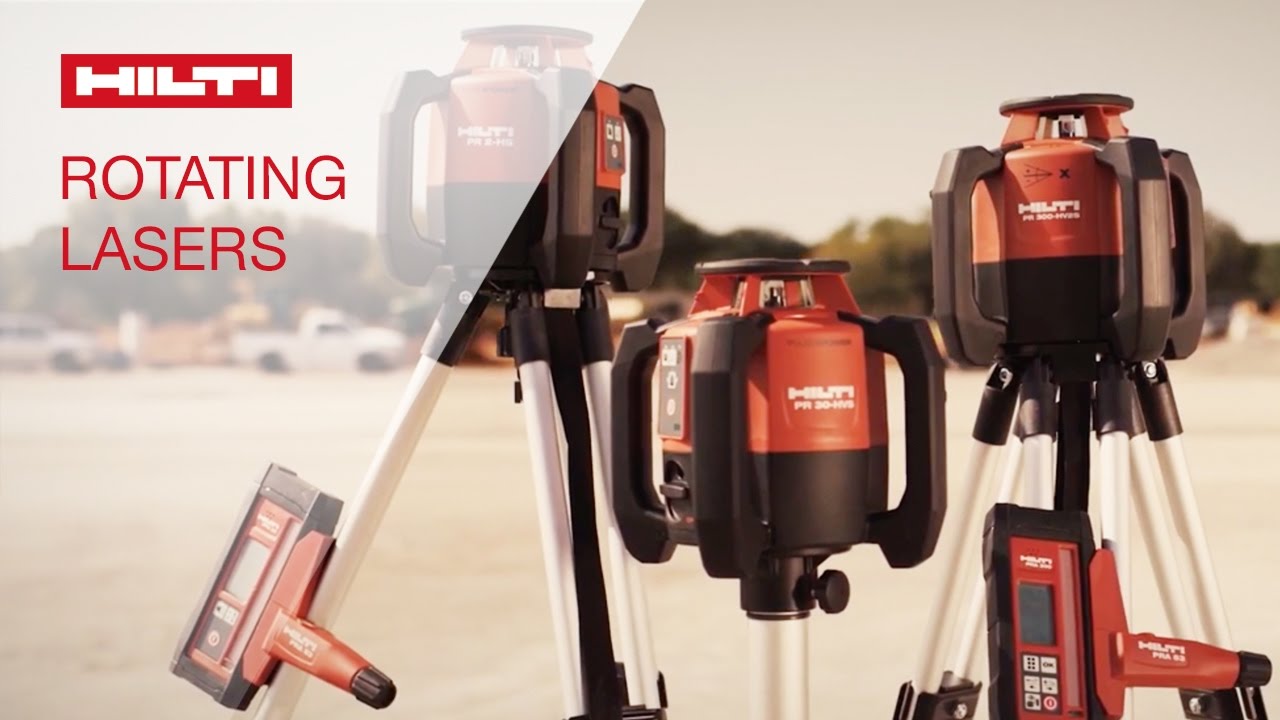
HOW TO set dual-grade slopes with the Hilti PR 300-HV2S dual-grade rotating laser level
Автор: Hilti Group
Загружено: 2017-01-13
Просмотров: 55152
Описание:
A step-by-step tutorial on how to align dual-grade slopes automatically, using the PR 300-HV2S dual-grade rotating laser level. Grading in two planes (dual-grade slope) is a key application for the drainage of roads, parking lots and parking garages. The benefit of dual grades over single grades is that water can be directed to a single point. Learn more about Hilti exterior rotating laser levels ➔ http://hilti.to/c3e3dd
Step-by-step process:
① Set up the tripod on a level surface.
② Mount the PR 300-HV2S dual-grade rotating laser on the tripod.
③ Aim the tool toward the end of the slope by lining up the front and rear sights.
④ Switch on the tool and receiver. Check that the devices are paired. If necessary, pair them as follows: press and hold the red on/off buttons on the devices simultaneously for three seconds.
⑤ Activate slope mode by pressing the slope icon on the rotating laser level.
⑥ Set the desired slope using the arrow keys and then press OK.
⑦ Wait until the tool auto-aligns the laser plane.
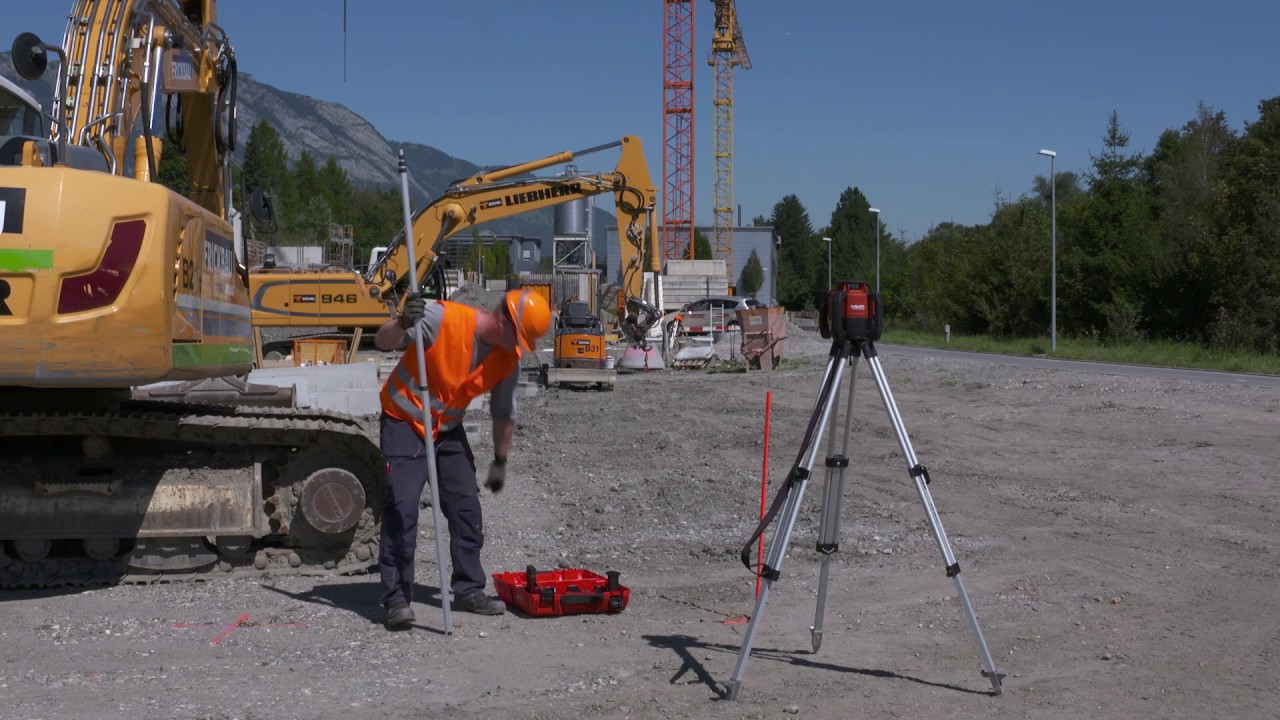
⑧ Mount the laser receiver on the measuring staff positioned ahead of the tool and align it to the zero height of the beam.
⑨ Check the ground level in relation to the desired slope and set stakes in the ground to mark the slope.
This tool is thus a must-have for every contractor in building construction.
Повторяем попытку...
Доступные форматы для скачивания:
Скачать видео
-
Информация по загрузке: