ASTA MLT-D104S Toner Cartridge from Installation Steps to Final Print
Автор: astaoffice-sa
Загружено: 2026-08-05
Просмотров: 38
Описание:
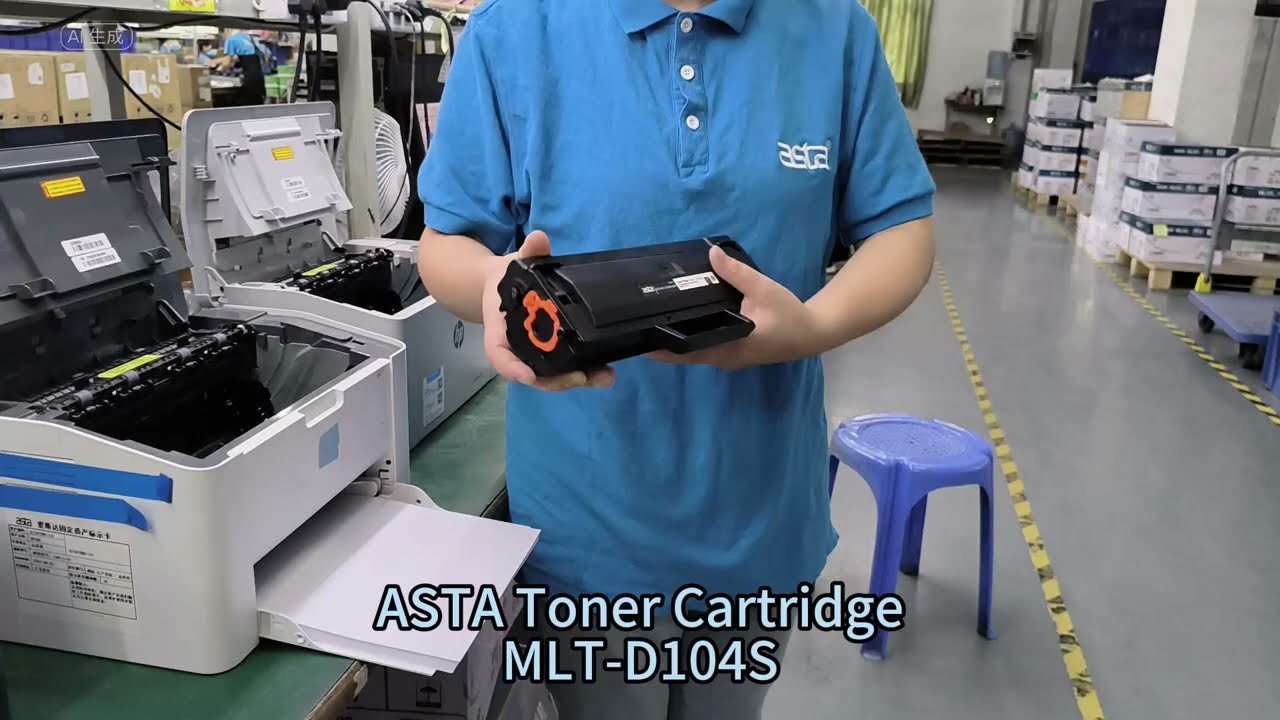
Follow the complete process of using the ASTA compatible MLT-D104S toner cartridge, from cartridge presentation to printed page.
The video shows the toner cartridge before use, then demonstrates how it is inserted into the printer. The installation process is displayed clearly, showing the cartridge being placed into the correct position.
After the printer starts working, a printed page is produced and displayed. The final document allows viewers to see the text output and the appearance of the printed result.
This demonstration covers the full journey of the MLT-D104S toner cartridge, including cartridge display, printer installation, and the finished print page.
🖨 Compatible Printer Models
For Samsung ML 1660 1670 1675 1665 1860 1861 1865 1673 1674 1678 SCX-3200 SCX-3205 SCX-3217
All brand names and model numbers are used for compatibility reference only.
#asta #astatoner #ASTAMLT104S #MLTD104S #CompatibleToner #TonerCartridge #PrinterInstallation #LaserPrinterToner #PrintSample #DocumentOutput #OfficePrinting #TonerDemo #astatonercartridge #astaofficesa #sauditonercartridges #saudiarabia #saudiarabiatoner #saudiarabiatonercartidge #officebrand #officesupplies #printingconsumables
Повторяем попытку...
Доступные форматы для скачивания:
Скачать видео
-
Информация по загрузке: