How to Test and Tag a Computer
Автор: Test and Tag Training
Загружено: 2014-09-07
Просмотров: 88330
Описание:
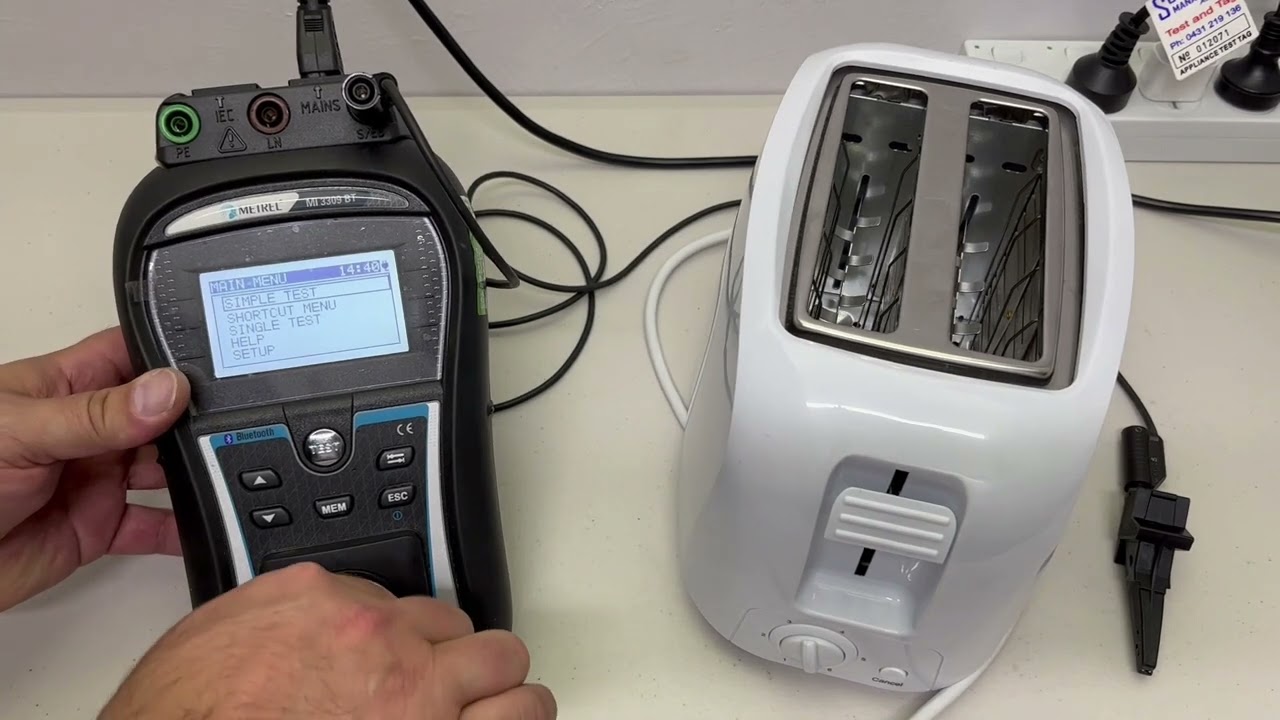
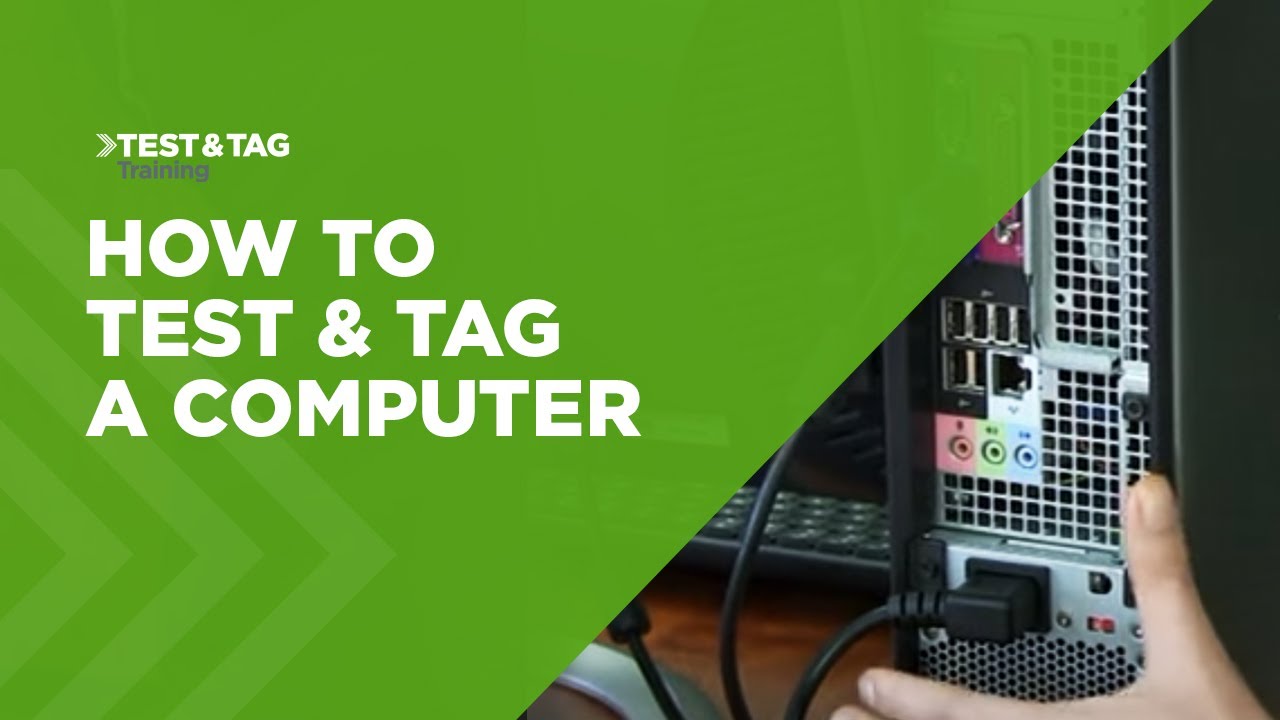
When learning how to Test and Tag a computer, you'll learn that there are essentially four items that need to be tested: the monitor, desktop PC and 2x IEC leads. Also, ensure the PC is shut down correctly before testing.
PC's are connected to the monitor via a VGA cable. As these cables are designed to shield themselves from electromagnetic interference, this shielding connects the earth of the desktop to earth of the monitor. As a result, testing a computer can be made easier because the 'earth return' lead does not have to be moved when testing the system.
For more information: http://bit.ly/testandtagcomputer
0:10 - Visual Inspection of the PC
0:27 - Visual Inspection of IEC Lead
0:35 - Extension Lead Test
0:44 - Visual Inspection of PC Monitor
1:23 - Class I Test
Повторяем попытку...
Доступные форматы для скачивания:
Скачать видео
-
Информация по загрузке: