How To Easily Color Grade Your Own Image, Using Your Favorite Movie Or Picture
Автор: Kim Skaugvoll
Загружено: 2020-04-03
Просмотров: 131
Описание:
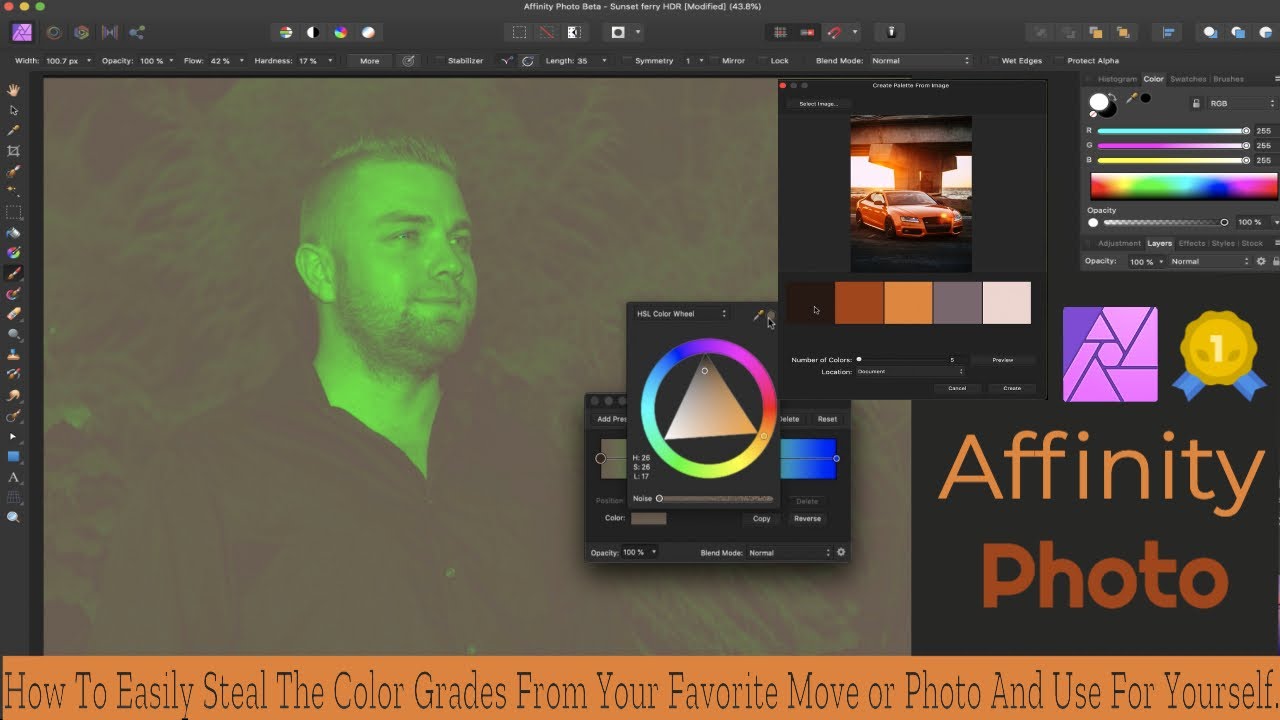
In this tutorial, I'll show you How To Easily Steal The Color Grading Form Any Image with Affinity Photo, and apply it to your own picture
I'll show you how you can easily steal the color grading from your favorite photos or movies using Affinity Photo - Gradient Map. It's really easy to do and It does not take to long depending on how many colors you want the grade boiled down too.
It is truly a great way to retouch your Images quickly!
Affinity Photo has become the first choice for photography and creative professionals around the world, who love its speed, power, and precision.
You can buy Affinity Photo here: https://affinity.serif.com/en-us/photo/
I'll be making an Affinity Photo Tutorial playlist Think of them as a short course in how to use Affinity Photo Features. Affinity Photo tutorials with videos to get you started Experience smarter and faster photo editing If you Feel like Adobe products have become way too expensive and you can't afford to pay the ridiculous yearly fee to use their products, and the last couple of years there have been numerous updates that have given you headaches. Affinity Photo is an Awesome way to go. you get the almost the same if not the same Image processing power as Photoshop or Lightroom. for only $49 and it's yours to keep with free updates as long as it's the same version number. Don't get me wrong, I still love adobe photoshop and lightroom, but I don't like paying $120 a year just for those 2 programs. if they added Adobe reader DC full version and Audition media encoder that might be a reasonable price to pay.
Things are called a little bit different than PS and you going to have to amend your workflow a little since they can not copy exactly what PS is doing. In certain areas, they have surpassed PS and all other areas Affinity Photo is just as good. I want to help you save money, and I believe that it's good for Adobe to get stiff competition from Affinity. that will make both retouching software better!
Check out my Social media here: Instagram: / skaugvoll / 4_legged_gods Twitter: / kim_skaugvoll
What platforms are supported? Windows, OSX, and iOS
Get Access To Stock Photos from within Affinity Photo. My favorite free stock photo sites are: www.unsplash.com and www.pexels.com
[HASHTAGS]
Повторяем попытку...
Доступные форматы для скачивания:
Скачать видео
-
Информация по загрузке: