How to NORMALIZE (increase) volume in GarageBand iOS (iPad/iPhone)
Автор: Pete Johns - Studio Live Today
Загружено: 2018-08-29
Просмотров: 96830
Описание:
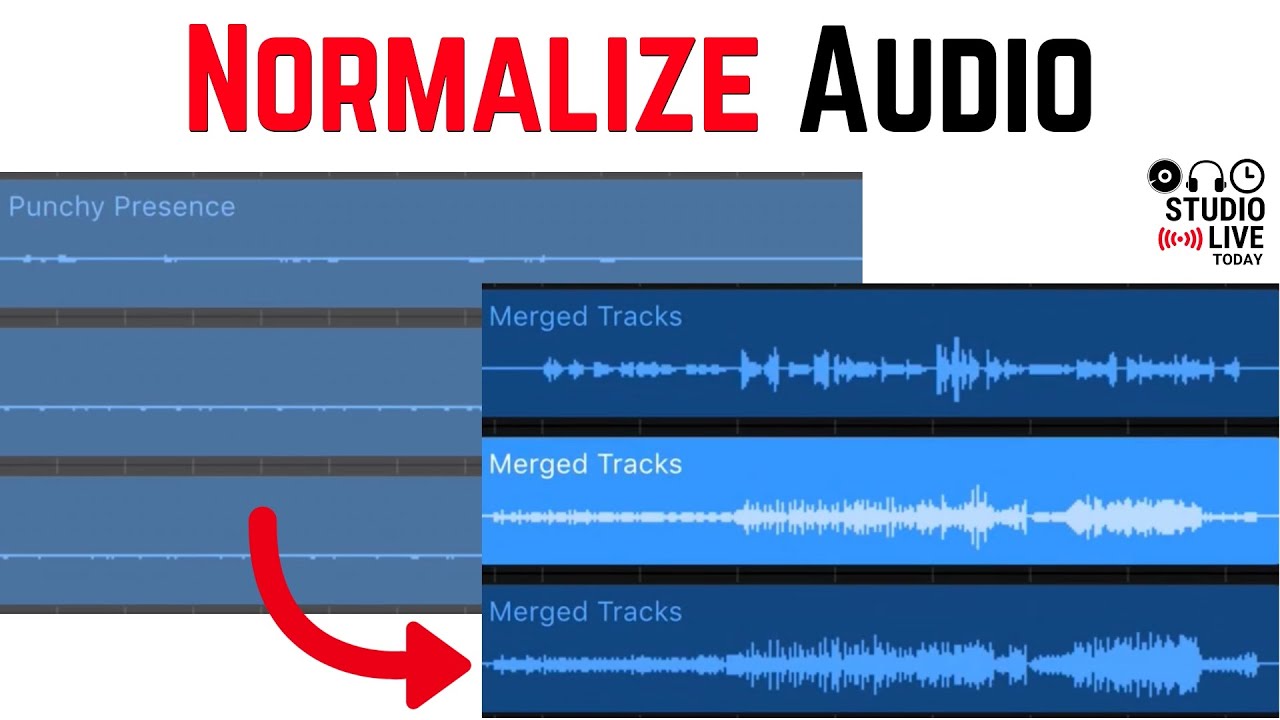
How to normalize volume in GarageBand iPad and GarageBand iPhone using the merge function to increase audio volume levels and help boost quiet audio.
⏰ Process:
1. Create a “clean” audio recorder track
2. Copy you existing audio to the clean track
3. Use the merge function to normalize the audio levels
4. Changes the preset or add effects back in manually
🔔 Subscribe for daily videos about mobile and home recording: / petejohnsmusic
👍 Share this video with a friend:
• How to NORMALIZE (increase) volume in Gara...
🎞️ Other related videos:
Why are my GarageBand iOS songs so loud? (Auto normalization)- • Why are my GarageBand iOS songs so loud? (...
Editing in GarageBand iOS (Playlist) - • Editing in GarageBand iOS (iPhone/iPad)
Mixing vocals in GarageBand iOS - • How to mix vocals in GarageBand iOS (iPhon...
✔️ Support the channel:
Patreon: / petejohns
One-off Donation: http://paypal.com/petejohns
🔉 Recommended Gear:
Studio Live Today Gear Guide - http://studiolivetoday.com/gear
Note - Links provided in this video description may be affiliate links, meaning that if you choose to purchase products using these links, a small commission may be paid to me for referring you.
🛒 Merchandise:
Studio Live Today T-shirts, hoodies and mugs - http://studiolivetoday.com/merch
✉️ Connect with me:
Email: [email protected]
Mailing List: http://studiolivetoday.com/email
Twitter: / studiolivetoday
Facebook: http://fb.me/PeteJohnsMusic
Instagram: / petejohns
Soundcloud: / petejohns
LinkedIn: / pete-johns-2ba5234
Повторяем попытку...
Доступные форматы для скачивания:
Скачать видео
-
Информация по загрузке:









![Mixing High Quality Vocals In GarageBand iOS [GarageBand iPad/iPhone Tutorial]](https://imager.clipsaver.ru/q1kRhO2HRYo/max.jpg)



![Руководство для начинающих по микшированию вокала в GarageBand [Учебник по GarageBand]](https://imager.clipsaver.ru/e4C5DxOepsM/max.jpg)