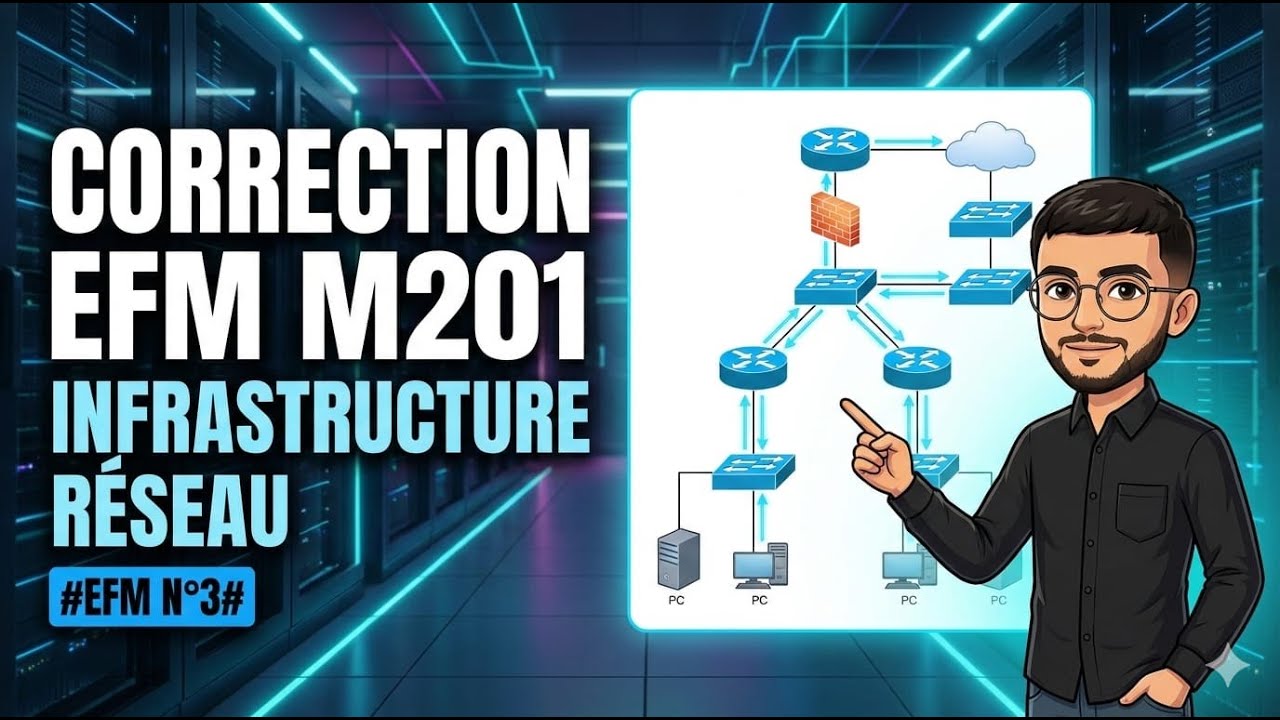
Correction EFM M201 mise en place infrastructure Reseau /ifrastructure digitale IDOSR /partie 2
Автор: Net With Achraf
Загружено: 2026-01-25
Просмотров: 300
Описание:
Partie THeorique :
1:DTP (Dynamic Trunking Protocol) est un protocole propriétaire Cisco qui permet aux commutateurs de négocier automatiquement l’établissement d’un lien trunk.
2: utiliser la commande "SWitchport mode trunk " dans une interface d'un switch
*int du Switch1 en mode desirable et l'interface de l'autre switch en mode auto
3: Distance Administrative : EST UNE VALEUR QUI PERMET DETRMINER LE MeiLlEUR CHEMIN DANS UN ROUTEUR QUI CONTIENT PLUSIEURS ROUTES
DA OSPF :110
4: ** VPN IPSEC
** ACL
5: STP(Spanning Tree Protocol): est un Protocol qui permet de la prévention des boucles dans les topologies réseau qui contient la redondance des liens .
PARTIE 2:
1:
a: R(config)#Hostname R1
b: R1(config)#interface F0/0
#ip address 192.168.1.1 255.255.255.0
#no shutdown
#exit
#int S0/0/1
#ip address 11.0.0.1 255.255.255.252
#no shutdown
#exit
#int S0/0/0
#ip address 12.0.0.1 255.255.255.252
#no shutdown
c: R1(config)#banner motd #acces autorise au personnel uniquement#
d R1(config)#enable secret IDOSR2024
e: R1(config)#ip domain-name idosr.ma
f R1(config)#username admin password idosr2023
2: R1(config)#crypto key generate rsa general-keys modulus 1024
**R1(config)#line vty 0 4
#transport input ssh
#login local
#end
3: SW1(config)#interface range F0/1-2
#switchport mode trunk
#channel-group 1 mode active*
SW2(config)#interface range F0/1-2
#switchport mode trunk
#channel-group 1 mode passive
4: Routage OSPF
R1(config)#router ospf 1
#router-id 1.1.1.1
#network 11.0.0.0 0.0.0.3 area 0
#network 12.0.0.0 0.0.0.3 area 0
#network 192.168.1.0 0.0.0.255 area 0
5: HSRP / GLBP "si les routeurs Cisco"
VRRP
6:VPN "SITE TO SITE"(ipsec)
MPLS
7:R1(config)#access-list 10 deny 172.168.1.0 0.0.0.255
#INTERFACE f0/0
#ip access-group 10 OUT
8: R1(config)#interface F0/0
#ip nat Inside
#exit
#ip nat Inside source static 192.168.1.10 200.1.1.1
PARTIE 3 :
Rcasa(config)#interface G0/0
#ipv6 address 2001:1::1/64
#ipv6 address Fe80::a link-local
#no shutdown
#exit
#interface S0/0
#IPV6 address 2001:2::1/64
#ipv6 address Fe80::a link-local
#no shutdown
Rrabat(config)#interface S0/0/0
#IPV6 ADDRESS 2002:2::2/64
#IPV6 ADDRESS FE80::B link-local
#no shutdown
#exit
#interface G0/0
#ipv6 address 2000:3::1/64
#IPV6 ADDRESS Fe80::B link-local
2: Rcasa(config)#ipv6 unicast-routing
Rrabat(config)#ipv6 unicast-routing
3:
Rcasa(config)#ipv6 router ospf 20
#ROUTER-id 1.1.1.1
#EXIT
#interface G0/0
#ipv6 ospf 20 area 0
#exit
#int S0/0/0
#ipv6 ospf 20 area 0
Rrabat(config)#ipv6 router ospf 20
#router-id 2.2.2.2
#exit
#interface G0/0
#ipv6 ospf 20 area 0
#exit
#interface S0/0/0
#ipv6 ospf 20 area 0
4: Rcasa(config)#ipv6 DHCP pool LANCASA
#dns-server 2000:1::100
#domain-name ista.com
#exit
#interface G0/0
#ipv6 nd other-config-flag
#ipV6 DHCP server LANCASA
Повторяем попытку...

Доступные форматы для скачивания:
Скачать видео
-
Информация по загрузке: