Скачать
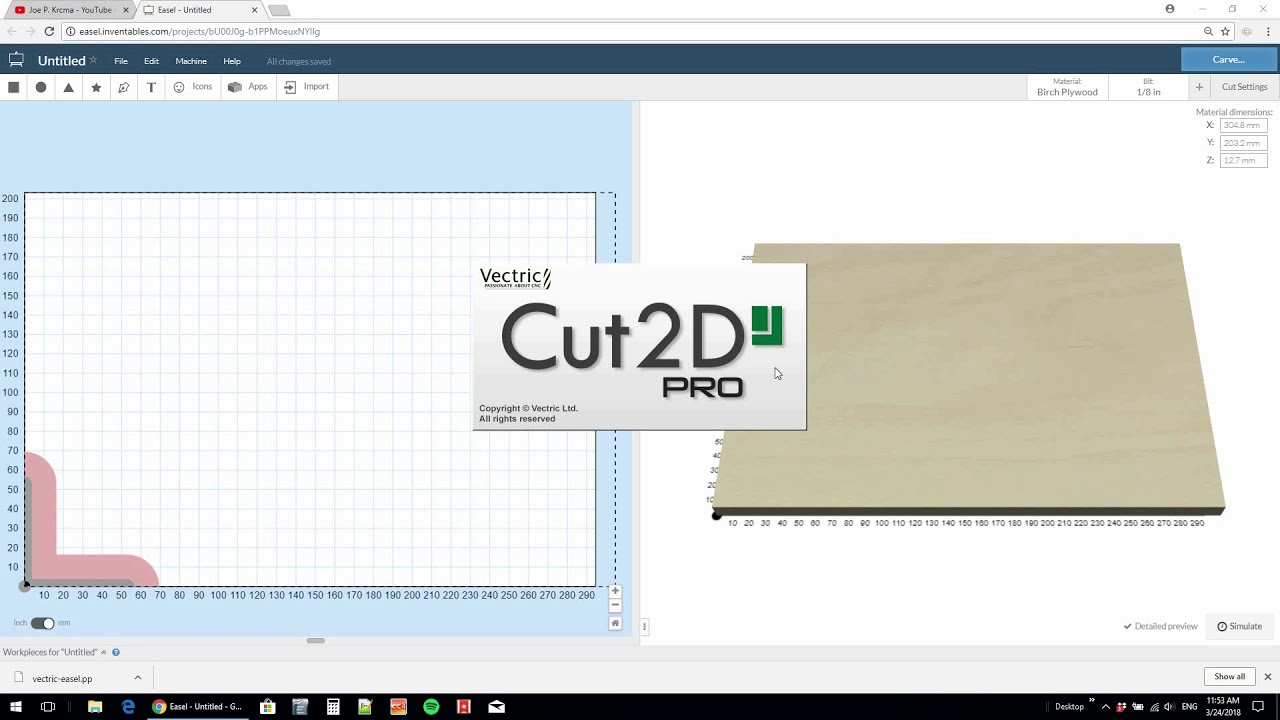
How to add Easel as a post processor in Vectric, Aspire, Cut2D and PhotoVCarve
Автор: Joe Makes
Загружено: 2018-03-24
Просмотров: 15334
Описание:
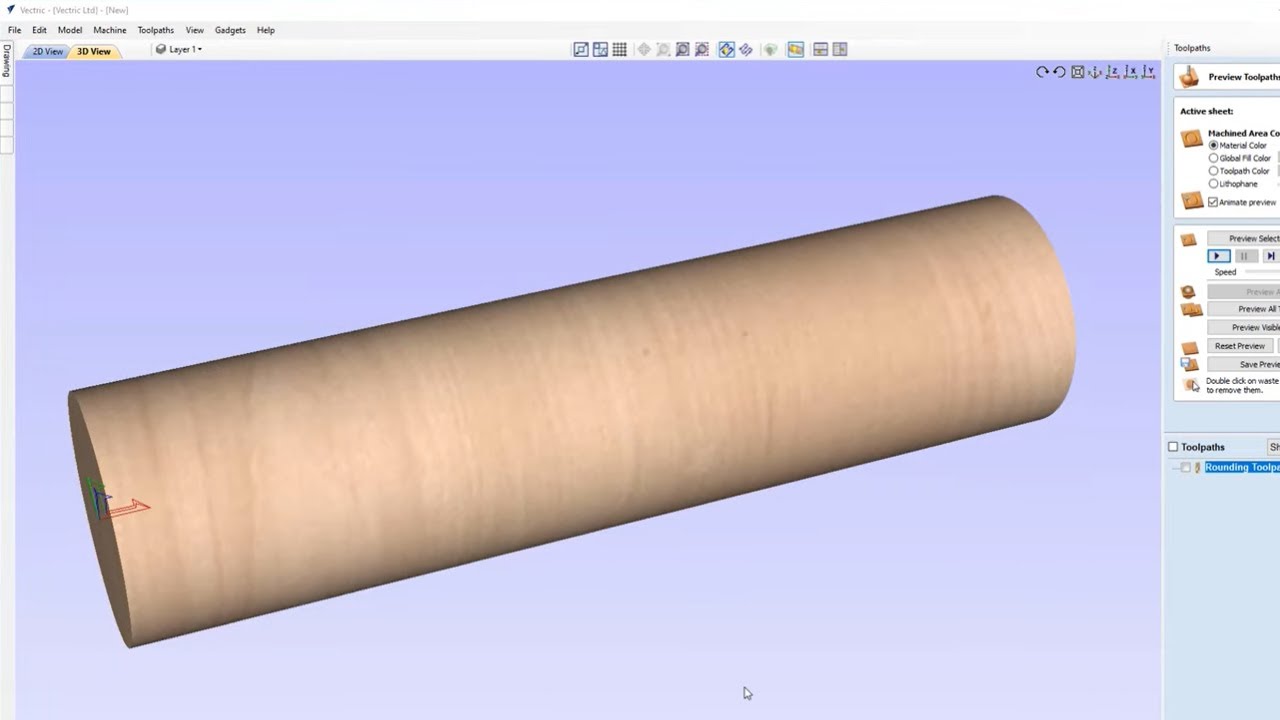
It took me a little bit to figure this out and couldn't find a video on it, so although this isn't a project video, I still wanted to share this in case it helps anyone.
A post processor helps send the toolpaths you made in #CNC software to be read by the machine. They can be standard like g-code or specific to a certain machine.
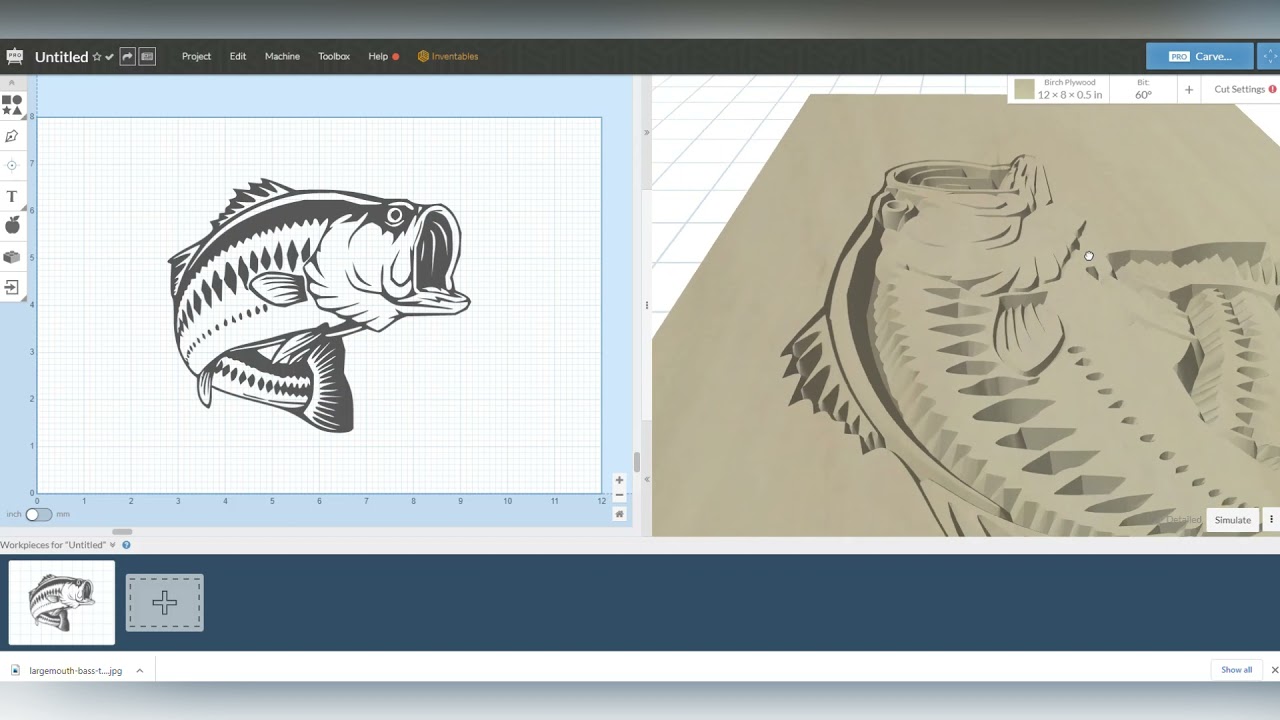
All of the #Vectric CNC software has many different options but #Easel from #Inventables is not one of these. I only use my #X-carve and #Carvey, so adding Easel as my only post processor is really handy.
Hope this helps!
Не удается загрузить Youtube-плеер. Проверьте блокировку Youtube в вашей сети.
Повторяем попытку...
Повторяем попытку...
Доступные форматы для скачивания:
Скачать видео
-
Информация по загрузке: