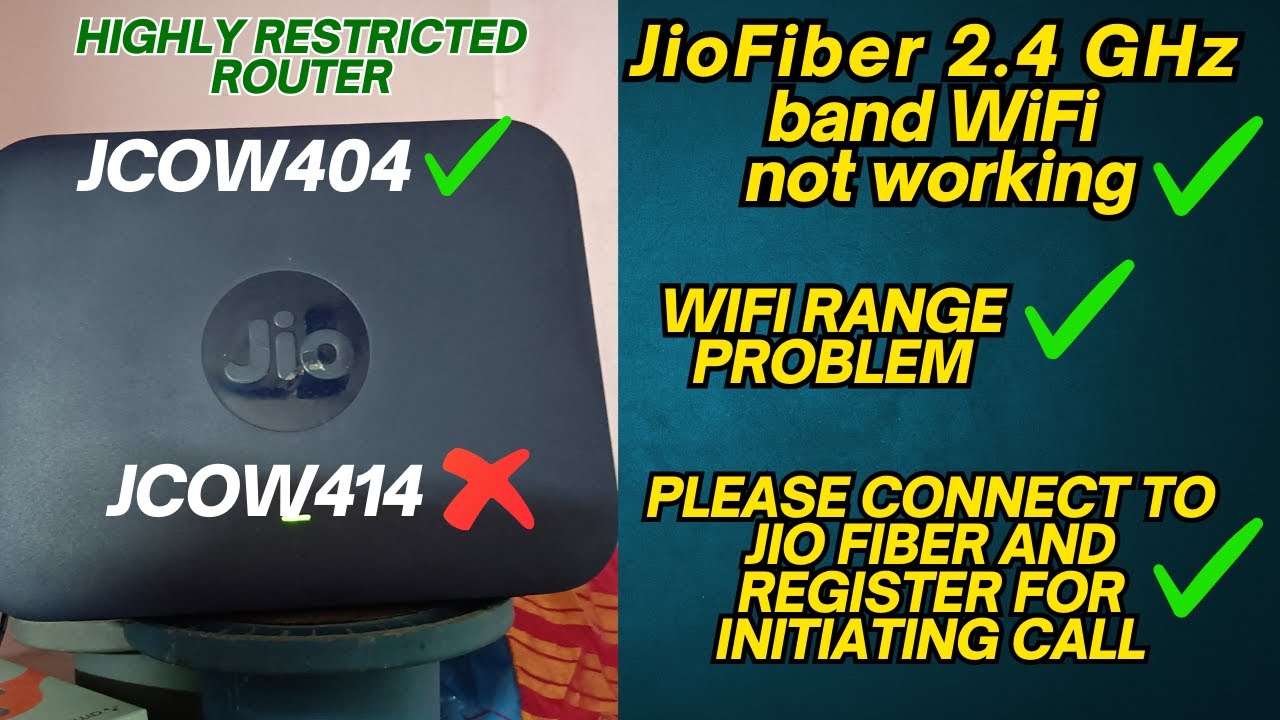
JioFiber Error Solved (2.4 GHz not connecting ✅- Jiojoin not working ✅- Wifi Range Problem✅)
Автор: Raj HovNXTGen
Загружено: 2025-05-21
Просмотров: 6604
Описание:
Welcome back to our in-depth series on JioFiber routers! In Part 1, we compared the core Wi-Fi differences between the newer SRCMTFI_JCOW404_R3.10.2 firmware and the older SRCMTF1_JCOW414_R2.57. Now, in Part 2, we're taking you beyond the basics to uncover the critical Quality of Service (QoS) and Security settings that directly impact your internet performance and network protection.
Many of you have faced common issues like JioFiber 2.4 GHz band Wi-Fi not working reliably, poor Wi-Fi range, or frustrating prompts like "Please connect to Jio Fiber and register for initiating call." We explore if the new JCOW404 firmware brings fixes or changes that address these long-standing problems.
Join us as we explore:
Watch Part 1 here: • Jio Fiber JCOW414 Router vs JCOW404 Router...
Advanced QoS Configuration: We'll do a detailed walkthrough of the 802.1P to Priority Mapping and DSCP to 802.1P Mapping tables. Learn exactly how we configured these to prioritize your network traffic, giving absolute preference to Voice Calls, followed by your TP-Link Router's traffic, then Web Browse, and finally Video Streaming. Understand the logic behind assigning specific 802.1P tags (like 7, 6, 4, 3) to different types of traffic (Voice, DSCP 0, Web Browse, Video) and how the router then translates these tags into actual priority levels.
Deep Dive into Security Features: We meticulously analyze the Specific Attack Prevention settings (Smurf, Ping of Death, Fraggle, DNS Amplification, Respond to Ping on WAN Port) and explain why keeping most of these ON is crucial for safeguarding your network.
DoS/DDoS Prevention: Understand the implications of TCP SYN Packet limits, UDP Connection Limits, and ICMP Ping/Control Packet settings. We'll discuss what to enable or disable for optimal balance between security and network stability.
Date & Time Configuration: A quick look at ensuring your router's clock is accurately synchronized via NTP for reliable logging and scheduled tasks.
The Truth About DMZ: We'll clarify whether you should enable DMZ for a wired TP-Link router, especially when dealing with perceived latency issues. We'll explain why it's generally not recommended and what secure alternatives to consider.
IPv6 and Bufferbloat Clarification: We'll address the RADVD settings and explain why they do not directly help with bufferbloat, emphasizing the need for specific SQM (Smart Queue Management) features if available in your firmware.
This video is packed with actionable insights to help you fine-tune your JioFiber ONT and truly understand the capabilities (and limitations) of its firmware.
What's your current JioFiber router firmware version? Have you tried adjusting these settings? Did the JCOW404 firmware fix any of your Wi-Fi or call-related issues? Share your experiences and questions in the comments below!
#JioFiber #RouterSettings #QoS #NetworkSecurity #JCOW404 #JCOW414 #FirmwareUpdate #TechTutorial #NetworkOptimization #Bufferbloat #RouterConfiguration #JioFiberQoS #WiFiProblem #JioFiberWiFi #WiFiRange #JioFiberCallIssue
SUBSCRIBE to get More Cool Tricks Videos!:- https://bit.ly/3yhGvHI
Where else you can find me:
Follow me on INSTAGRAM!! :- @iron.raj
/ iron.raj
Follow me on Facebook! :- @raj.secretofallthings55
/ raj.secretofallthings55
BUSINESS INQUIRIES:- @raj.secretofallthings55
/ raj.secretofallthings55
Music By-
Повторяем попытку...
Доступные форматы для скачивания:
Скачать видео
-
Информация по загрузке: