PTZOptics Hive - Using Hive with a Xbox controller
Автор: PTZOptics
Загружено: 2024-05-27
Просмотров: 1784
Описание:
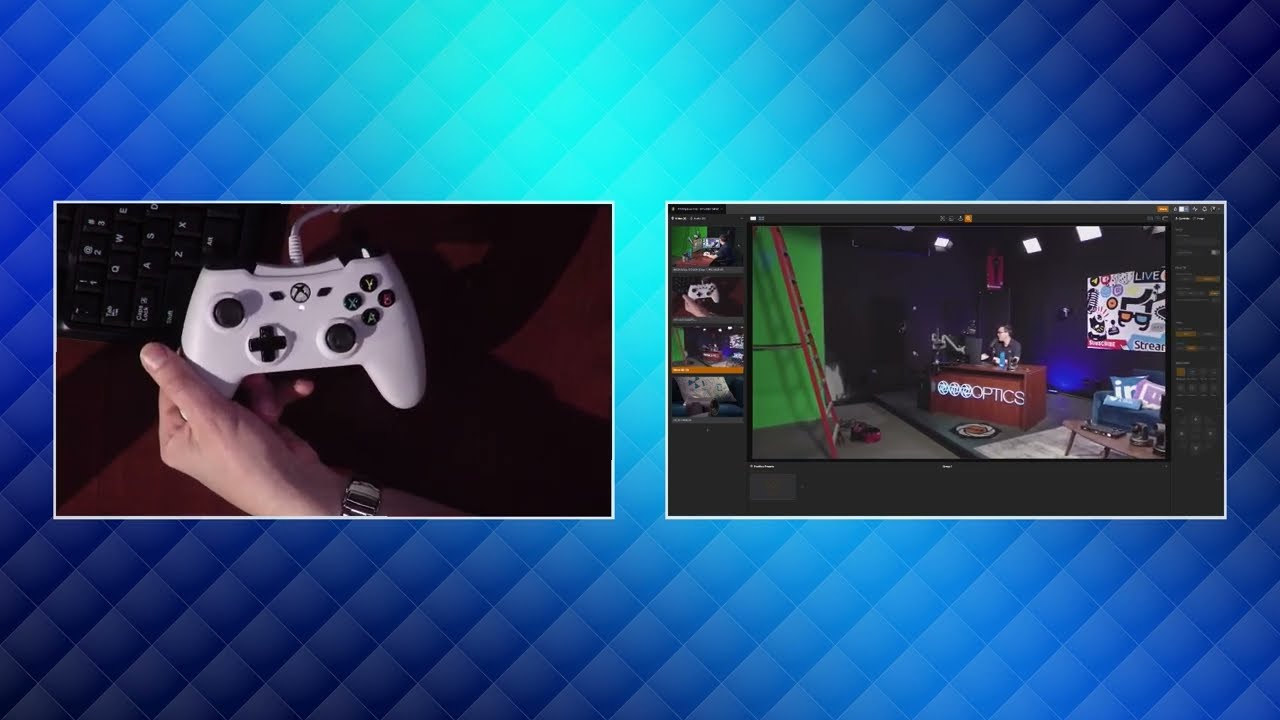
Sign up for Hive - https://ptzoptics.com/hive . Leveraging an Xbox controller for PTZ camera control offers a flexible and intuitive way to manage your video production setup. PTZOptics Hive supports USB-connected Xbox controllers, allowing you to control PTZ cameras and the Hive interface from anywhere in the world. This video will walk you through the setup and usage of an Xbox controller with Hive, highlighting the various functionalities and controls available.
Setting Up Your Xbox Controller with Hive
Connecting an Xbox controller to PTZOptics Hive is straightforward. Here’s how you can get started:
Connect the Controller
Plug your Xbox controller into your computer via USB.
Ensure your computer recognizes the controller. Most modern operating systems will automatically install the necessary drivers.
Open PTZOptics Hive
Launch the Hive software on your computer.
Navigate to the settings menu and select the controller setup section.
Configure the Controller
Follow the on-screen instructions to map the Xbox controller buttons and joysticks to Hive’s controls.
Save your configuration and ensure the controller is responsive within the Hive interface.
Using the Xbox Controller with Hive
Once your Xbox controller is set up, you can use it to control various aspects of the PTZOptics Hive interface and PTZ camera functionalities:
Pan and Tilt Control
Use the top left joystick to control the pan and tilt of your PTZ camera. Move the joystick left or right to pan, and up or down to tilt the camera.
Zoom Control
The bottom right joystick is designated for zoom control. Push the joystick forward to zoom in and pull it back to zoom out.
Camera Selection
The X, Y, A, and B buttons allow you to navigate through your selectable cameras. Assign each button to a specific camera for quick switching.
Navigating the Interface
Use the directional pad (D-pad) to switch between different cameras and adjust the interface on the screen. This makes it easy to access different controls and settings without using a mouse or keyboard.
Enhanced Functionality with Hotkeys
In addition to the Xbox controller, PTZOptics Hive supports a full list of hotkeys compatible with other controllers like the Elgato StreamDeck and Xkeys. These hotkeys can be customized to perform various functions, such as switching camera views, adjusting settings, and more. Here’s how you can benefit from these additional control options:
▼ Follow PTZOptics:
LinkedIn: / ptzoptics
Twitter: / ptzoptics
Instagram: / ptzoptics
Facebook: / ptzoptics
Website: https://ptzoptics.com/
YouTube: / ptzoptics
► About:
PTZOptics is a manufacturer of robotic pan, tilt, and zoom camera solutions for a variety of broadcast applications, including both video production and live streaming. Established in 2014, PTZOptics disrupted the professional audio-visual industry when a group of engineers from a highly-respected systems integration firm created the first in a portfolio of cameras that was a part of their vision to create a “swiss army knife” for the complex needs of broadcast landscapes.
►Join our PTZOptics User Group:
Link: / ptzopticspals
►Join our Churches That Live Stream User Group:
Link: / churchstreamers
►Check out the PTZOptics Knowledge Base:
Link: https://help.ptzoptics.com/support/di...
►Need support? Feel free to email us:
Link: [email protected]
▼ Hashtags:
#ptzoptics, #livestreaming, #tech, #videoproduction, #PTZCameras, #streamingmedia, #webinar, #collaboration #wirecast #vmix #newtek #Tricaster #blackmagic #FacebookLive #YouTubeLive #obs #openbroadcastsoftware #zoom #live #AV #audiovisual
Повторяем попытку...
Доступные форматы для скачивания:
Скачать видео
-
Информация по загрузке:






![DJI Ronin-s remote controller [ control dji ronin sc with xbox ps4 remote control ]](https://imager.clipsaver.ru/v3oVdREUVEg/max.jpg)