ycliper

Популярное

Музыка Кино и Анимация Автомобили Животные Спорт Путешествия Игры Юмор

Интересные видео

2025 Сериалы Трейлеры Новости Как сделать Видеоуроки Diy своими руками

Топ запросов

смотреть а4 schoolboy runaway турецкий сериал смотреть мультфильмы эдисон
Скачать

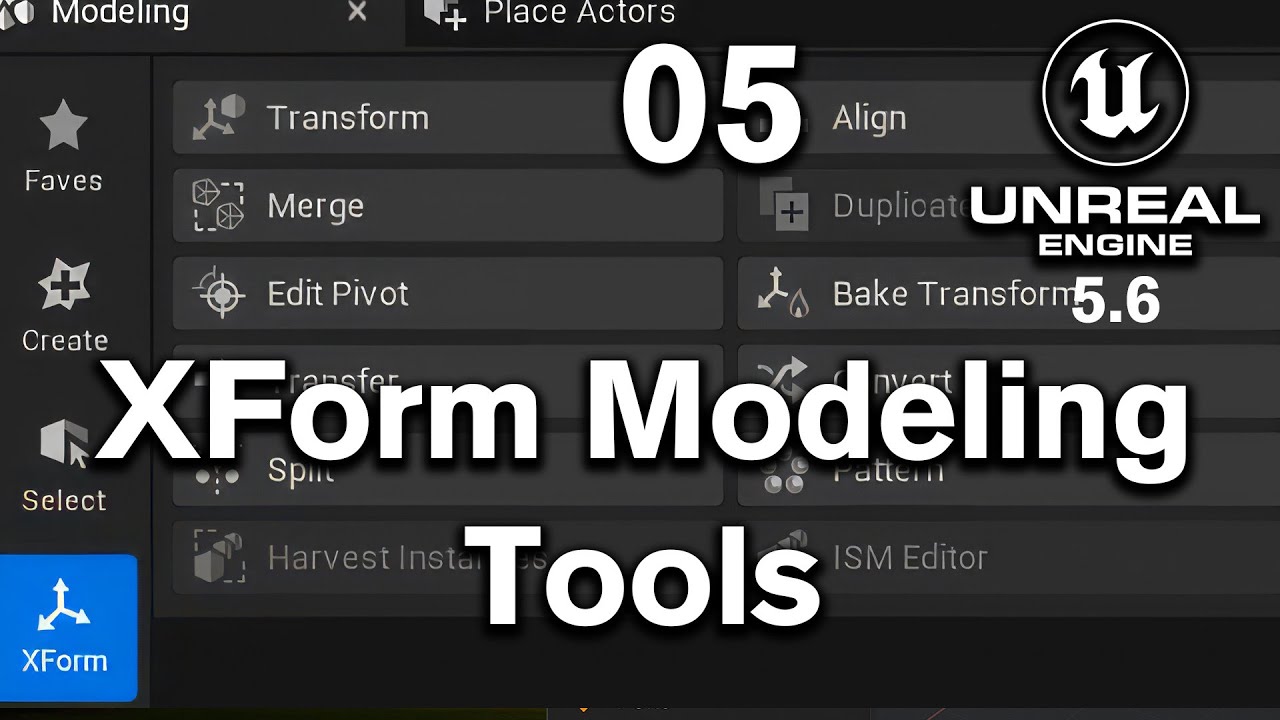
05 XForm tools in modeling menu of Unreal Engine 5 6

Автор: Sudheendra S G

Загружено: 2025-06-07

Просмотров: 301

Описание: Download Resources from the below link

  / modeling-and-in-130511983  

Project Setup
Started a new project called modeling practice.

Set up a new empty level and saved it under Maps - modeling_practice.

Added atmospheric lighting using Environment Light Mixer and organized it under an Atmosphere folder.

Enabled the Modeling Tools Editor Mode plugin.

🔹 Coordinate System & Pivot Points
Explained world space (X, Y, Z) vs. pivot points in 3D models.

Created 3 arrows with pivot set to base, center, and top respectively.

Demonstrated how pivot position affects object placement and rotation.

🔹 Transform Tool Modes
Shared Gizmo (World Space)

Moves or rotates multiple objects together using a central gizmo.

Shared Gizmo Local

Rotates or scales each object around its own pivot point.

Multi Gizmo

Lets you move, rotate, or scale each object independently.

Set Pivot Mode

Temporarily moves the pivot to a custom position during multi-object transforms.

🔹 Snap Dragging
Enabled snap dragging to precisely align and snap objects to each other.

Can snap by pivot point or clicked point.

🔹 Align Tool
Align objects based on:

Z-axis, X-axis, or Y-axis

First selected, Last selected, or Combined center

Alignment by bounding box or pivot point

🔹 Merge Tool
Combined two arrows into a two-headed arrow using the Merge function.

Options include:

Output type: Static, Dynamic, or Volume

Keep/delete inputs

Save as named output mesh

🔹 Instance vs Duplicate
Alt + Drag creates instances – editing one updates all.

XForm - Duplicate creates independent copy with custom name, type, and keep/delete options.

🔹 Edit Pivot Point
Used Edit Pivot to reposition pivot after object creation (top, bottom, center, etc.).

Essential for correct rotation, snapping, and alignment.

🔹 Bake Transform
Used to reset translation, rotation, and scale values to 0 and 1.

Ensures objects load with the correct default orientation and size.

🔹 Arrow Set Creation
Created directional arrows: North, East, South, West.

Rotated and baked transforms so that each arrow maintains its direction even after transform reset.

Scaled all arrows to 0.1 and baked again to make 0.1 their default size.

🔹 Convert & Cleanup
Converted static meshes (arrows) to dynamic meshes to remove from disk.

Deleted static versions from the content drawer without affecting level instances.

✅ Conclusion
Completed all core functions under XForm (Transform & Convert):

Transform, Align, Merge, Duplicate, Edit Pivot, Bake Transform, Convert

Set up for next session:

Pattern, Split, Transfer, Harvest Instances, ISM Editor

Не удается загрузить Youtube-плеер. Проверьте блокировку Youtube в вашей сети.
Повторяем попытку...
05 XForm tools in modeling menu of Unreal Engine 5 6

Поделиться в:

Доступные форматы для скачивания:

Скачать видео

  • Информация по загрузке:

Скачать аудио

Похожие видео

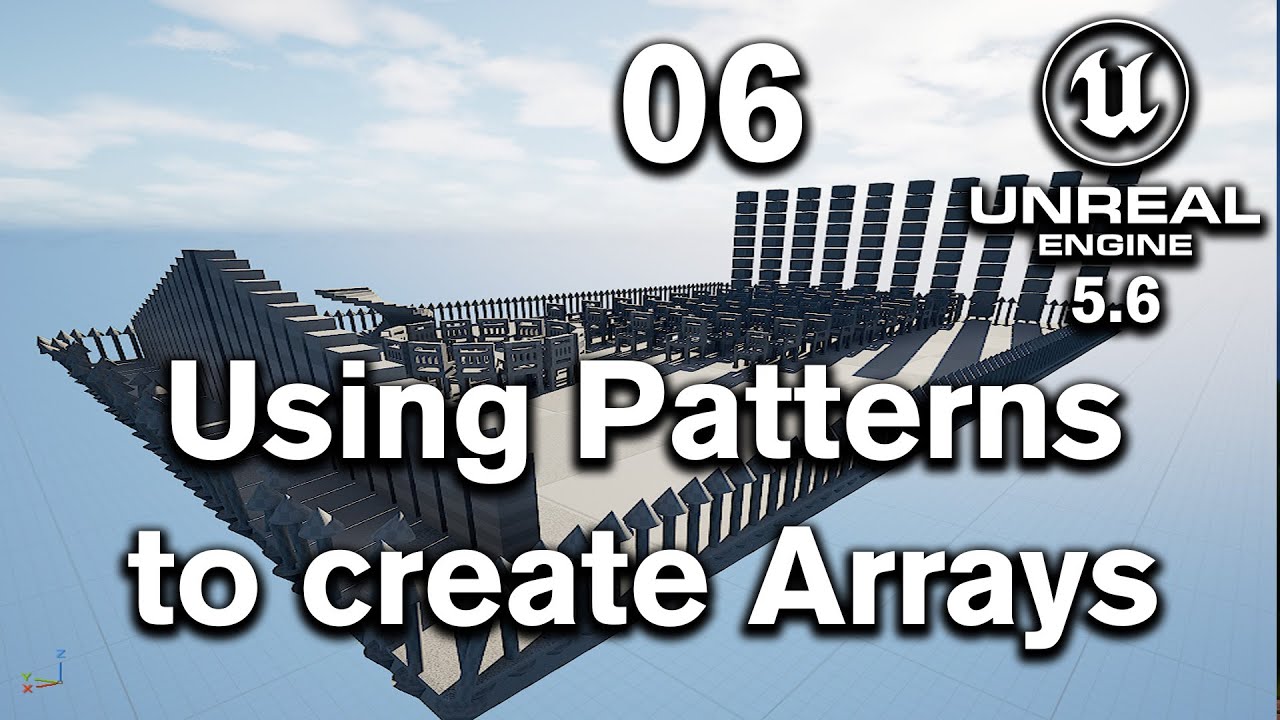
06 Create Arrays using Pattern in Unreal Engine 5 6 Modeling

06 Create Arrays using Pattern in Unreal Engine 5 6 Modeling

Полное руководство по привязке в Unreal Engine! (Размещайте объекты быстро и точно)

Полное руководство по привязке в Unreal Engine! (Размещайте объекты быстро и точно)

Unreal Engine Quick Tips

Unreal Engine Quick Tips

Unreal Engine 5 For Archviz Artists and Complete Beginners

Unreal Engine 5 For Archviz Artists and Complete Beginners

Как преобразовать квадратное отверстие в круглое в блендере

Как преобразовать квадратное отверстие в круглое в блендере

50 Tips and Tricks in Modeling Mode | Unreal Fest 2024

50 Tips and Tricks in Modeling Mode | Unreal Fest 2024

Новое обновление Grok подвергается меньшей цензуре, чем большинство инструментов искусственного и...

Новое обновление Grok подвергается меньшей цензуре, чем большинство инструментов искусственного и...

Export from Blender to Unreal Engine (Props and environments)

Export from Blender to Unreal Engine (Props and environments)

The Five Most Useful Features of Modeling Mode - Unreal Engine 5

The Five Most Useful Features of Modeling Mode - Unreal Engine 5

Make This EPIC Forest Environment Under 10 Mins! Unreal Engine 5 Beginner Tutorial

Make This EPIC Forest Environment Under 10 Mins! Unreal Engine 5 Beginner Tutorial

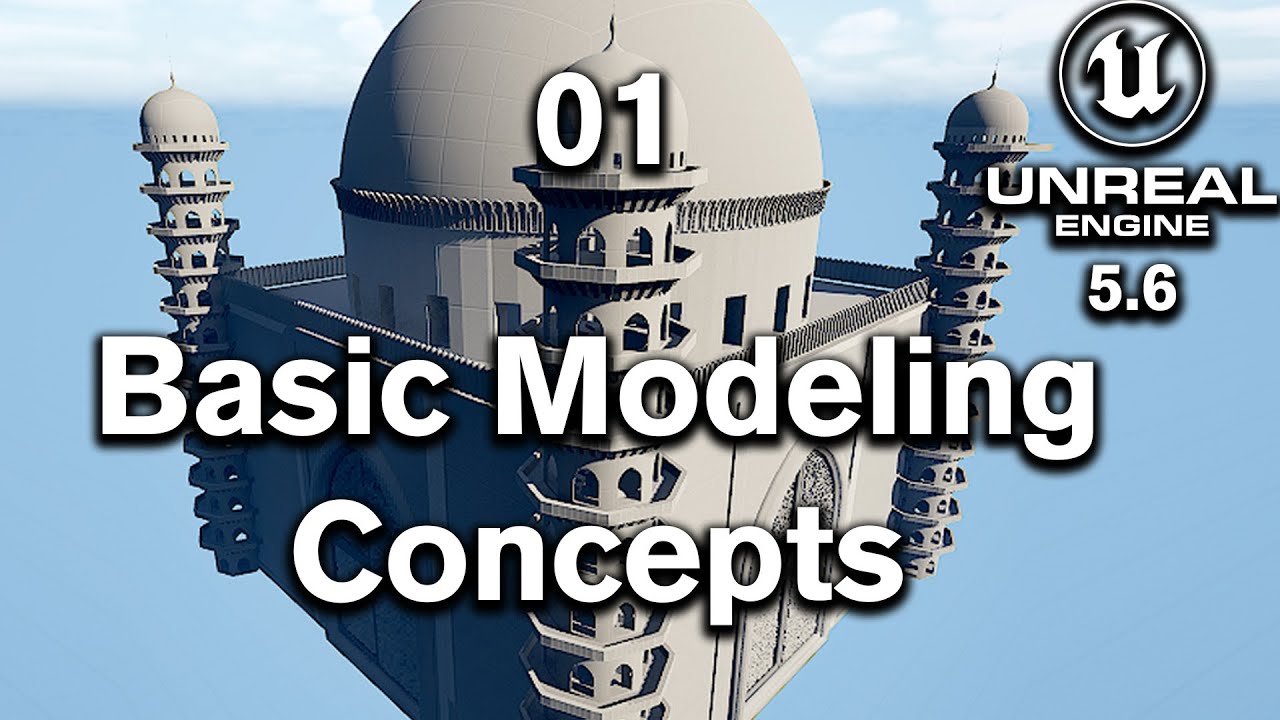
01 Modeling Basics:  Triads and Polygroups in Unreal Engine 5 6

01 Modeling Basics: Triads and Polygroups in Unreal Engine 5 6

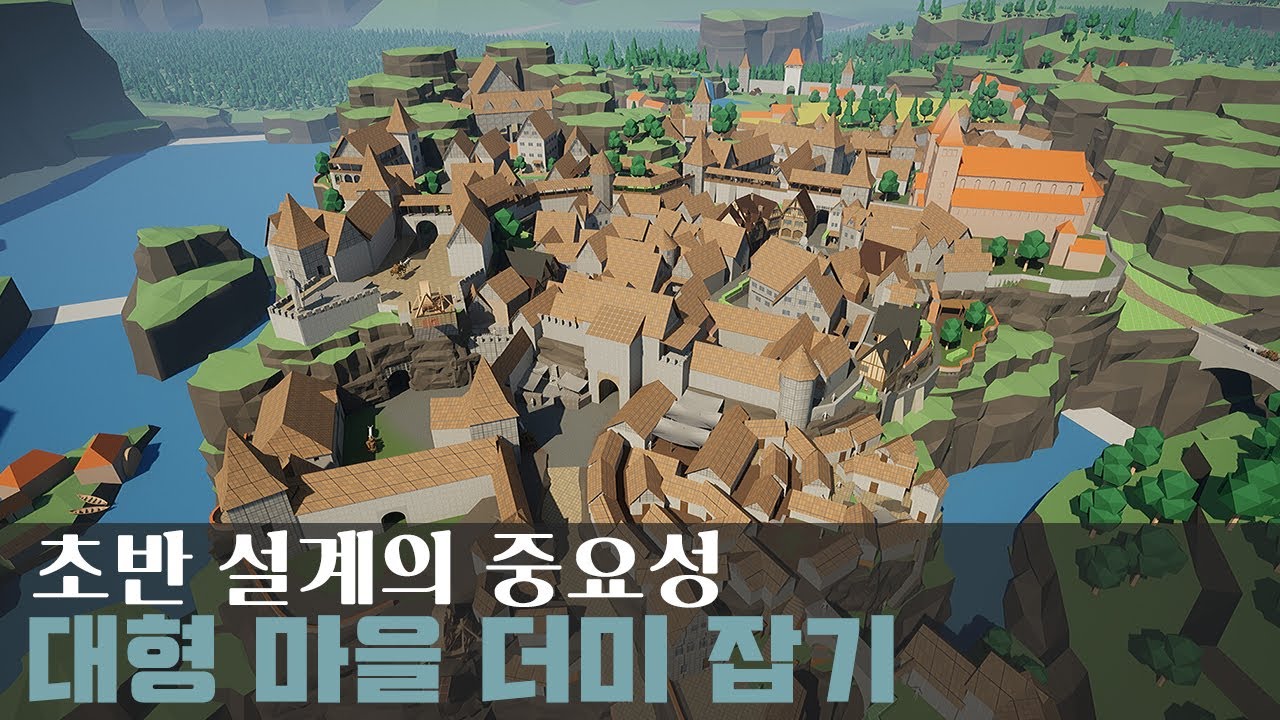
판타지풍 중세도시 레벨 구축하기

판타지풍 중세도시 레벨 구축하기

10 книг, приносящих 10 000 долларов в месяц на Amazon KDP — вот секрет!

10 книг, приносящих 10 000 долларов в месяц на Amazon KDP — вот секрет!

Easiest Way To Connect Blender With Unreal Engine 5...

Easiest Way To Connect Blender With Unreal Engine 5...

Unreal Engine 3D Modeling and UV Mapping Tools | Module 6 (Free Course)

Unreal Engine 3D Modeling and UV Mapping Tools | Module 6 (Free Course)

UE5.1 Modeling - Aligning Faces / XForm Tool

UE5.1 Modeling - Aligning Faces / XForm Tool

Я протестировал Google Genie 3... Игровые движки с искусственным интеллектом уже здесь!

Я протестировал Google Genie 3... Игровые движки с искусственным интеллектом уже здесь!

GPT 5.3 is here and it's INSANE for Coding

GPT 5.3 is here and it's INSANE for Coding

63. Преподавание физики с помощью Unity | Баскетбольная игра с использованием ползунков и автомат...

63. Преподавание физики с помощью Unity | Баскетбольная игра с использованием ползунков и автомат...

12 create minars and complete Gol Gumbaz Model in Unreal Engine

12 create minars and complete Gol Gumbaz Model in Unreal Engine

© 2025 ycliper. Все права защищены.


  • Контакты
  • О нас
  • Политика конфиденциальности


Контакты для правообладателей: [email protected]