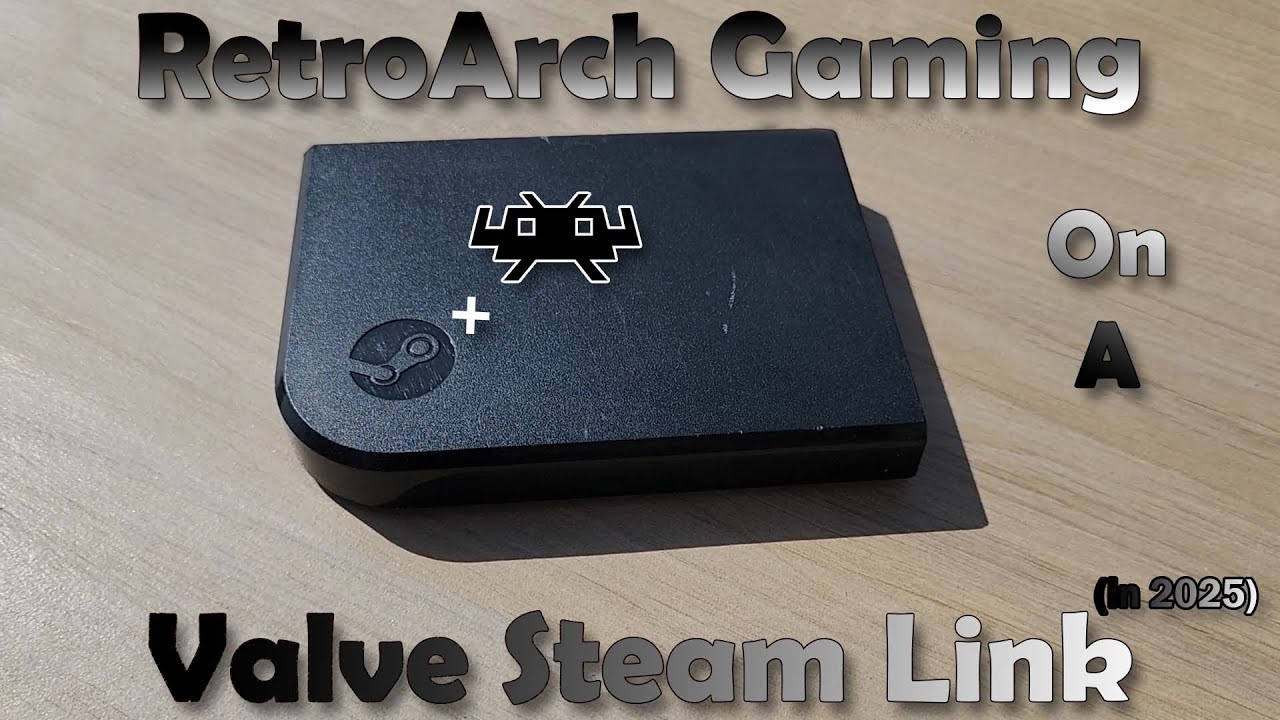
RetroArch On Your Steam Link (How To Guide)
Автор: NetizenKing
Загружено: 2019-06-05
Просмотров: 30603
Описание:
🔗 𝚆𝚎𝚋𝚜𝚒𝚝𝚎 ➡️ https://NetizenK.ing
❤️ 𝙿𝚊𝚝𝚛𝚎𝚘𝚗 ➡️ / netizenking
🍧 𝙳𝚒𝚜𝚌𝚘𝚛𝚍 ➡️ / discord
PLEASE READ BELOW FOR FULL STEPS!
TIMESTAMPS:
00:00 It Begins
01:02 Step 1: Format USB Flash Drive:
02:10 Step 2: Create Directory Structure:
02:56 Step 3: Extract RetroArch app and USBMount app, copy to USB for install:
04:21 Step 4: Plug into SL and boot up for install:
04:43 Step 5: Remove USB stick and find IP Address of Steam Link:
05:51 Step 6: Open FileZilla and FTP connect to SL:
07:00 Step 7: FTP cores files to SL and set up roms directory:
8. If booting roms from USB drive: root directory\mnt\disk
08:42 Step 9 (rewind for 8): Run RetroArch!
09:07 Step 10: Controllers setup + run games
15:34 Step 11: HAVE FUN! :-)
Big Thank You to Garbalen and JunTaoRickyTan for sharing the resources and writing the original guide!
Please go thank them in the forums!
DOWNLOADS + RESOURCES:
RetroArch 1.7.7 App Download:
https://drive.google.com/file/d/1F6A0...
USBMount Download:
https://drive.google.com/open?id=0B2c...
Cores (emulators):
https://drive.google.com/file/d/1o5w2...
https://drive.google.com/file/d/1eNsa...
MORE RetroArch Resources by garbalen:
https://steamcommunity.com/app/353380...
Original Text Guide by JunTaoRickyTan:
https://steamcommunity.com/sharedfile...
USBMount Info:
https://steamcommunity.com/app/353380...
FileZilla FTP Download:
https://filezilla-project.org/
7-Zip:
https://www.7-zip.org/
TIMESTAMPS:
01:02 Step 1: Format USB Flash Drive:
02:10 Step 2: Create Directory Structure:
02:56 Step 3: Extract RetroArch app and USBMount app, copy to USB for install:
04:21 Step 4: Plug into SL and boot up for install:
04:43 Step 5: Remove USB stick and find IP Address of Steam Link:
05:51 Step 6: Open FileZilla and FTP connect to SL:
07:00 Step 7: FTP cores files to SL and set up roms directory:
8. If booting roms from USB drive: root directory\mnt\disk
Instructions: Just make a roms dir on your usb stick. Then plug it into the Steam Link (make sure the apps folder with the apps from before aren't there or else they will over right the installed apps every time you boot up with the usb stick in the port) then boot up the USBMount app.
The screen will flash black and bring you back to the SL menu.
08:42 Step 9 (rewind for 8): Run RetroArch!
(if running from USB: load up your core then go to the root of the device. Your USB stick with your roms will be found under these directories: root directory\mnt\disk)
09:07 Step 10: Controllers setup + run games
15:34 Step 11: HAVE FUN! :-)
Повторяем попытку...

Доступные форматы для скачивания:
Скачать видео
-
Информация по загрузке:








![RetroArch Starter Guide [2025]](https://imager.clipsaver.ru/PwJEIYZXLgw/max.jpg)