Z690 Classified EVGA M.2 SSD Installation
Автор: PC Gaming
Загружено: 2024-06-01
Просмотров: 180
Описание:
Z690 M.2 SSD Installation on a Used EVGA Motherboard I bought on EBAY.
This Video will help you install an M.2 SSD Step by Step on a Motherboard.
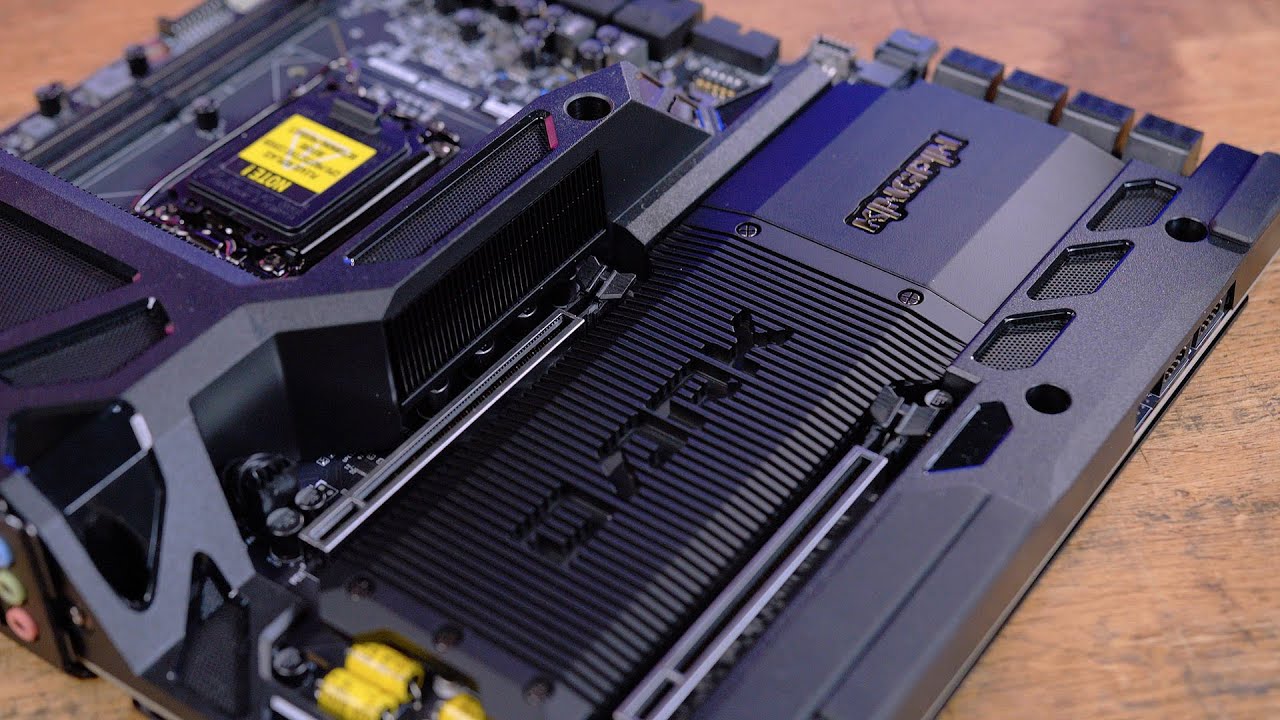
Here’s how to install an M.2 SSD on your EVGA Z690 Classified motherboard.
Prepare Your Workspace: Ensure you have a clean, static-free surface to work on.
Safety First: Ground yourself to prevent static electricity from damaging the components.
Locate the M.2 Slot: Identify the M.2 slot on your motherboard. The EVGA Z690 Classified has 3 M.2 slots.
Remove the Securing Screw: There will be a small screw holding down the M.2 slot’s standoff. Remove this screw and keep it safe.
Insert the SSD: Hold the M.2 SSD by its edges and align it with the slot at a 30-degree angle. The SSD will have a notch that corresponds with a key in the slot to ensure proper alignment.
Secure the SSD: Gently press down on the SSD so it lies flat against the slot. Replace the screw to secure the SSD to the standoff.
Power and Data Connections: If you’re setting up the motherboard outside of a case, connect the necessary power supply and data cables.
BIOS Configuration: Connect the motherboard to a monitor and power it on. Enter the BIOS to ensure the SSD is detected and configure the boot order if necessary.
Operating System Setup: If the SSD is your new boot drive, you’ll need to install an operating system on it.
Remember to handle all components with care and refer to the official EVGA Z690 Classified motherboard manual or your Motherboard Manufacture of your choice for detailed instructions and illustrations. This will help ensure you’re following the correct procedure tailored to your specific hardware.
Повторяем попытку...

Доступные форматы для скачивания:
Скачать видео
-
Информация по загрузке: