Legion 5 pro - apply Thermal Pad/paste in Home with basic tools, Honeywell PTM7950 Pad-No Commentary
Автор: Forgotten Cache
Загружено: 2025-11-30
Просмотров: 1481
Описание:
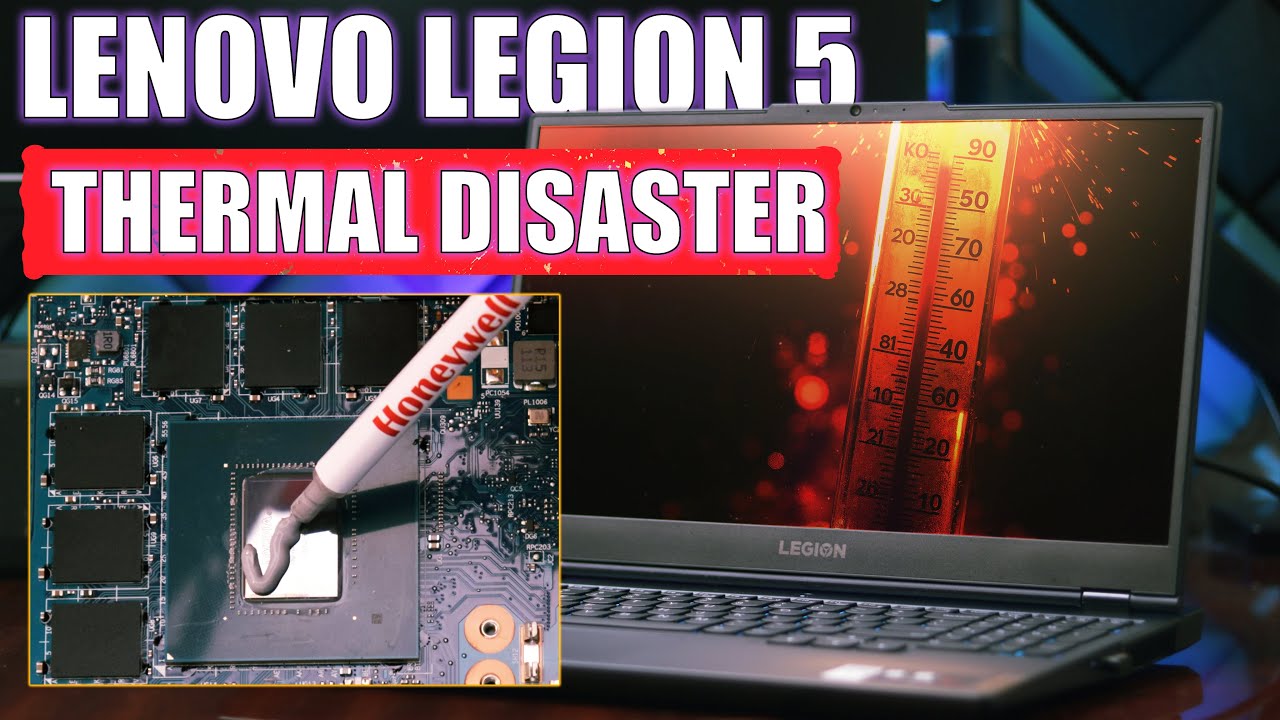
Lately, my Lenovo Legion 5 Pro 15ACH6H laptop has been getting very hot. This happens when I render large video files or play video games. So today, I decided to fix the cooling system and put in a new type of thermal pad called the Honeywell PTM7950.
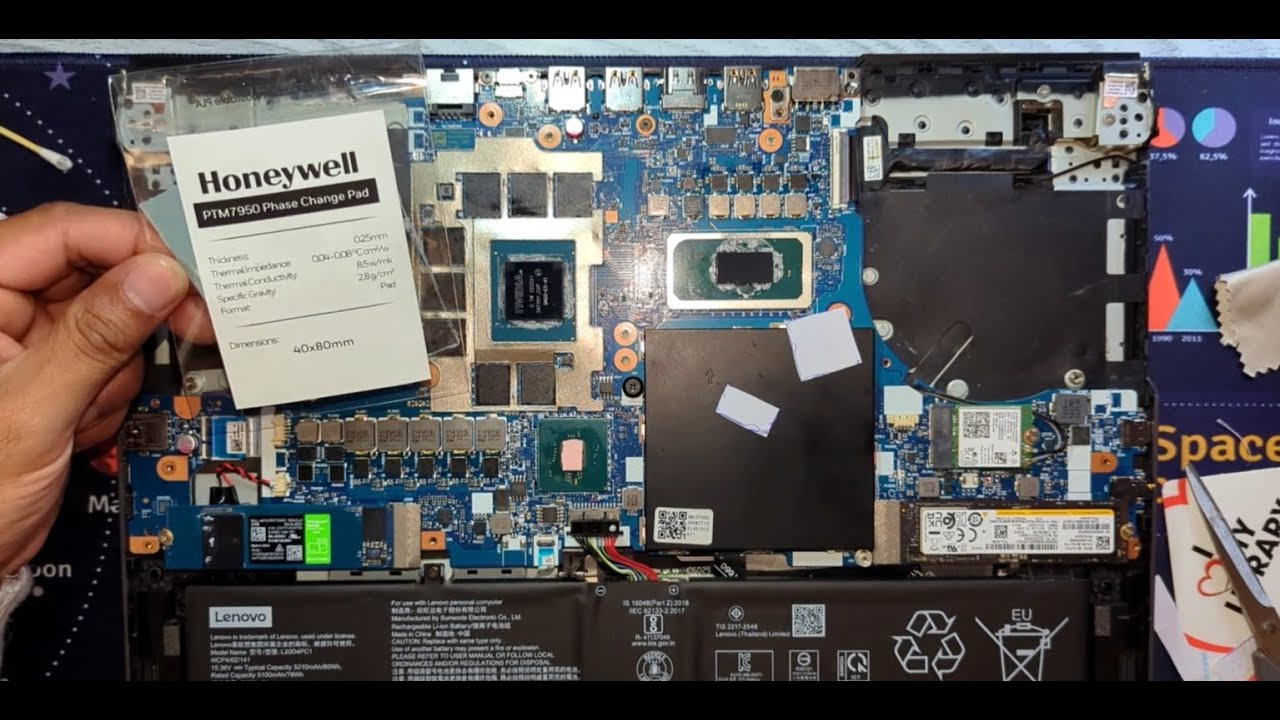
A quick point about the Honeywell PTM7950: You can buy it as a pre-cut pad or as a paste you spread yourself. Both versions work the same way: they are "phase-change" materials. This means they work best after the laptop heats up and cools down a few times.
I chose the pad because it’s cleaner and simpler. The pros are that there is no messy paste to apply, no need to guess the right thickness, and it requires zero maintenance later on. The only trick is that the pads can be fragile and tricky to handle, especially when peeling off the clear protective film.
I will show you, step by step, how to get ready, take the laptop apart, apply pad easily and put it back together. This video can save you from expensive repairs, I hope this video helps you!
Повторяем попытку...
Доступные форматы для скачивания:
Скачать видео
-
Информация по загрузке: