How to make a slideshow in Lightroom
Автор: Christine Dammann
Загружено: 2022-12-09
Просмотров: 13864
Описание:
An easy way for photographers to level up their client experience is to create a slideshow of images, set it to music and deliver to clients before you send their final gallery link.
In this video San Diego family photographer, Christine Dammann shares how she makes client slideshows in Lightroom to then upload to her YouTube channel.
Instructions:
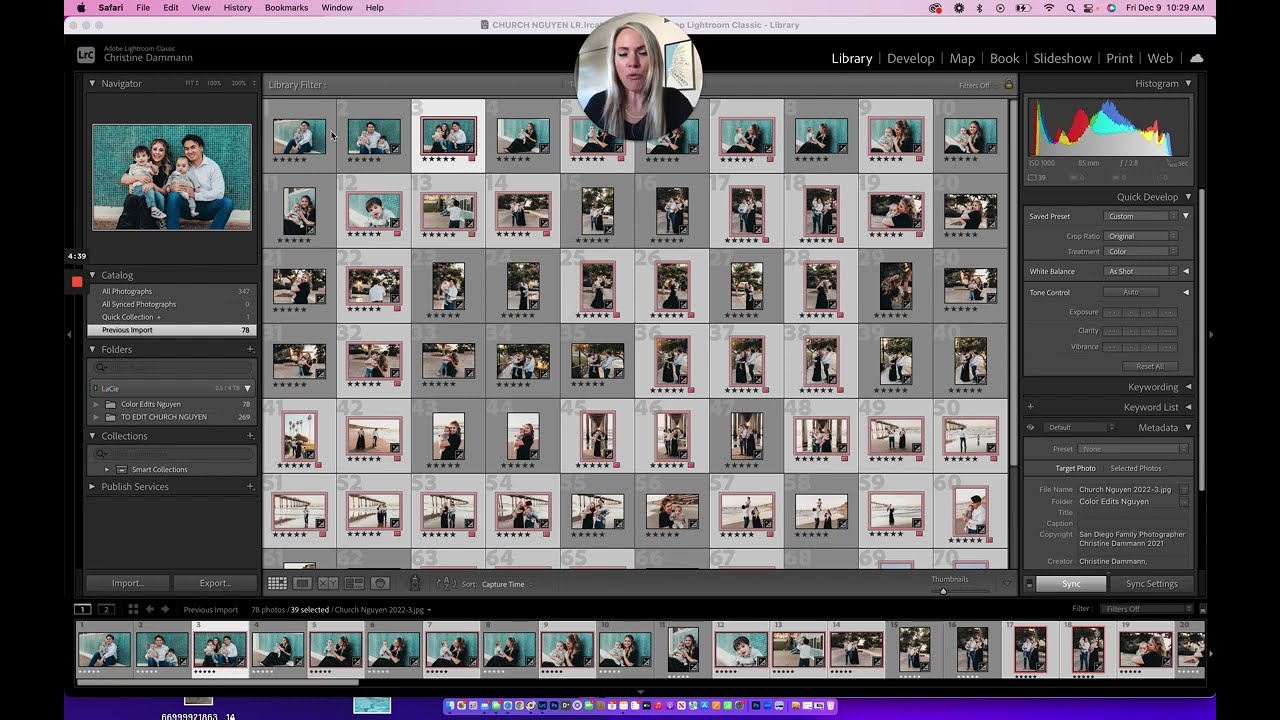
1. Scroll through the gallery and use a label to tag images you want in the slideshow. I like to just hit "6" and label my slideshow images red.
2. Sort the gallery by label and select all the labeled images.
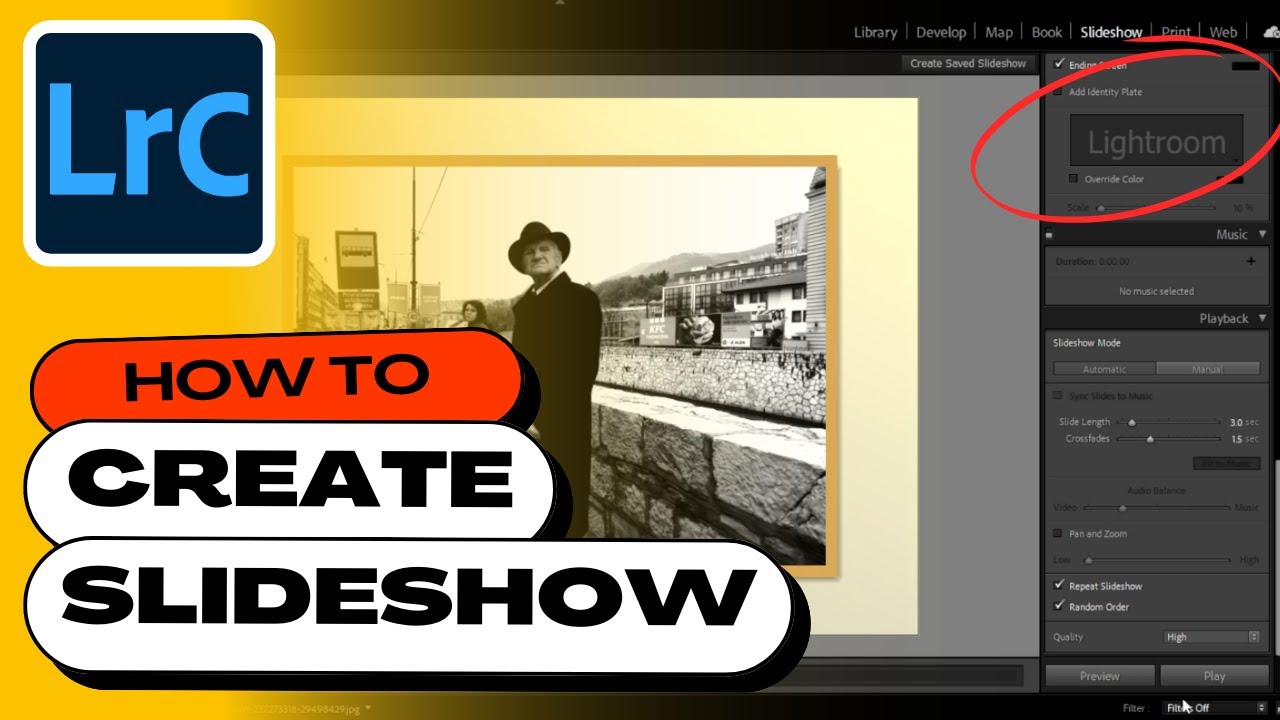
3. Click the slideshow tab
4. Customize your slideshow by adding identity plates to the beginning and end of your slideshow. Add music [I get my music from https://app.soundstripe.com ], change slide length, set quality to high.
5. Preview the slideshow and export.
6. Upload to YouTube or Vimeo and send link to clients right before you send their full gallery. You can also upload the video to your gallery if you use Pixieset. https://gallery.pixieset.com/ref/woyY...
Let me know if you have any questions!
Повторяем попытку...
Доступные форматы для скачивания:
Скачать видео
-
Информация по загрузке: