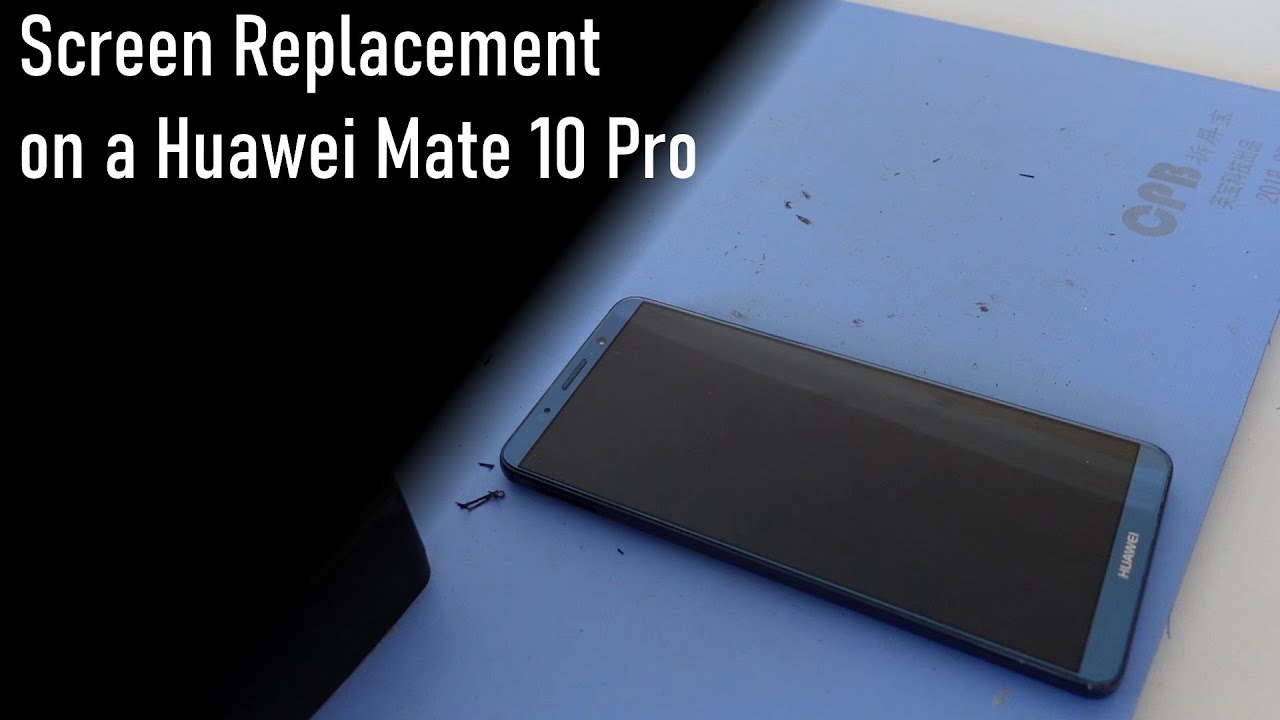
Huawei Mate 10 Pro Rear Camera Repair Guide
Автор: Wit Rigs
Загружено: 2018-04-02
Просмотров: 4798
Описание:
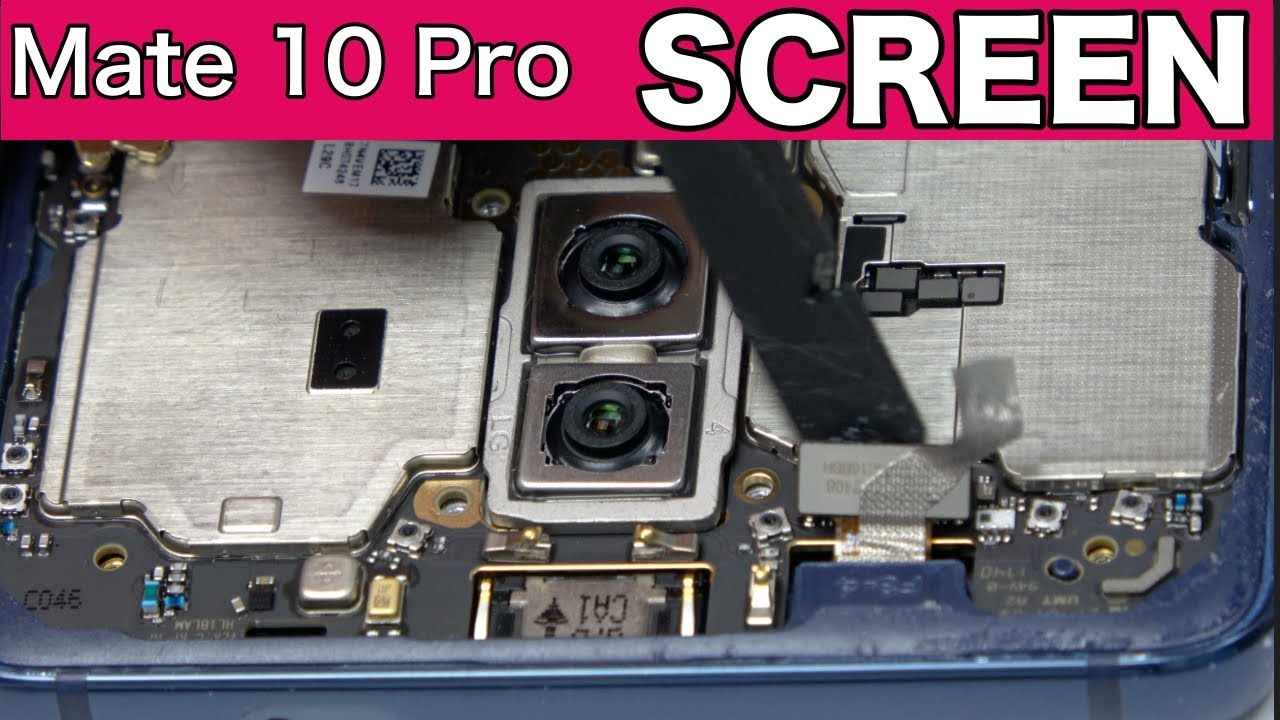
This video shows you how to replace the rear camera of Huawei Mate 10 Pro.
Get new back camera of Huawei Mate 10 Pro from https://www.witrigs.com/oem-dual-rear...
Get Original Replacement Parts For Huawei Mate 10 / 10 Pro : https://witrigs.com/d4tg6
Follow the video to replace the scratched, broken or ineffective rear camera of Huawei Mate 10 Pro for clear photographing. Change the back camera if you get the same smudge repeatedly in pictures. Or you get blurred view in almost every photograph you take. And it is possible that the flex cable of rear camera got broken, then your Huawei Mate 10 Pro will keep warnig camera failed.
Tools:
1. Hair Dryer/Heat Gun - https://zegsu.com/s/dj44c
2. Plastic Card - https://zegsu.com/s/dj17d
3. Spudger - https://zegsu.com/s/dj44y
4. PH#000 Screwdriver - https://zegsu.com/s/dj5m8
5. Tweezers - https://zegsu.com/s/dj447
Contents:
Step1 Open the battery cover of Huawei Mate 10 Pro
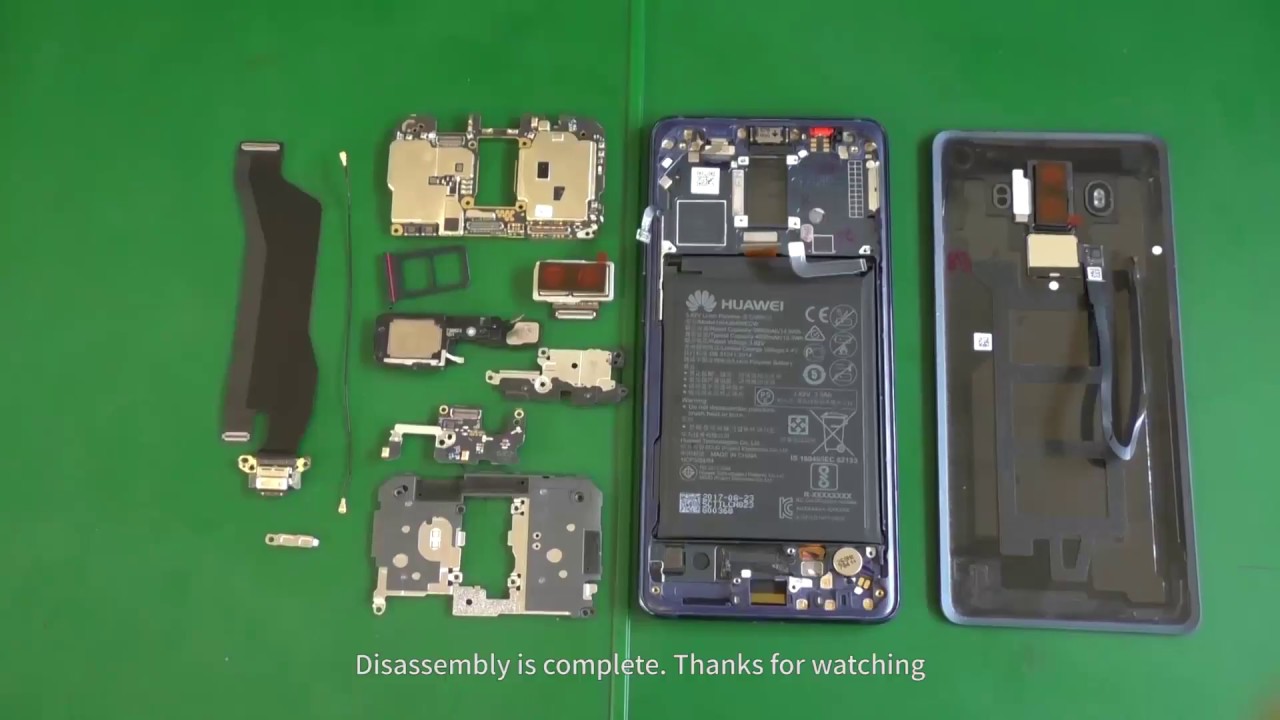
Step2 Remove motherboard
Step3 Remove the broken back camera
Step4 Install a new back camera
Step5 Test the new rear camera
Step5 Recover the phone.
Notice: After repair, huawei mate 10 pro is not waterproof anymore.
Witrigs offers not only mobile repair tutorial including disassembly, assembly, and components replacement guide, but also phone accessories review video on YouTube.
Publisher: Witrigs - http://www.witrigs.com/
Witrigs YouTube Channel - / witrigs
If you are interested in DIY phone repair or latest phone accessories review,
Like Us on Facebook Page: / witrigsphonerepair
Subscribe Us on YouTube: / witrigs
Follow Us on Twitter: / witrigs
Add Us on Google+: https://plus.google.com/+Witrigs-com
Subscribe Us on Blog: http://www.witrigs.com/blog/
Don’t forget to Like if this video helps you.
And don’t forget to SUBSCRIBE!
Повторяем попытку...

Доступные форматы для скачивания:
Скачать видео
-
Информация по загрузке: