Scenic Complete Walkthrough - All screens, all features, navigation, GPX import, Google Maps import.
Автор: ScenicApp
Загружено: 2026-03-11
Просмотров: 6913
Описание:
Walkthrough of every screen and feature in Scenic. Looking for a specific feature, use the timestamps below! The Home Screen and Planner interface changed a bit since this video, but the functionality is still the same.
This video shows what’s possible with Scenic and how to get the most out of the app. It covers all the screens, navigation, import, export, sharing, navigation, the WebApp, import from Google Maps, etc.
If you’re new to Scenic, it’s the perfect place to start! And even if you’ve been using Scenic for a while, there’s a good chance you’ll discover a few things you didn’t know about yet.
0:00 - Intro
0:50 - Side menu
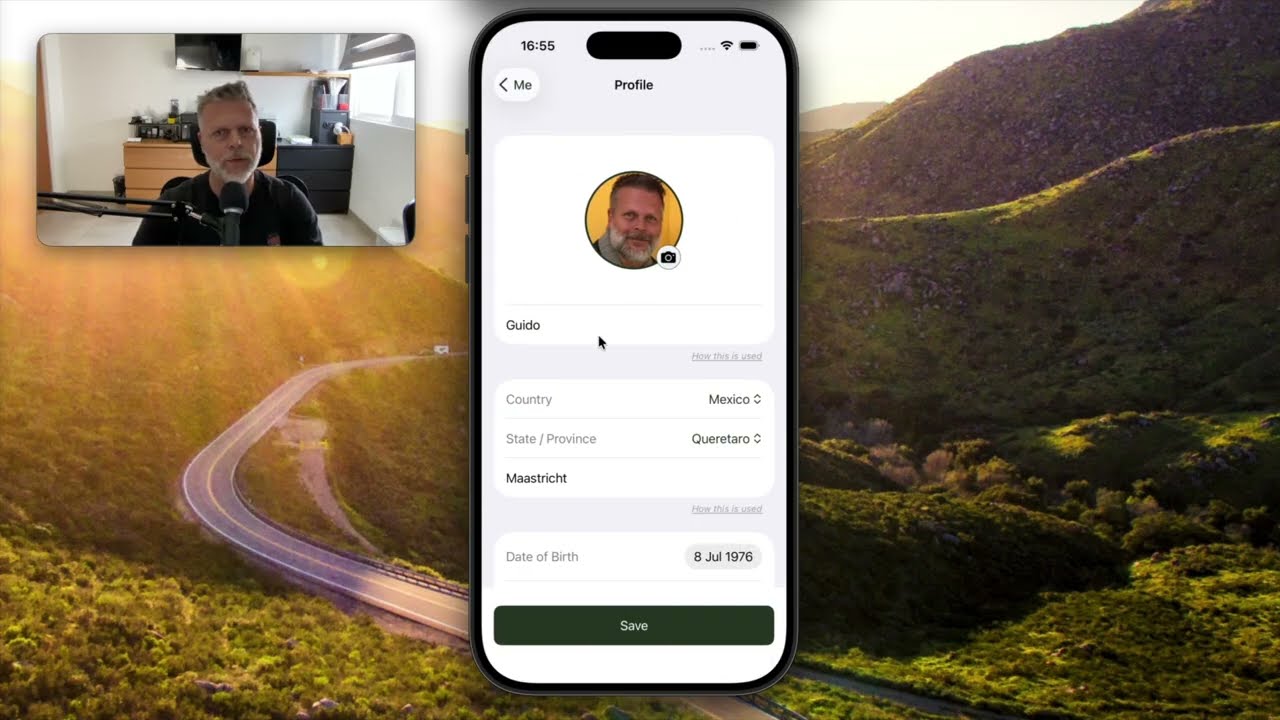
1:00 - Profile / Me
1:46 - Me ➜ Offline Maps
2:16 - Me ➜ Riding Statistics and Charts
2:34 - Me ➜ Achievements and reputation
3:15 - Me ➜ Change password or email and delete account
3:29 - My Routes
5:17 - My Routes ➜ Sharing routes
6:40 - My Locations
7:40 - My POI Groups
8:13 - My Vehicles
8:43 - My Recorded Rides
9:29 - My Recorded Rides ➜ Sharing rides
9:50 - Importing
11:00 - Discover Routes
12:05 - Settings
13:42 - Layers (satellite, elevation lines)
14:25 - Layers ➜ Show your routes/rides/locations/POIs
15:19 - Layers ➜ Map Style Customizer
16:56 - Search
17:56 - Plan (Power Planner)
18:40 - Plan ➜ Routing Modes
21:10 - Plan ➜ Round trip generation
22:31 - Plan ➜ Add stops and vias & route timeline
23:47 - Navigation
24:15 - Navigation ➜ start a route in the middle
25:29 - Navigation ➜ skipping waypoints
26:06 - Navigation ➜ Battery saver
26:33 - Navigation ➜ Saving a ride
27:11 - WebApp
27:40 - WebApp ➜ Drag & Drop GPX, KML, KMZ, etc.
28:50 - WebApp ➜ Google Maps import
31:45 - Outtro
Повторяем попытку...
Доступные форматы для скачивания:
Скачать видео
-
Информация по загрузке: