How to 3D Scan Priceless Trophies and Antlers with the Freescan Combo+ from Shining3D
Автор: Vision Miner
Загружено: 2024-10-04
Просмотров: 2377
Описание:
BUY SCANNERS HERE: https://visionminer.com/scanners
Today we’re going over how to use the infrared (IR) scanning mode on the FreeScan Combo+. This model is an upgraded version of the original FreeScan Combo, with 50 laser lines that double the speed in laser mode. While today’s focus is on the IR mode, you can check out our other videos comparing both modes on our YouTube channel ( / visionminer ) or our website at Visionminer.com/scanners for more information.
What We’re Scanning Today
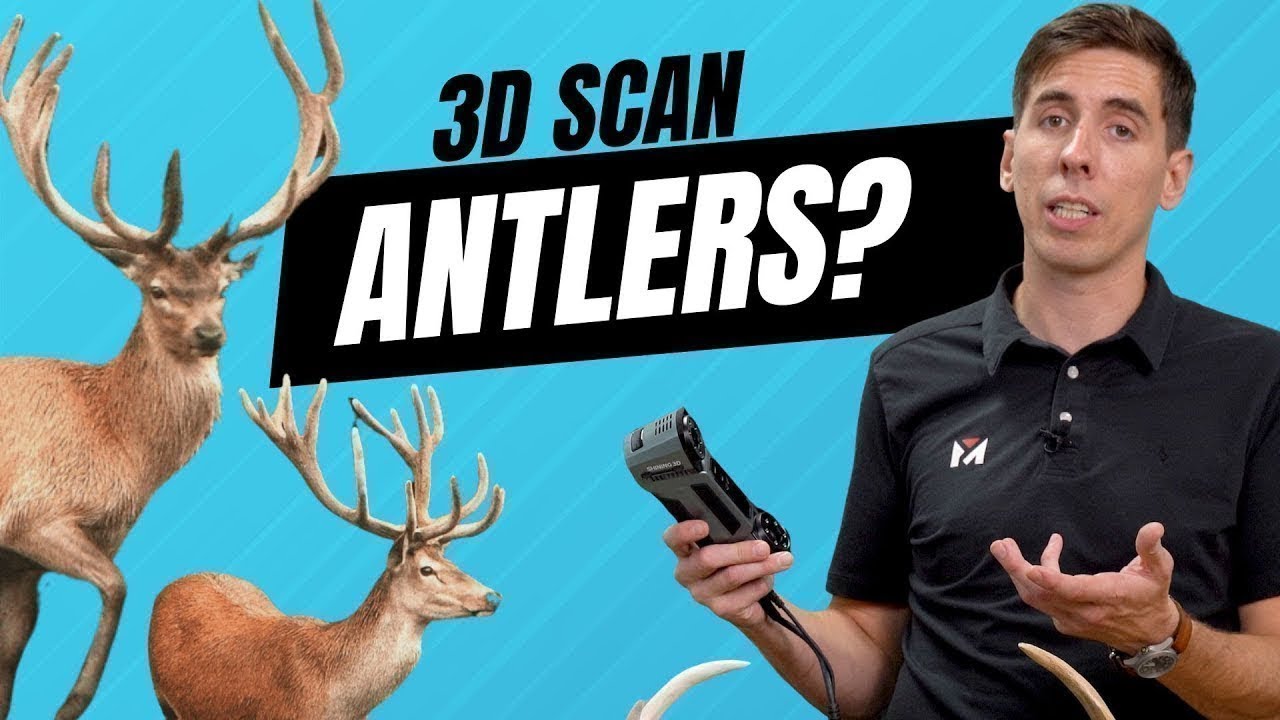
We’re scanning a replica of deer antlers, which is an excellent example of an organic object with a unique shape. Instead of using markers, we’ll be scanning in IR mode using feature alignment, which relies on the geometry of the object for tracking. This is a more efficient method for fragile or complex items, such as museum pieces, trophies, or any organic shape where you don’t want to attach markers.
Setting Up for Scanning
For resolution, we’ll scan at 0.5mm, which works for this demo. If you need more precision, you can go down to 200 microns, but for now, the default is fine. Next, we adjust the working distance, which determines how far away the scanner can capture data. We’re setting it between 160mm and 350mm to get the best detail on the antlers.
Scanning the Object
The scanner works incredibly fast, and it’s already doing a great job tracking the antlers’ geometry without needing markers. You can also adjust the orientation of the scanner to capture better data, which is especially important when scanning objects with intricate shapes.
I’ll pause the scan and review the data. One of the first steps is to create a cutting plane to remove any unnecessary parts from the scan. Using the connected domain tool, I’ll select the part I want, invert the selection, and delete the extra data. This allows us to keep just the important data.
Aligning Multiple Scans
After scanning the object from different angles, we can align the scans using the automatic alignment function. If it doesn’t work, manual alignment is an option, but usually, the automatic function does a great job. After aligning the scans, I’ll process the point clouds and examine the data to check for any missing areas.
Final Steps: Mesh Processing
Once all the scans are aligned, it’s time to mesh the point cloud. Meshing converts the points into a solid model. If you’re preparing the file for 3D printing, you’ll want to create a watertight mesh, which fills any holes in the model. This is crucial for creating a solid STL file for printing. If you’re using the scan for reverse engineering, a non-watertight model may preserve more details, depending on your needs.
For today’s demo, we're creating a watertight model since the goal is to take it into 3D printing. I’ll also apply some smoothing and simplification, reducing the file size while keeping the necessary detail. Once the mesh is complete, I’ll export it as an STL file, ready for 3D printing or further processing.
Wrapping Up
The FreeScan Combo+ is an excellent tool for capturing complex objects like these antlers. Its infrared mode is perfect for organic or delicate objects where you don’t want to use markers, and the high-speed scanning with 50 laser lines makes the process efficient.
If you’re looking to replicate objects, reverse engineer parts, or simply explore 3D scanning for your business, the FreeScan Combo+ is a great choice. We also offer consultation services to help you find the right tool for your needs. Whether you’re working in aerospace, medical, or industrial sectors, we’ve got you covered. Send us your parts, and we’ll even scan them for you to give you an idea of what’s possible.
Thanks for watching, and be sure to check out our other videos. Have a great day, and see you in the next one!
At Vision Miner, we’re here to help you find the right equipment. If you’re unsure which scanner is best for your needs, give us a call or email—we’re happy to assist in making sure you get the right solution.
Why Choose Vision Miner?
Ready to Ship: We stock products and ship them quickly!
Unmatched Support: Unsure about the right machine? Send us a part and we’ll guide you via a live video demo, ensuring you choose the right scanner.
More Than Sales: Our goal is to provide tailored solutions and build lasting partnerships with our clients.
00:00 Introduction to Infrared Scanning on FreeScan Combo Plus
00:40 Why Scan Organic Shapes Like Antlers?
01:00 Setting Up the FreeScan Combo for Infrared Mode
02:13 Fine-Tuning Scanning Parameters for Accurate Results
03:41 Scanning Process
05:03 Cleaning Up the Data and Generating a Point Cloud
07:30 Aligning Multiple Scans for Complete 3D Data
08:57 Final Mesh Processing and Creating a Watertight Model
10:30 Conclusion: Exporting the 3D Model for Printing
12:39 Best Place to Buy a 3D Scanner and/or Software?
Повторяем попытку...
Доступные форматы для скачивания:
Скачать видео
-
Информация по загрузке: