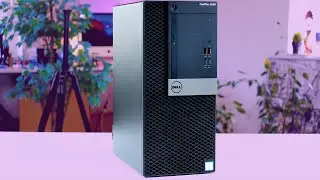
How to Add/Upgrade RAM on DELL Optiplex small form factor series Desktop| Step by Step Tutorial
Автор: Amateur PetrolHead
Загружено: 2021-12-10
Просмотров: 2870
Описание:
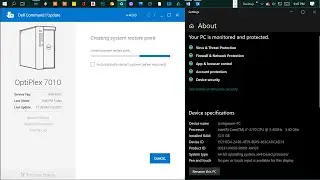
Will show you how to Add/Upgrade RAM on Optiplex 7010 SFF Desktop
Procedure:
1)Remove the power cable & press the power button, to ensure there's no residual current
2) Remove door with latch
3) Remove CD rive & Hard disk, along with cable if required
4) Slide-in ram card, undo above steps and power ON
5) Check if ram is working from task manager, for more info run 'memtest86' or 'CPUZ'. https://www.cpuid.com/softwares/cpu-z...
Links of compatible RAM (for Optiplex 7010):
4GB RAM: https://amzn.to/3yj4qHZ
8GB RAM: https://amzn.to/31Eqd17
If you have a different model or even manufacturer computer and want to know what will be 100% compatible do checkout https://www.crucial.in/products
And click "select computer" or "scan computer"
or for other upgrades: https://www.crucial.in/upgrades/dell/...
Hope it helps :)
#Dell #Optiplex #RamUpgrade #CPU
If this video gets good results, will make a video on how to upgrade HDD to SSD(which I have already done on another CPU)
Follow me on: / amateur_petrolhead
~~~~~~~~~~~~~~~~~~~~~~~
Subscribe: https://shorturl.at/nIY13
~~~~~~~~~~~~~~~~~~~~~~~
Повторяем попытку...

Доступные форматы для скачивания:
Скачать видео
-
Информация по загрузке: